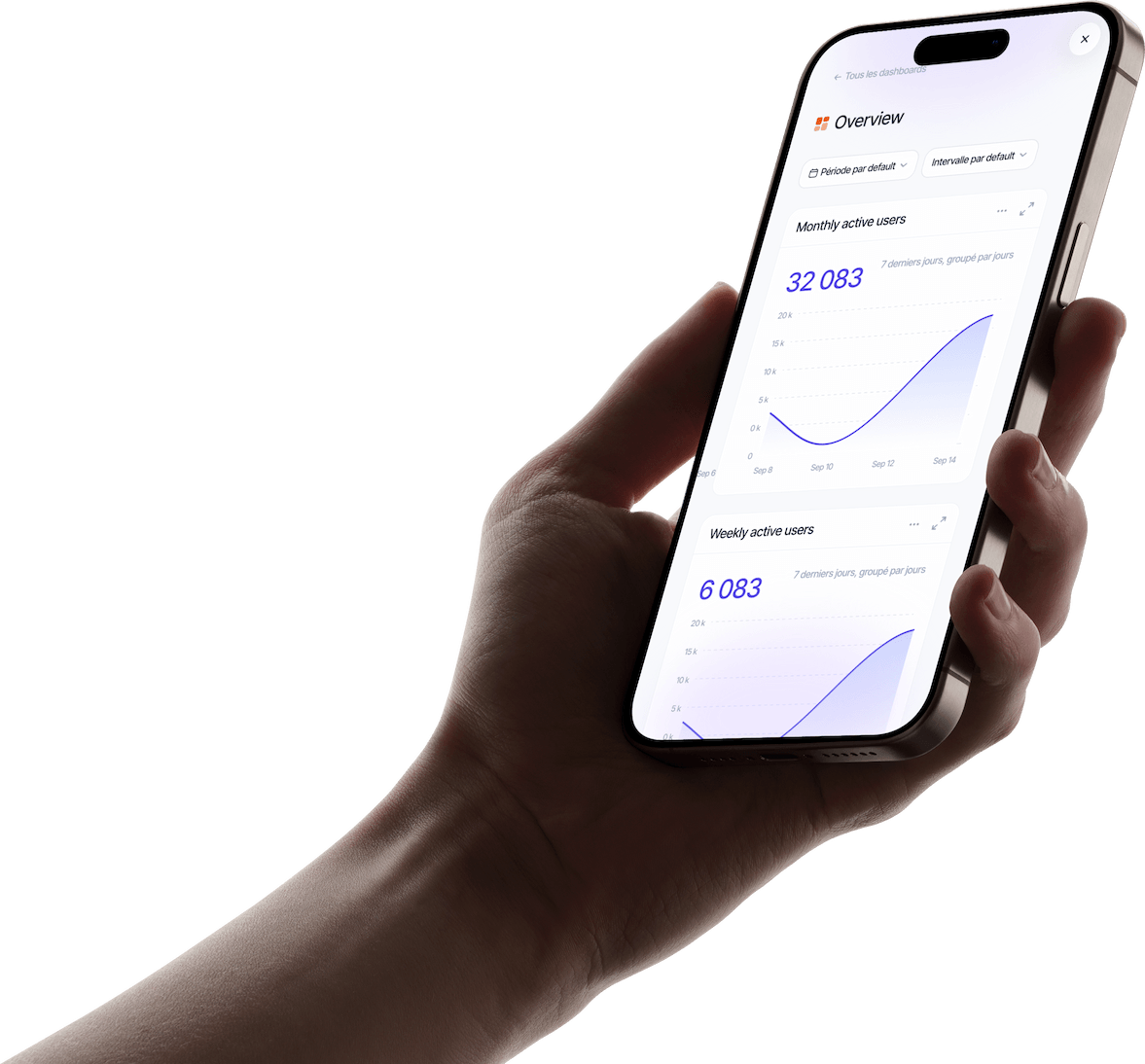


Talk to your users, in their language
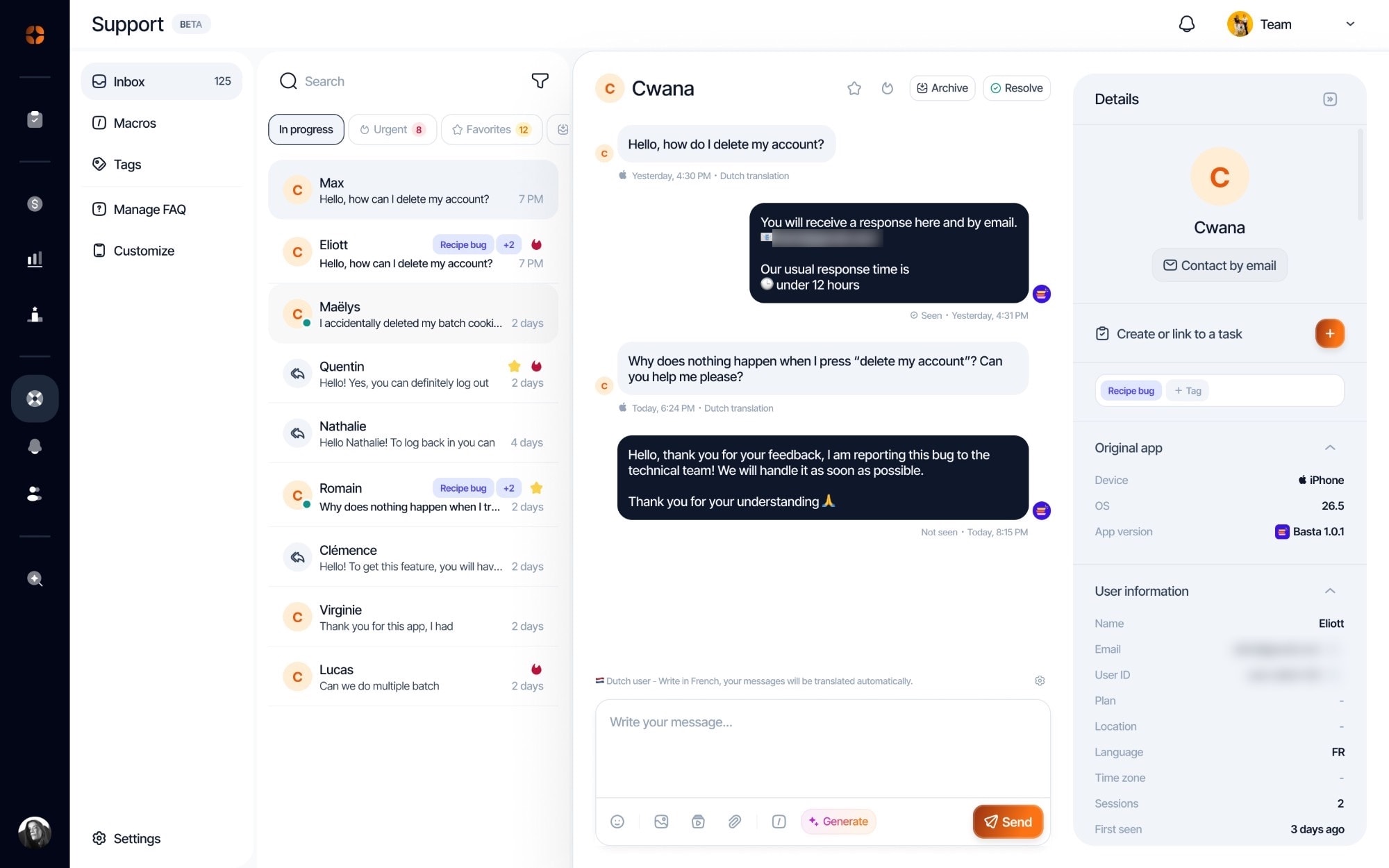
Your users write to you without leaving the app, in a native messenger in your colors. Their messages are translated into your language, your replies into theirs.
Chat, AI replies, macros and FAQ: your support runs from the dashboard where you already manage your app.
Your users write to you without leaving the app, in a native messenger in your colors. Their messages are translated into your language, your replies into theirs.
AI drafts a reply from the conversation and your FAQ. You review, you send: nothing goes out without you.
Macros let you answer frequent questions with a shortcut, and tags sort requests so you can see the topics that keep coming up.
Write your FAQ in minutes and show it right inside your app. Your users find answers to recurring questions on their own, and your support team focuses on the rest.
Open, urgent, resolved or by tag: every request lands in one place, with the user’s device, app version and subscription.
63%
of customers switch to a competitor after a single bad experience.
Source: Zendesk, CX Trends 2025

You reproduce a bug without asking “which phone do you have?”.
You spot a subscriber or a loyal user right away.
You answer in their language, at a time they’ll read it.
A bug goes to the Planner, a good answer becomes a FAQ article.
Once the bug is fixed, tell every user who reported it in one go.
Several people write in about the same bug, each in their own conversation.
In one click, each conversation is attached to a Planner task, new or existing.
As soon as the task is marked done, a single message goes out to every linked conversation.
A help tab or button visible from key screens. A user who can’t find how to reach you leaves a review instead.
Find the five most frequent questions and answer them in three sentences. Every published article is one less conversation.
An acknowledgement message reassures right away. Give a realistic delay rather than “we’ll get back to you”.
Macros save time, but reread them before sending: a first name and a fitting sentence make all the difference.
Tag every conversation. After a few weeks, you know which bugs to fix and which articles to write first.
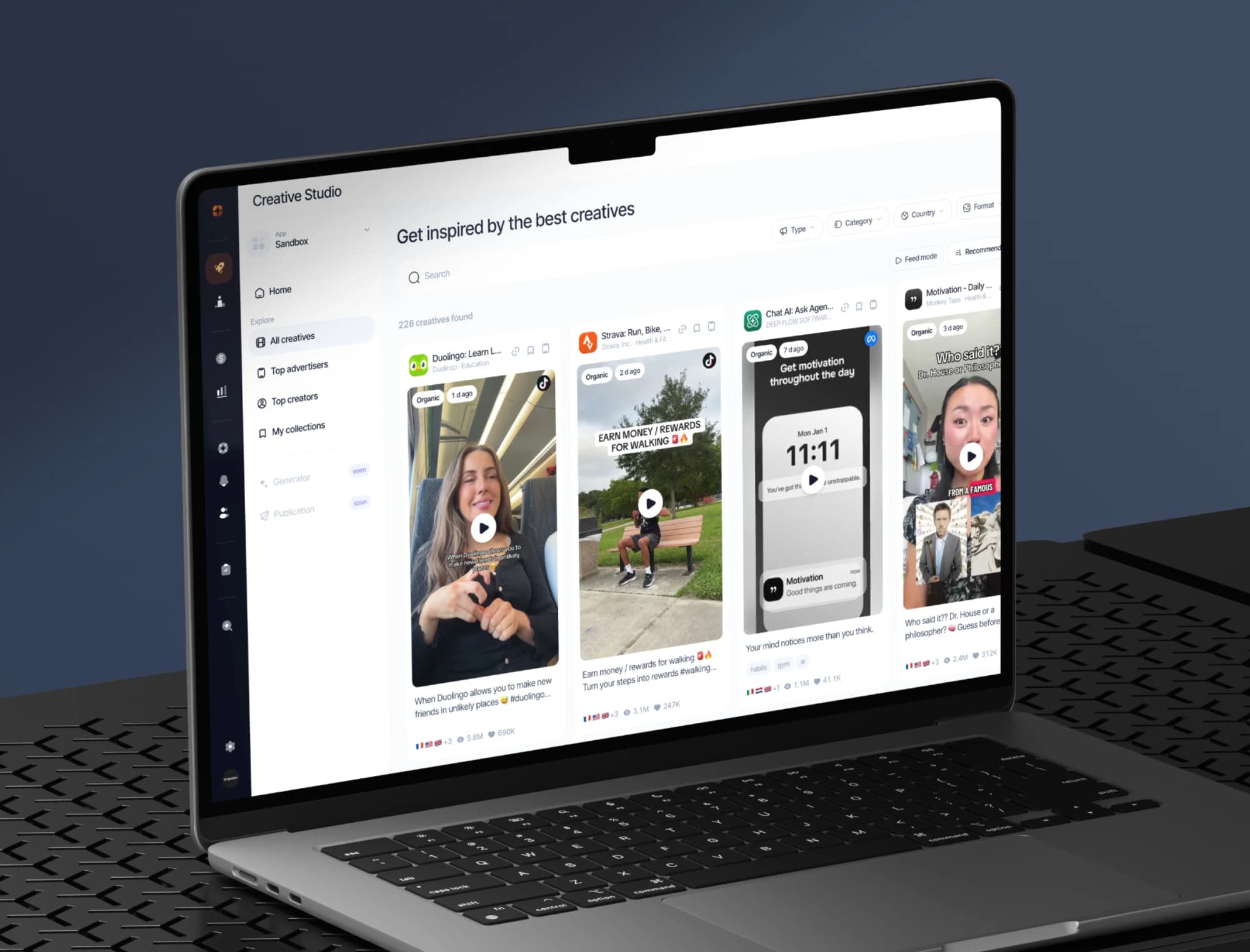
The best ads and organic posts in your market, the apps on the rise and the creators behind them, saved in your collections.
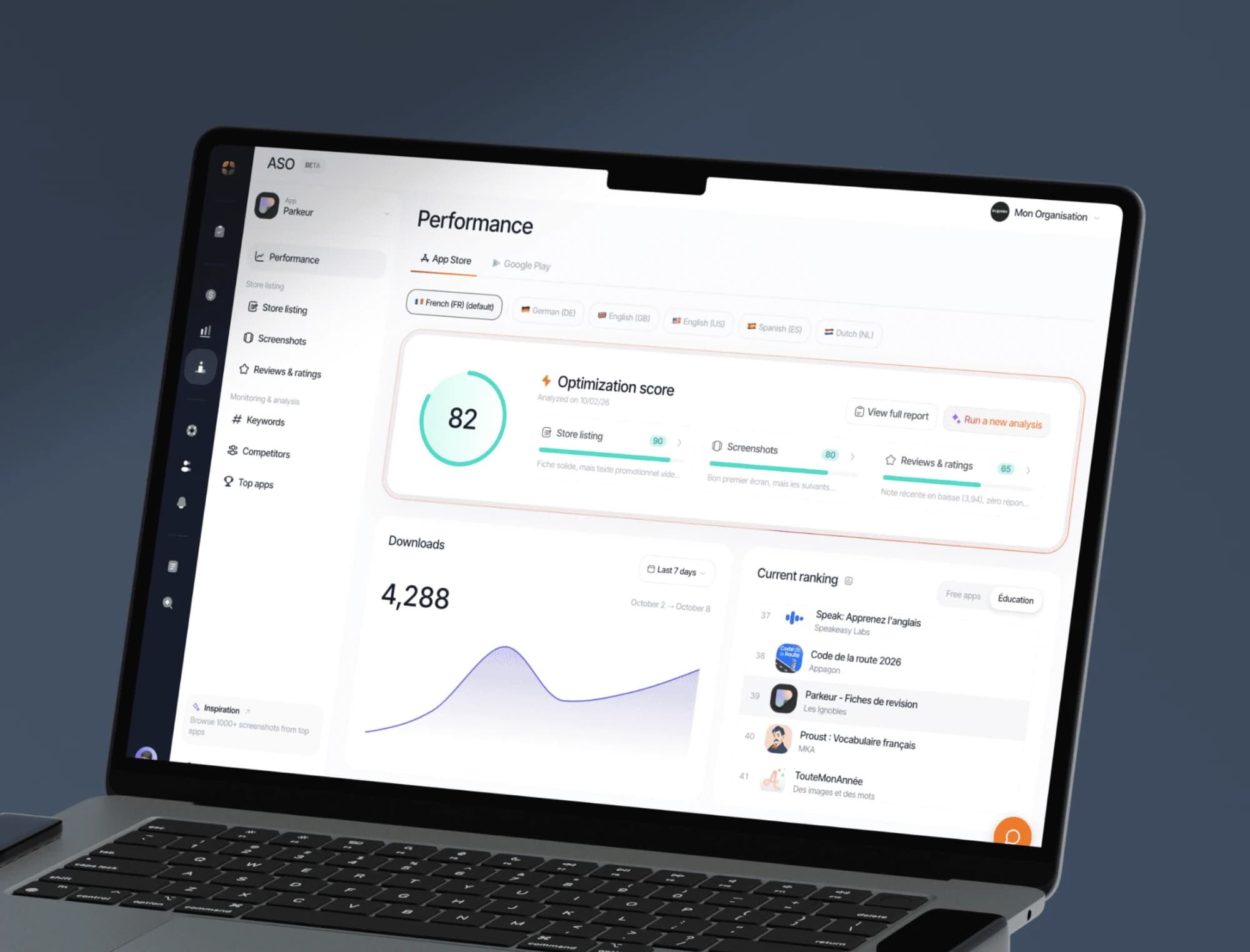
Keywords, screenshots, ratings and ranking tracking on the App Store and Google Play, with an optimisation score for every store listing.
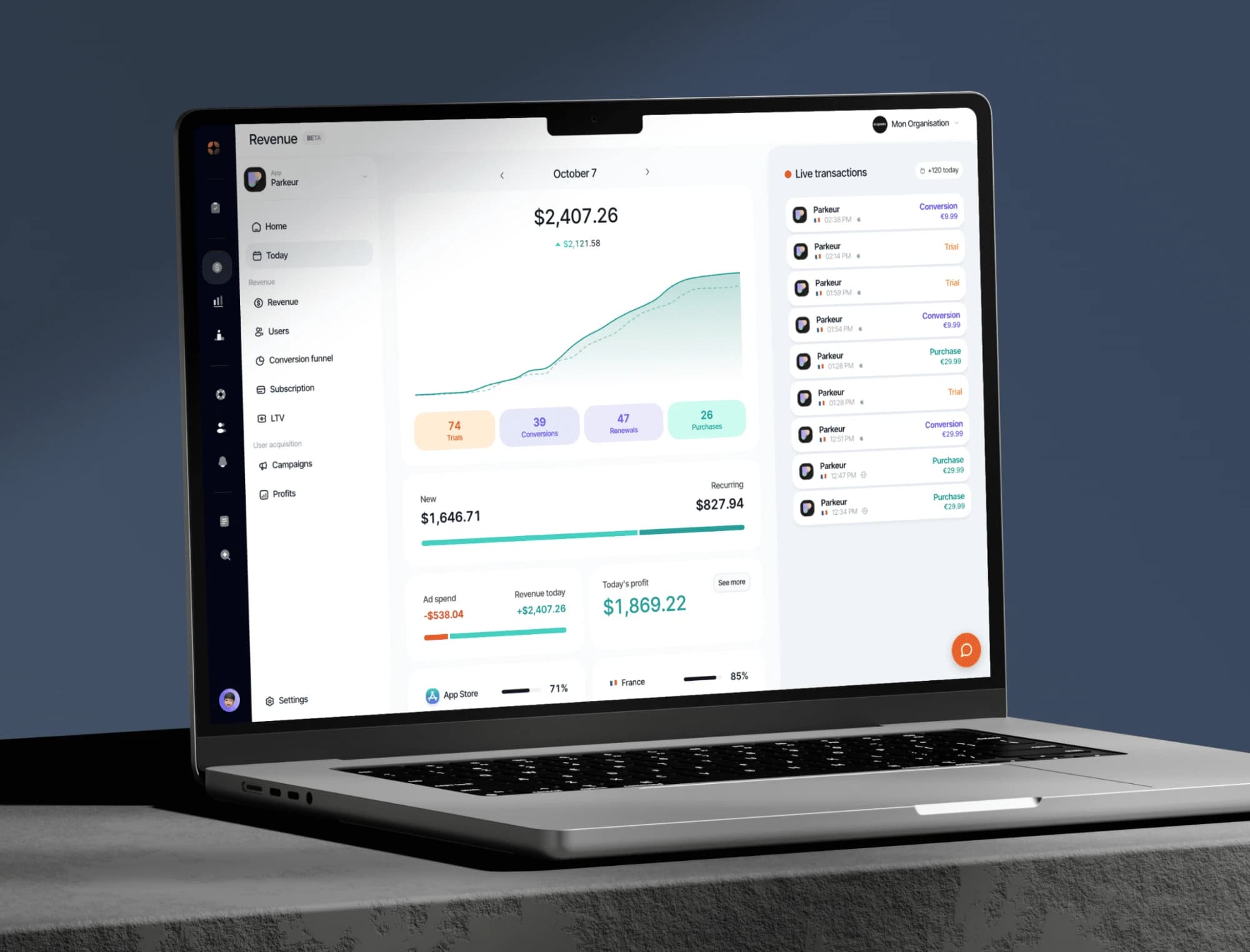
Your indicators consolidated from RevenueCat: revenue, MRR, active subscribers, conversions, churn.
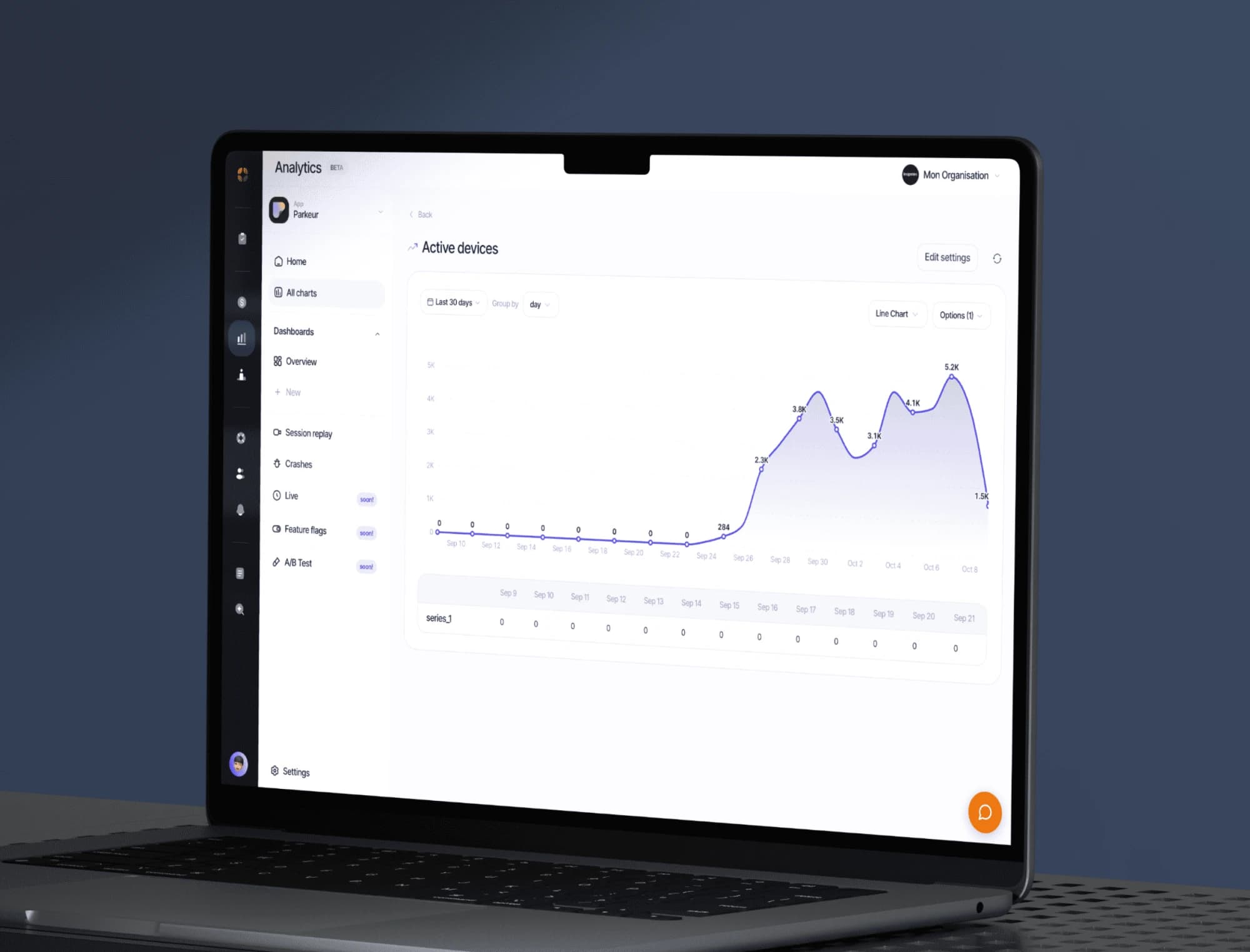
Track your app’s events, build your dashboards and replay sessions to see where your users get stuck.
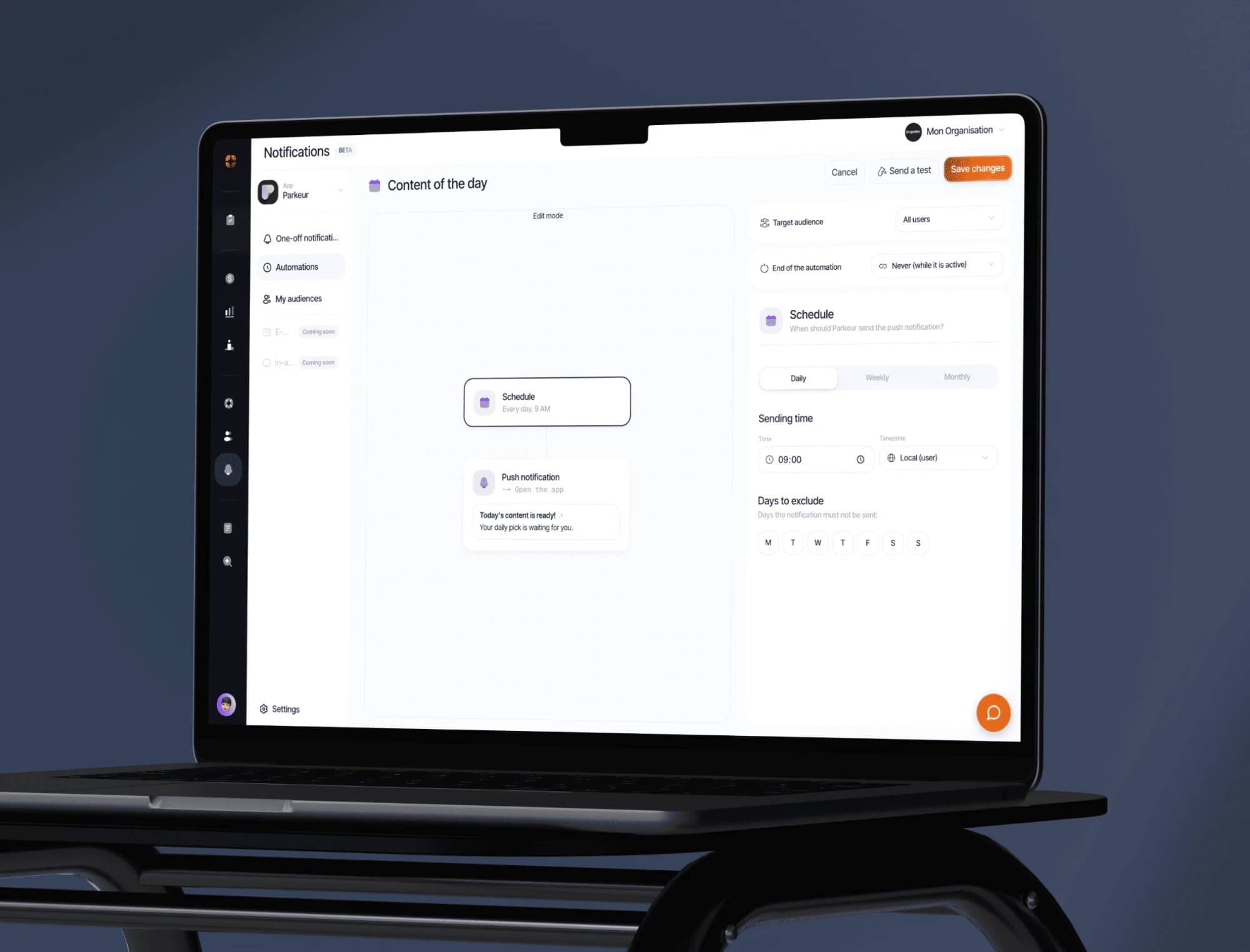
Push campaigns, segments and behaviour-triggered automations. Test the message before sending it to everyone.
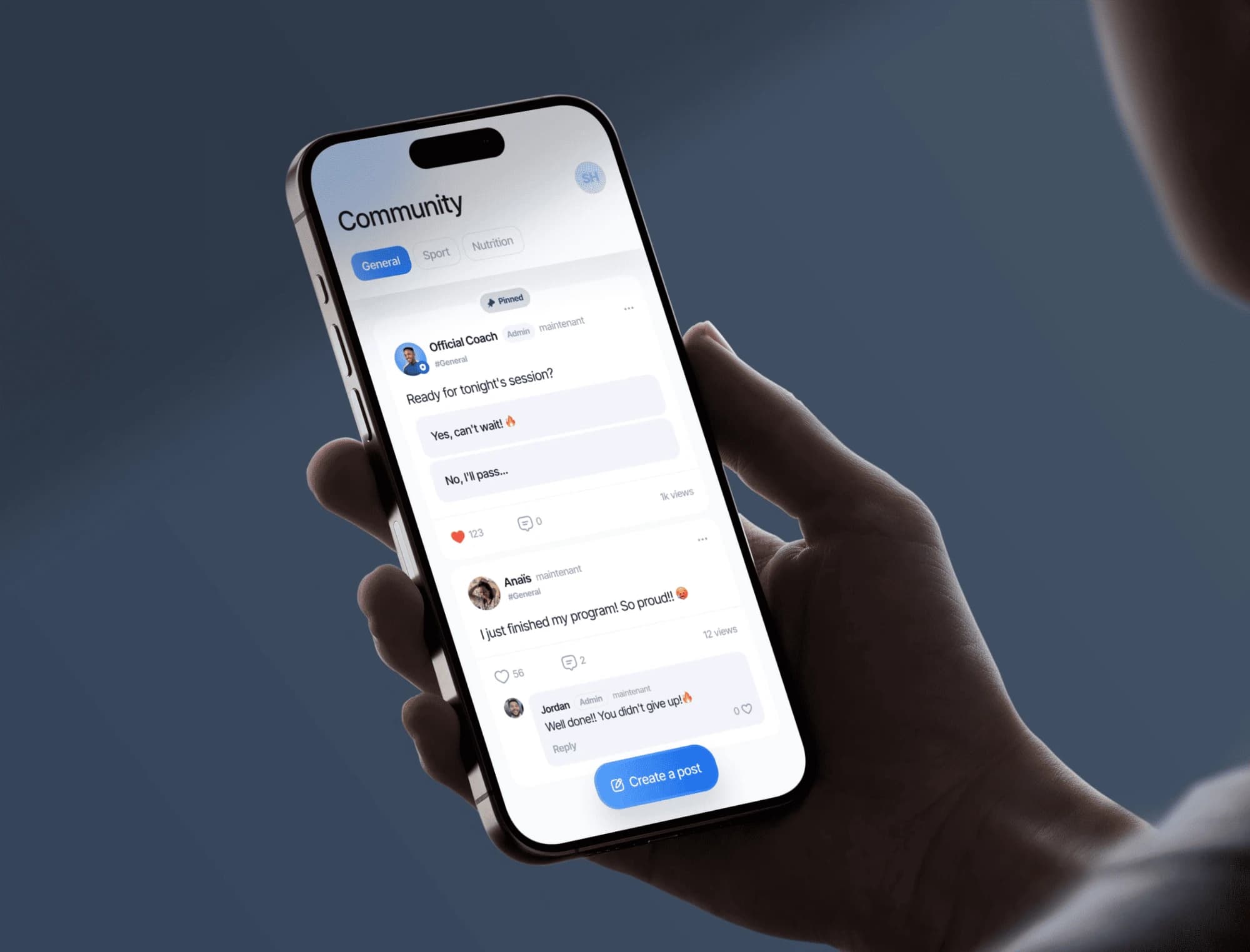
A community feed built into your app: your users post, comment and help each other. You moderate from the dashboard.
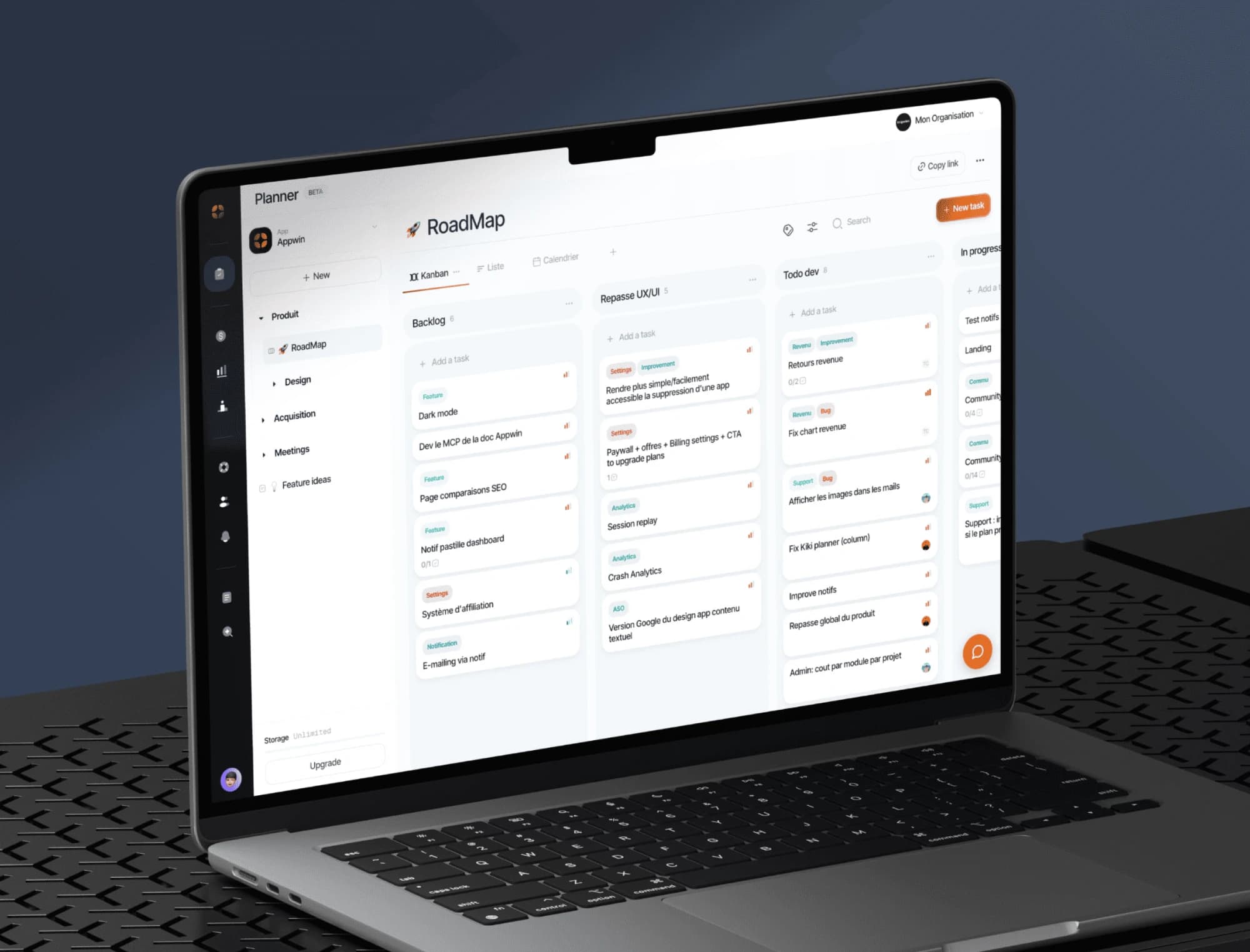
Boards, sprints and tickets built for a mobile release cycle, with specs written together right next to them.