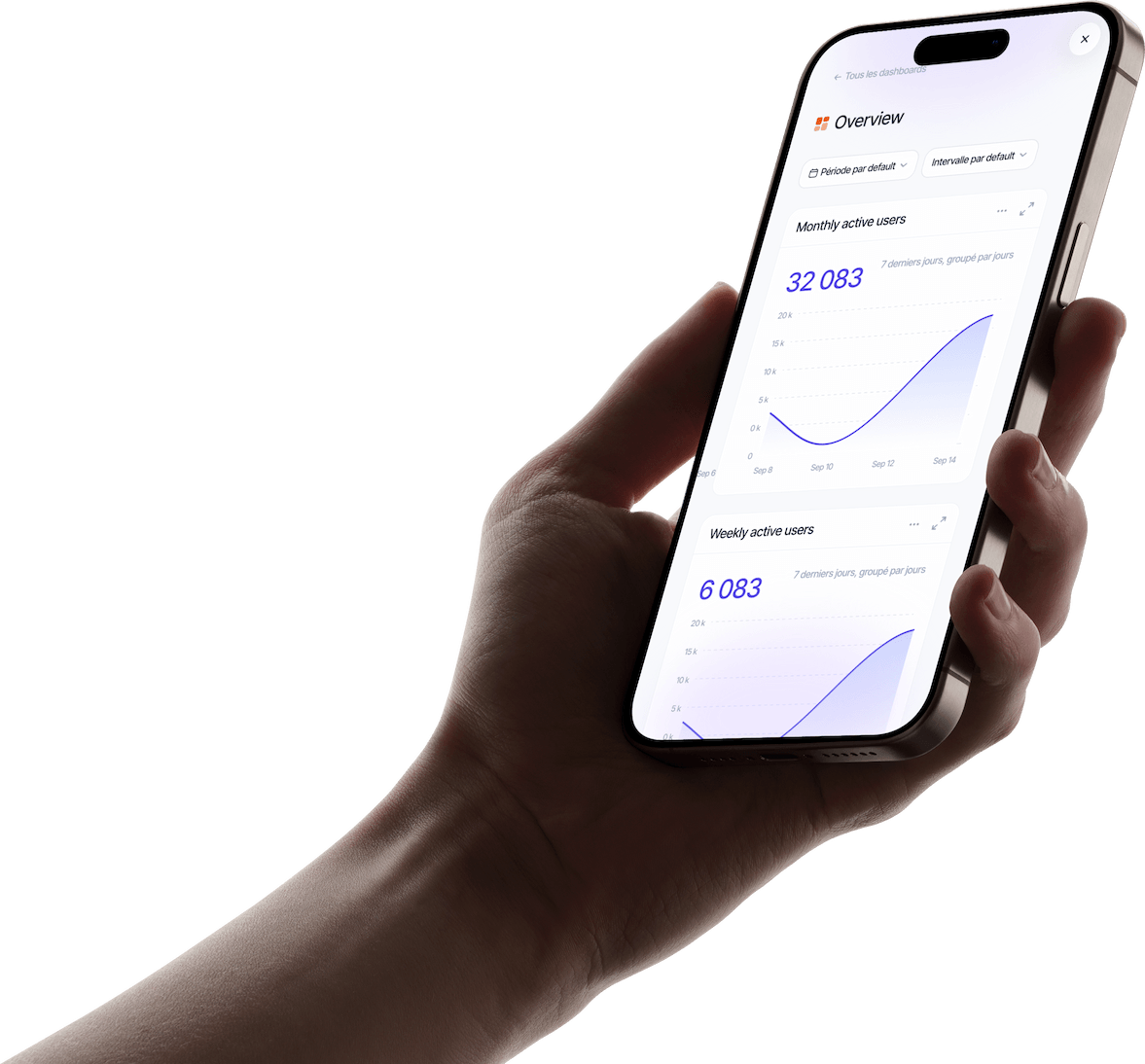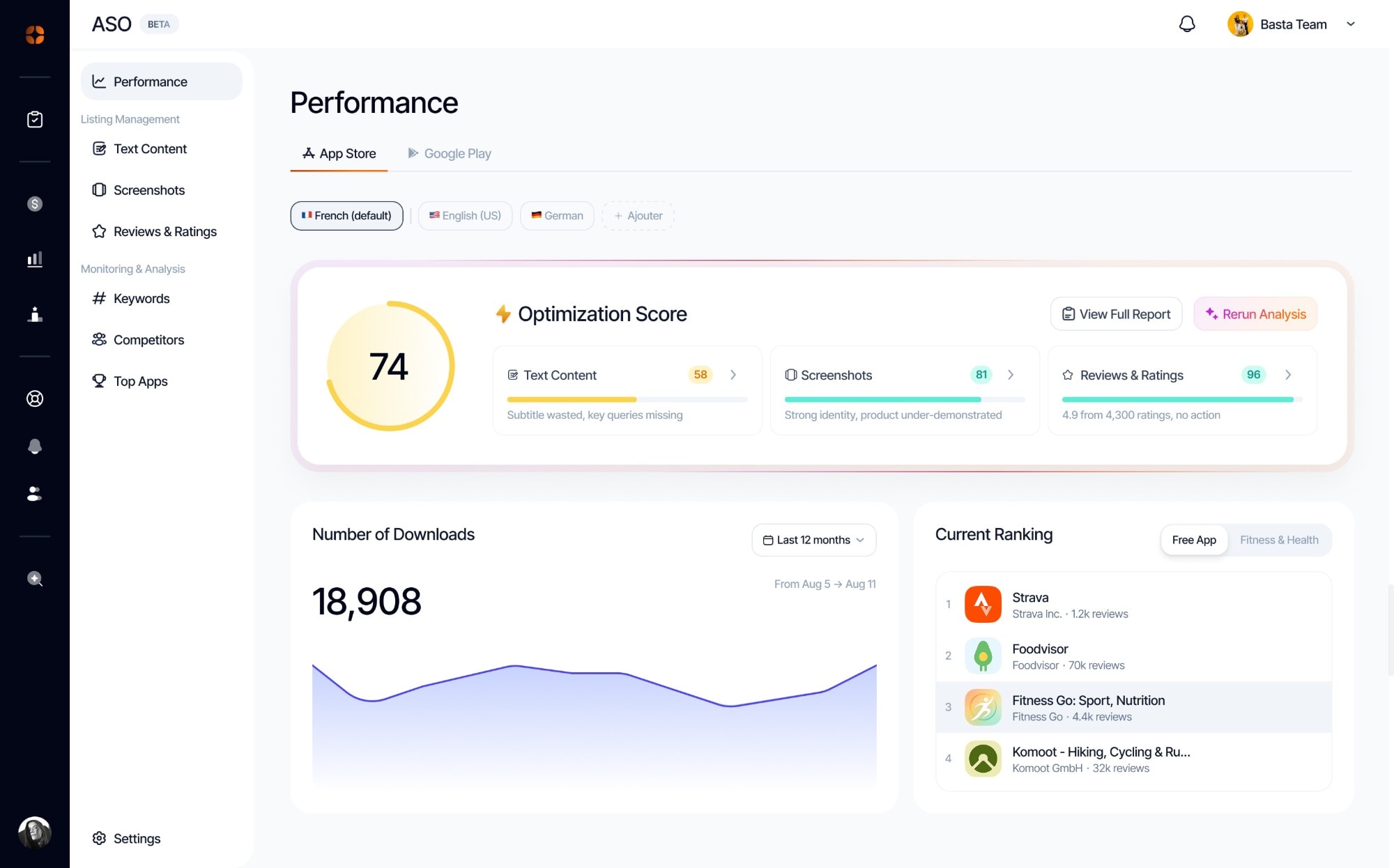

Your listing scored by AI
Name, subtitle, keywords, screenshots and reviews: each one gets a score, a finding and concrete suggestions to copy.
An AI audit, your keywords, your reviews and your competitors, on the App Store and Google Play.
Name, subtitle, keywords, screenshots and reviews: each one gets a score, a finding and concrete suggestions to copy.
Track your positions, find the terms your app already shows up for, and check their difficulty before setting a goal.
Replying to a review can lift your rating. AI drafts the reply in the tone you pick, you read it over and publish it on the store.
Appwin regularly captures the listing of the apps you follow and logs every change: title, description, icon, screenshots, price.
Performance, listing content, screenshots, keywords, reviews, competitors and top apps, on the App Store and Google Play alike.
×2.5
conversion rate for a product page tailored to its audience.
Source: Apple

The name and subtitle weigh heavily in search: put your main keywords there rather than a slogan.
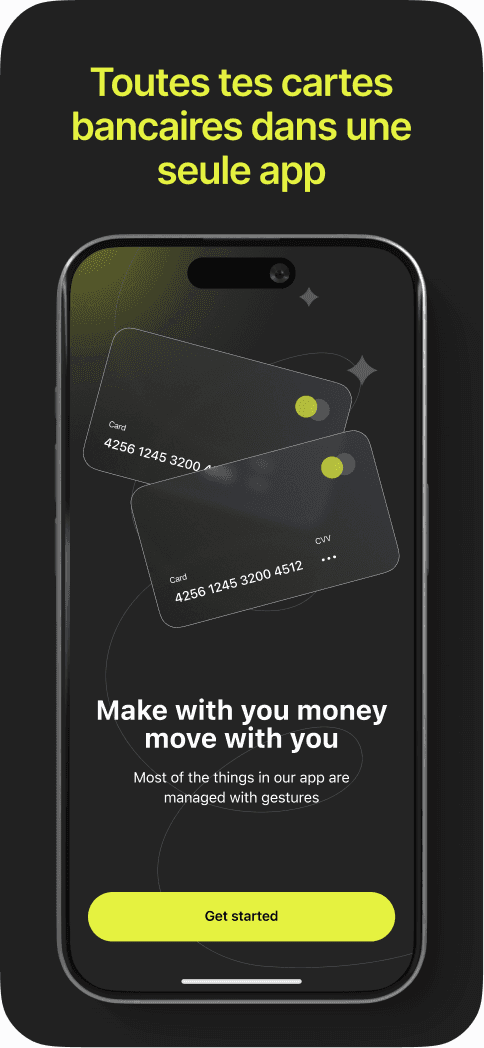
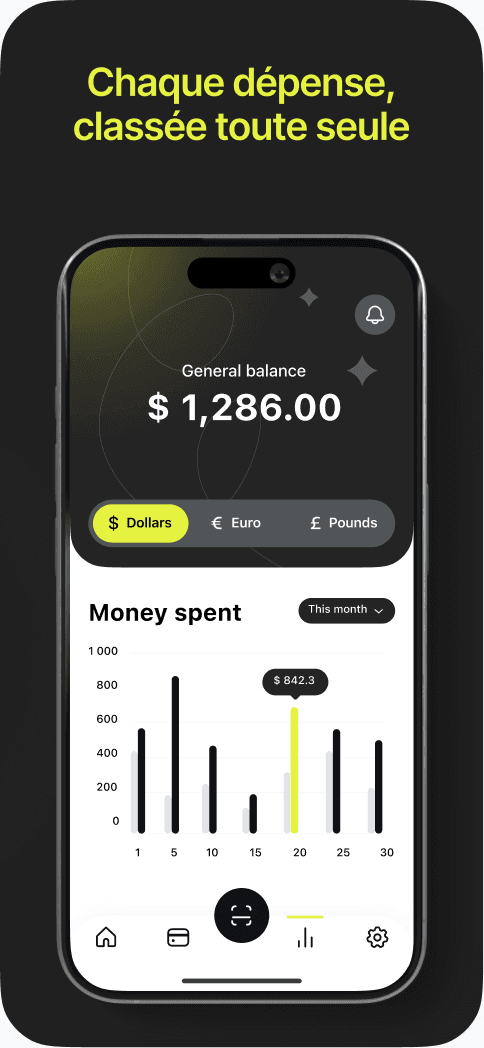
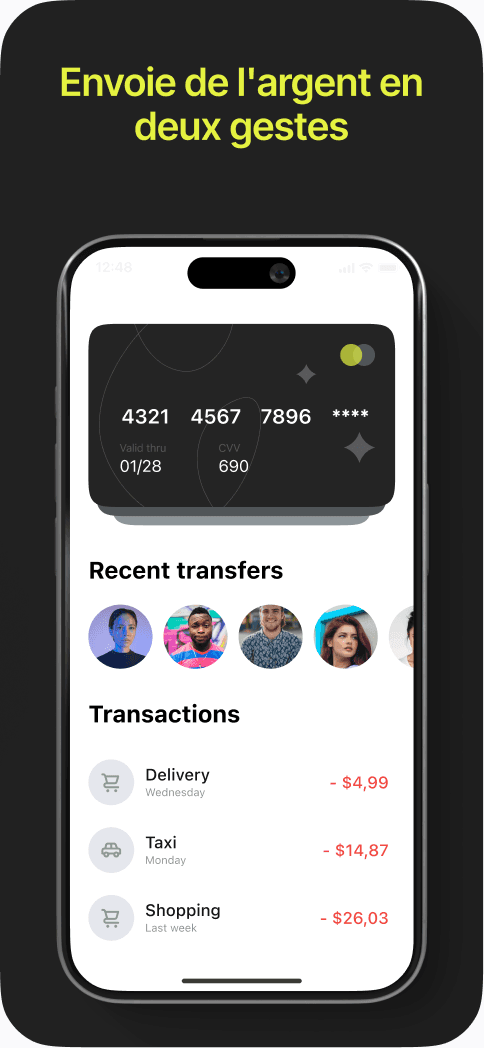
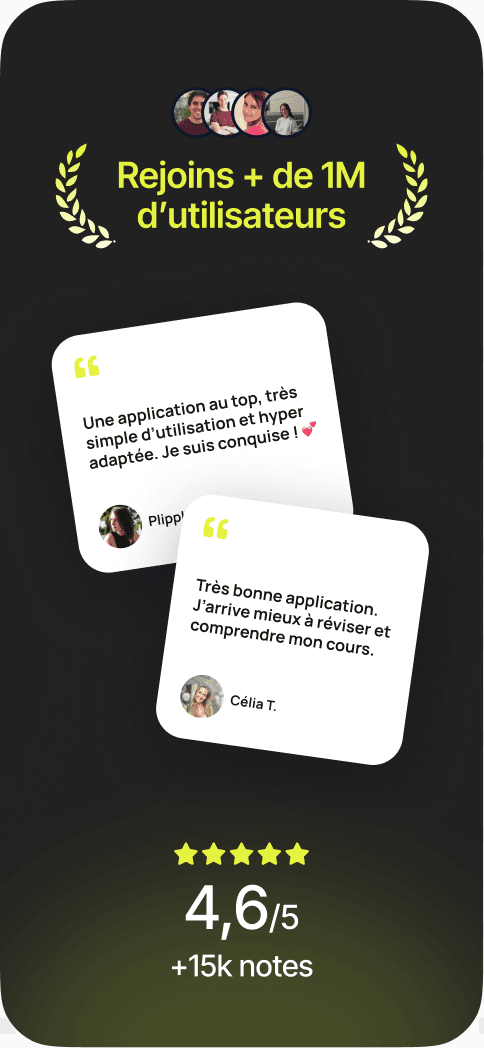
They are the ones seen in search results. Each screenshot should say clearly what the app does for people.
A quick reply reassures visitors, and often leads the author to revise their rating.
Start with medium-difficulty terms where you can make the top 10, rather than the most contested ones.
Each market has its own keywords. A listing in the visitor’s language converts better.
When a competitor rewrites its title or screenshots, it has often found something. Look at what.
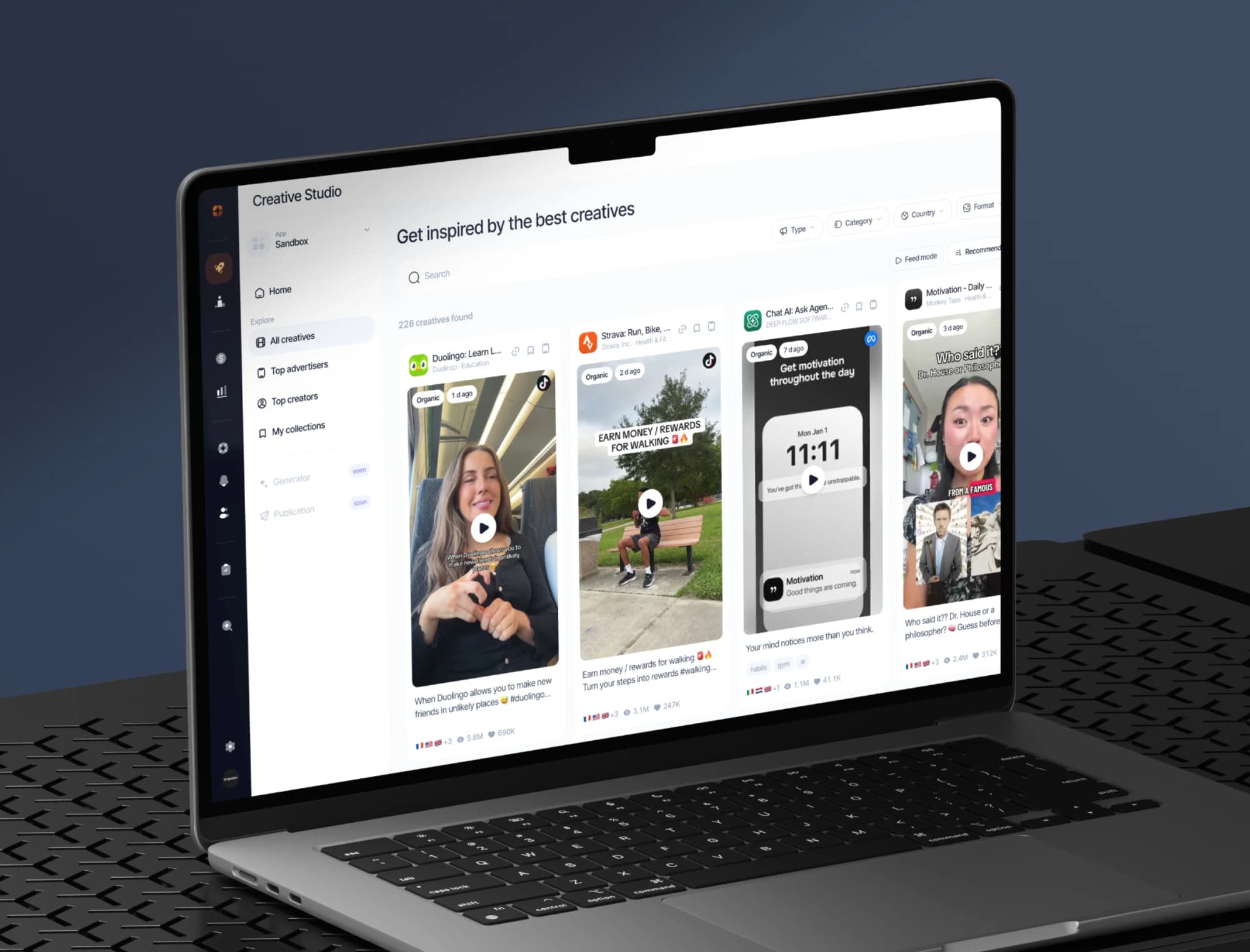
The best ads and organic posts in your market, the apps on the rise and the creators behind them, saved in your collections.
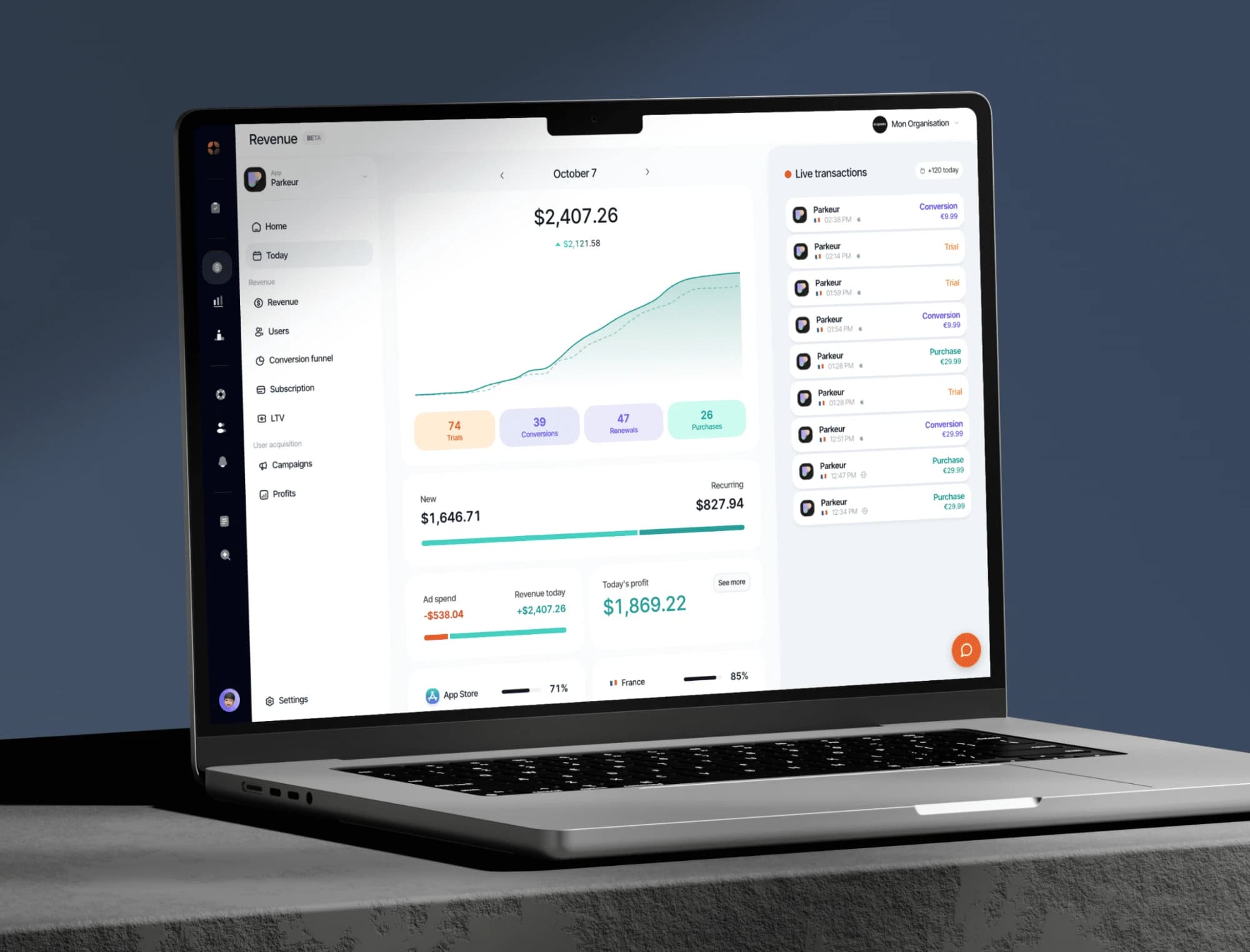
Your indicators consolidated from RevenueCat: revenue, MRR, active subscribers, conversions, churn.
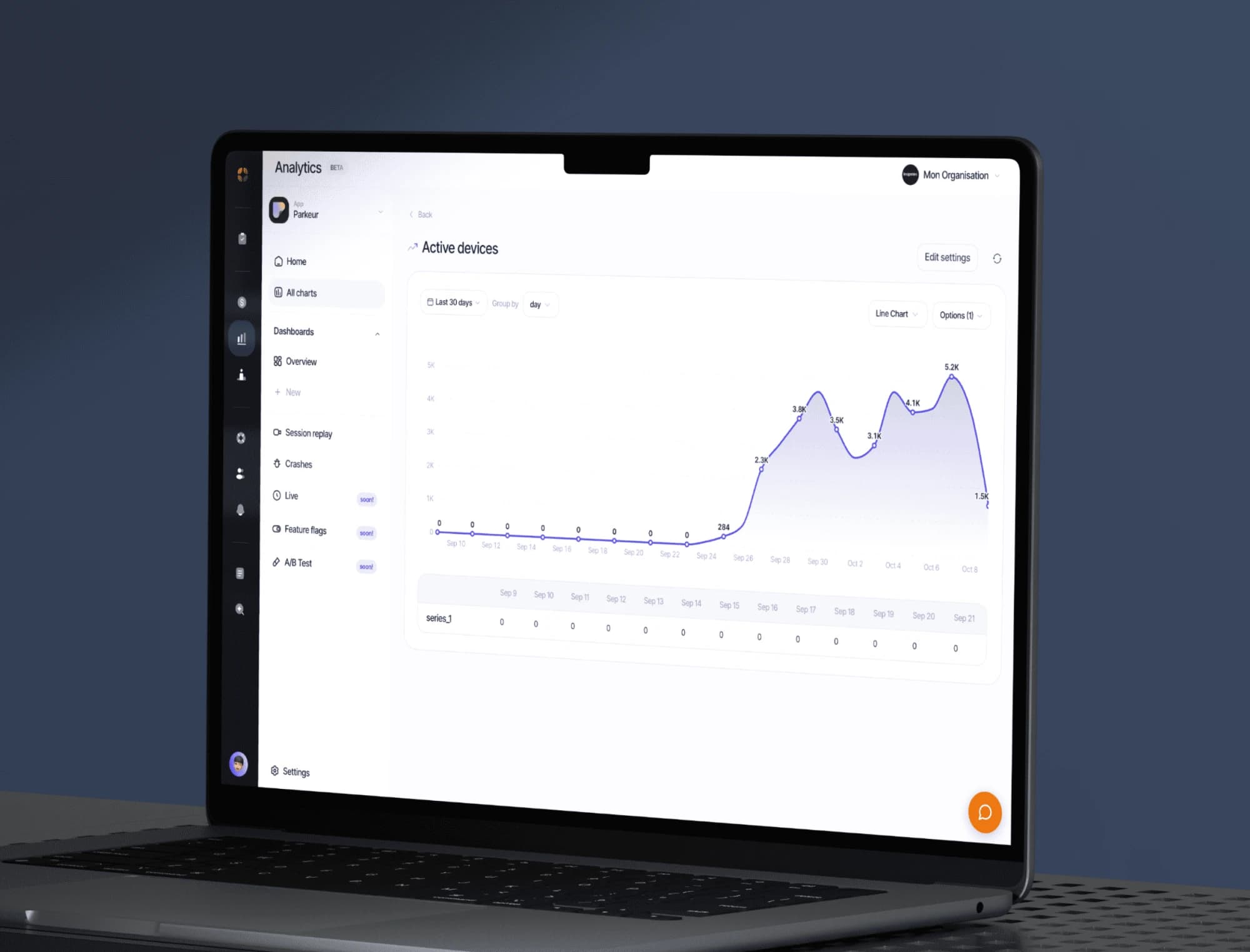
Track your app’s events, build your dashboards and replay sessions to see where your users get stuck.
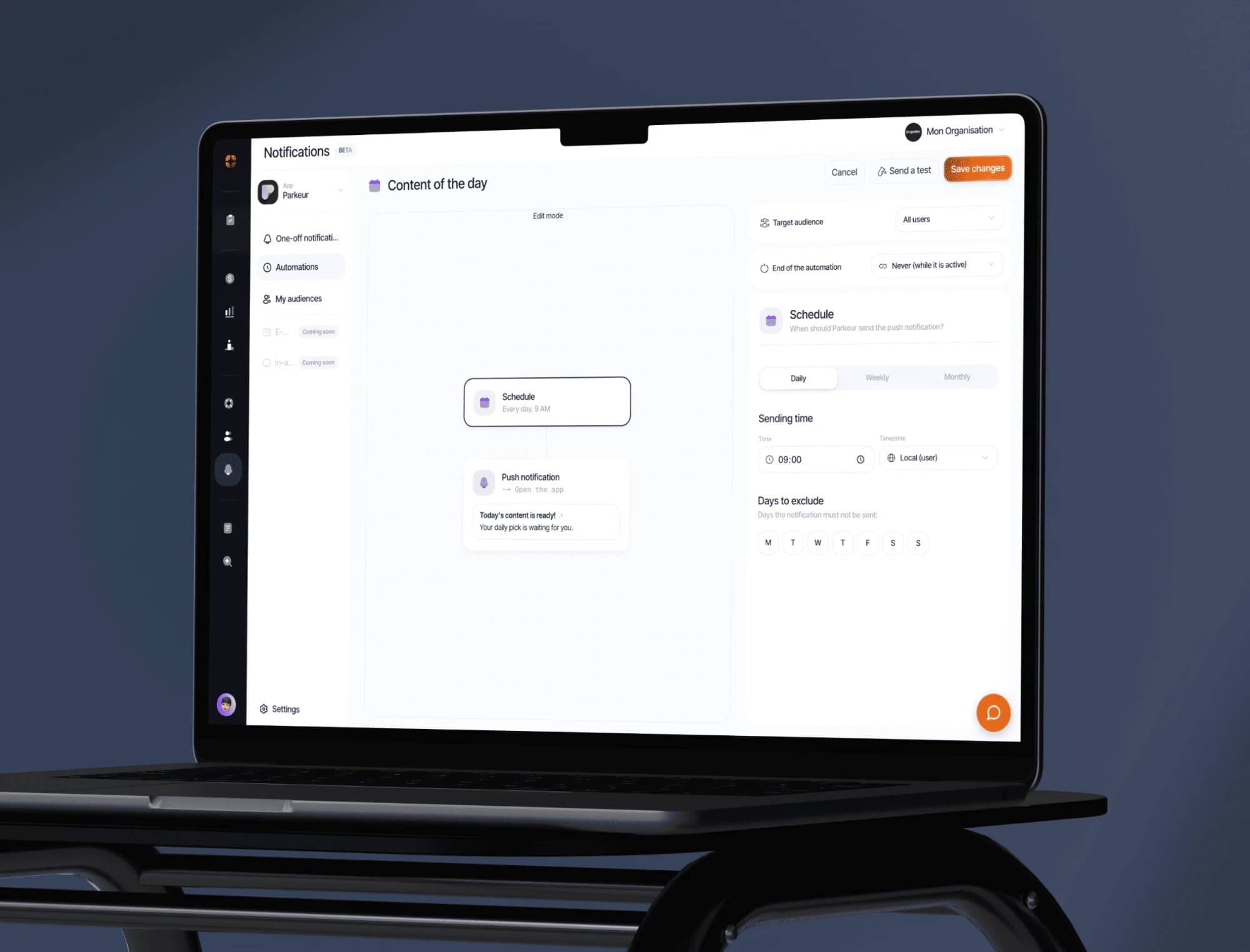
Push campaigns, segments and behaviour-triggered automations. Test the message before sending it to everyone.
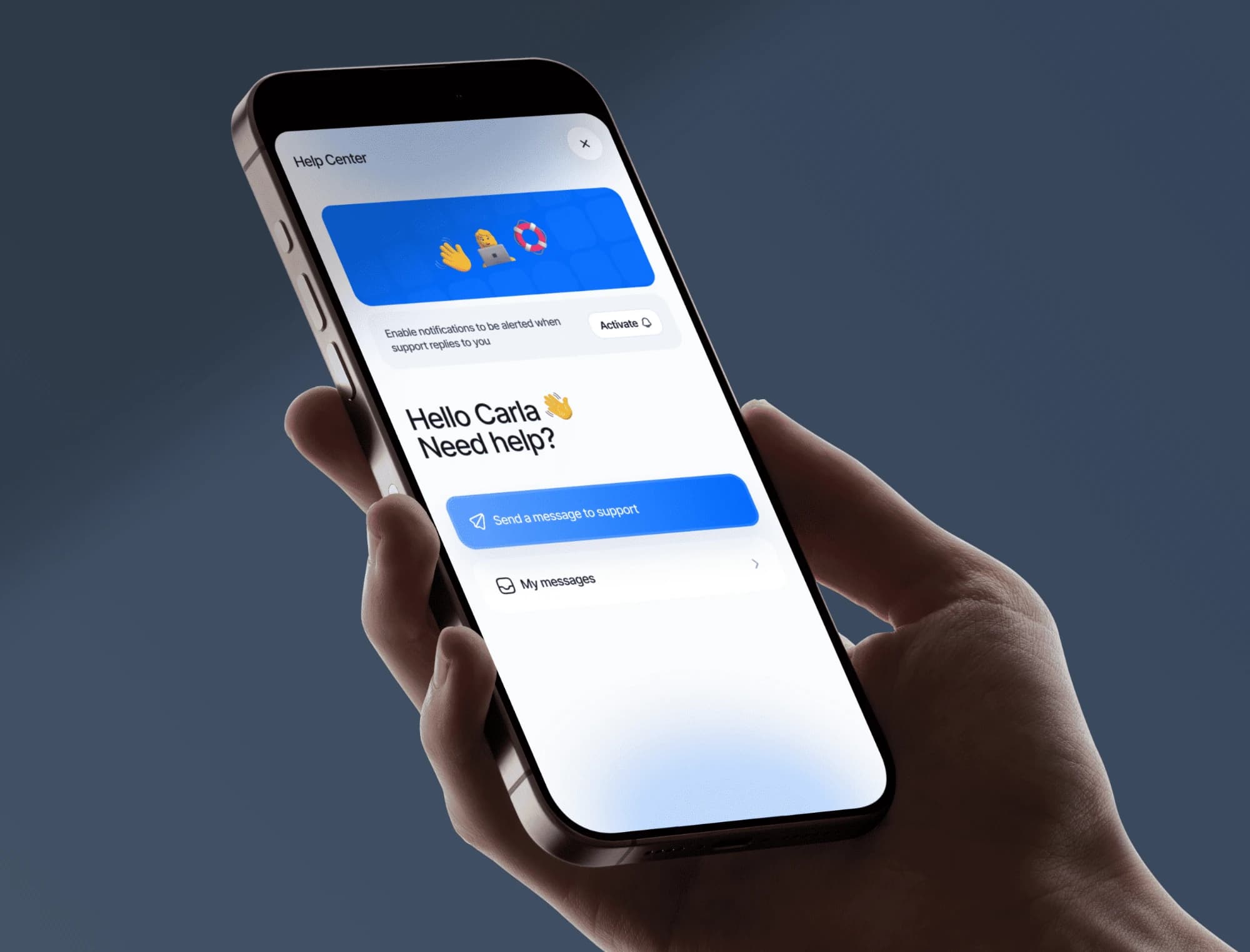
Messaging built into your app, macros, an FAQ base and automatic translation. Your users write, you answer from the dashboard.
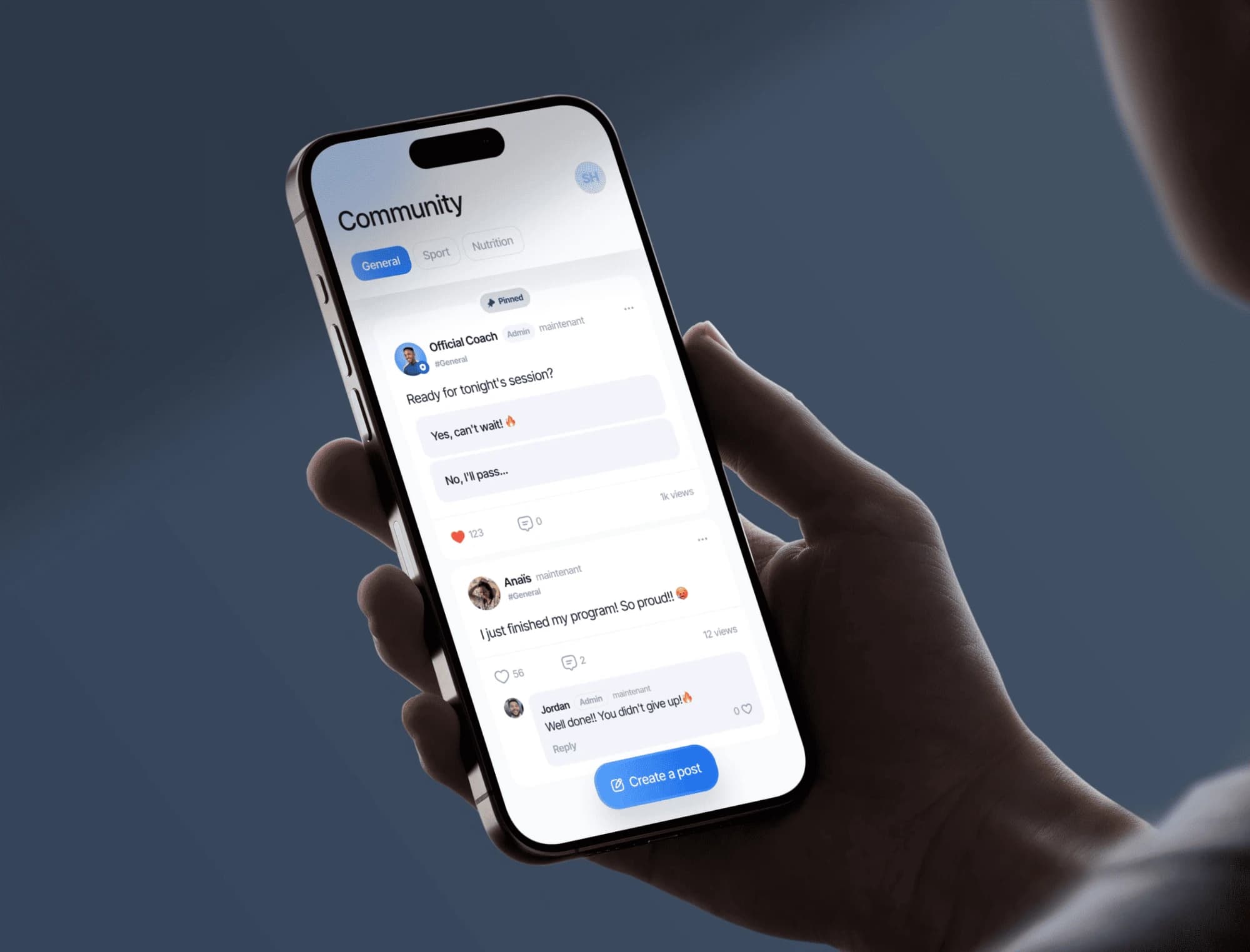
A community feed built into your app: your users post, comment and help each other. You moderate from the dashboard.
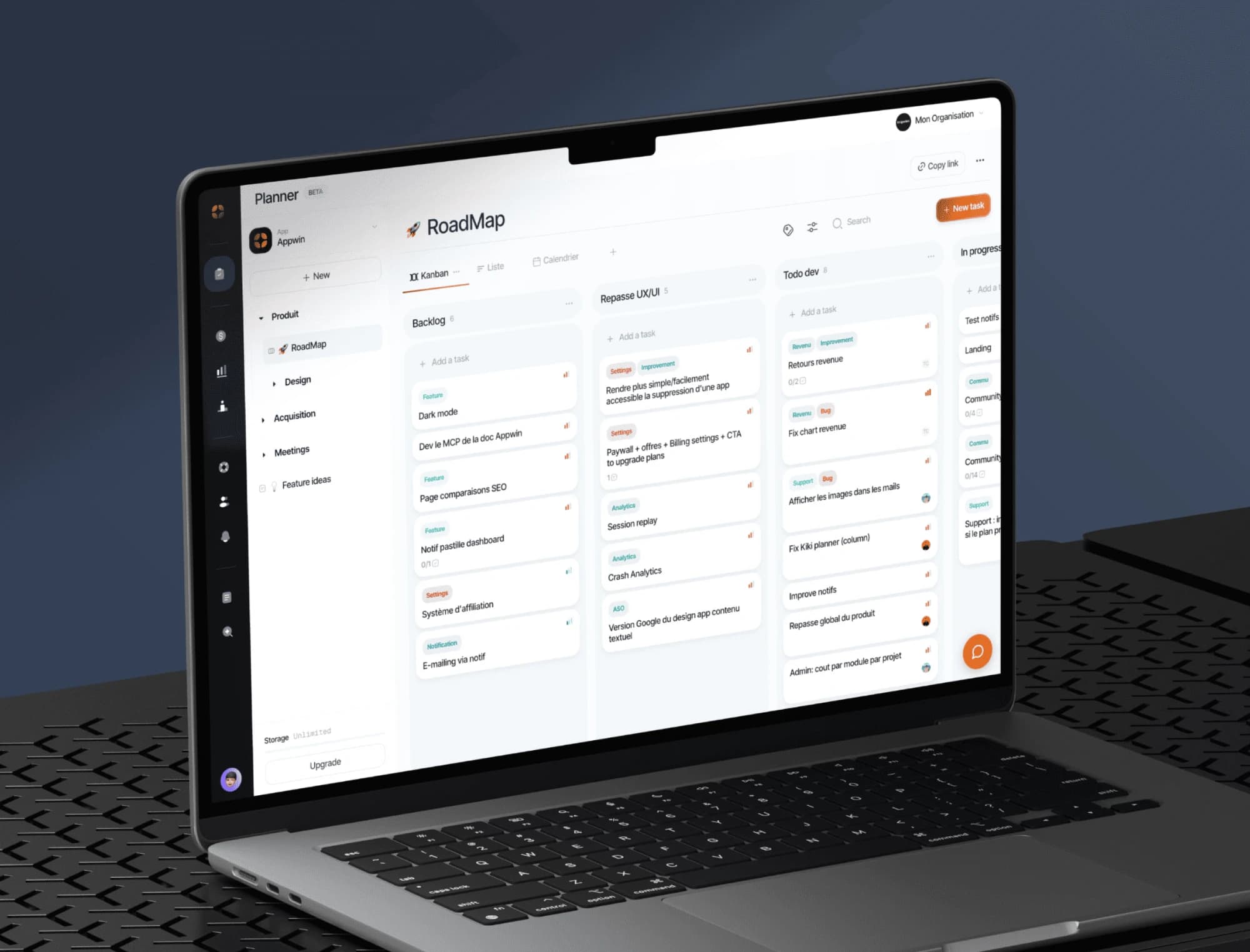
Boards, sprints and tickets built for a mobile release cycle, with specs written together right next to them.