Analytics
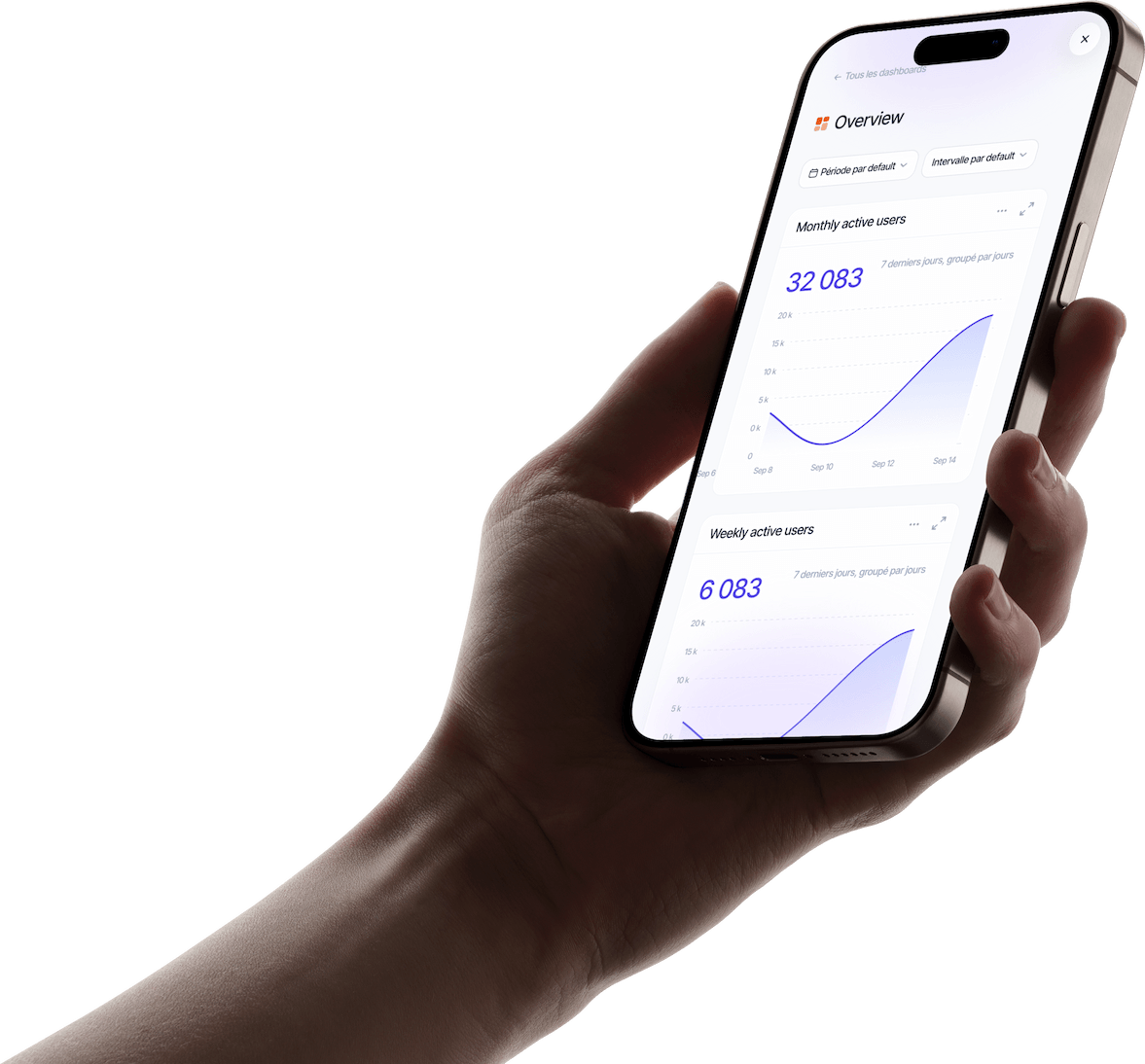
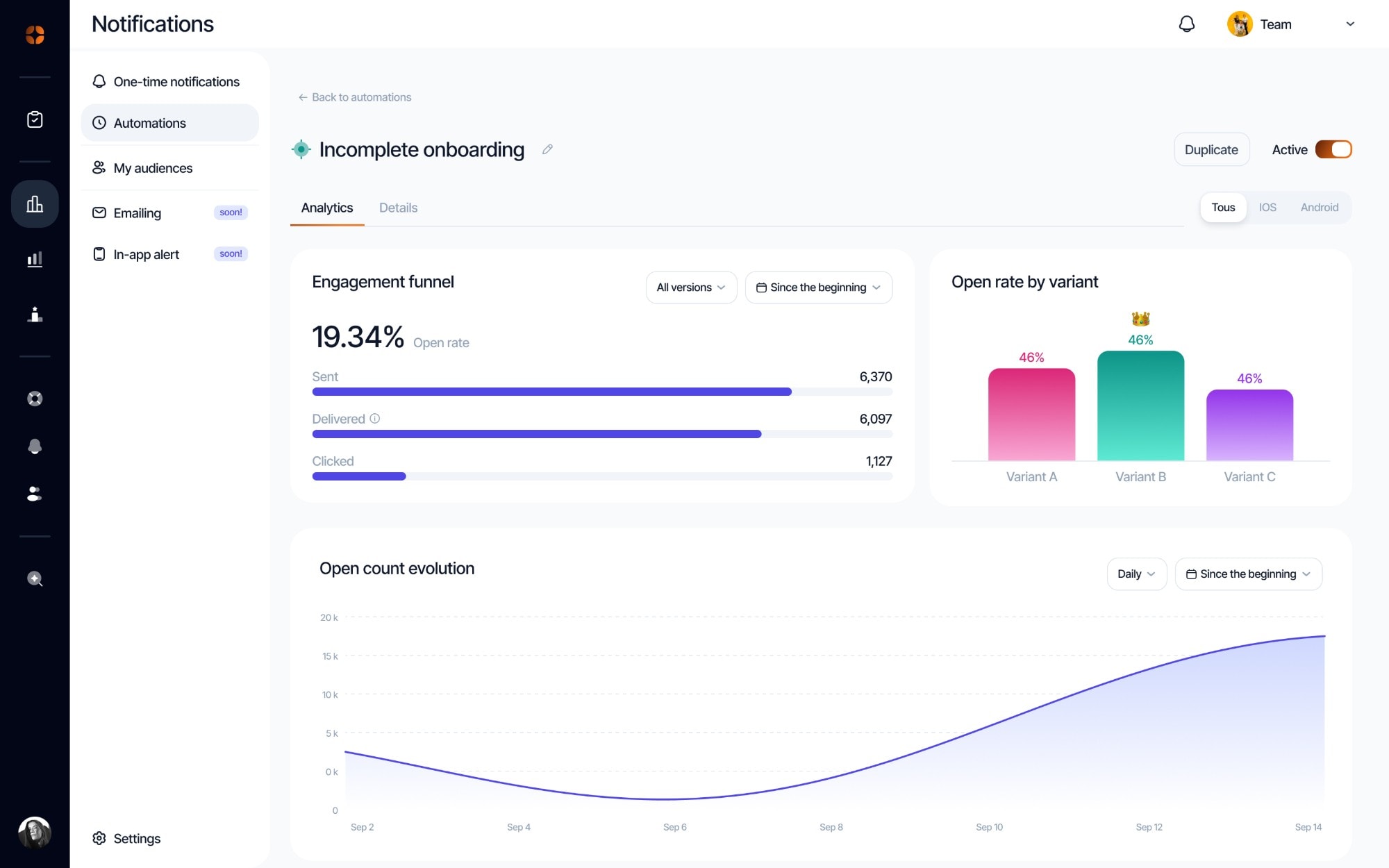
Sent, delivered, opened, clicked: follow each campaign’s results day by day to improve the next ones.
Onboarding, promotions, reactivation: all your campaigns go out from the dashboard where you already run your app.
Sent, delivered, opened, clicked: follow each campaign’s results day by day to improve the next ones.
Test several versions of the same notification, split your audience between them and compare their open rates.
Trigger a message after an in-app action: a welcome note 24h after a user opts in, or a weekly reminder at each user’s local time.
Build segments by platform, plan, language, session count or last visit. For example: free iOS users who haven’t been back for 7 days.
No code needed: choose who enters the journey, what triggers it and how long it runs. Your own events join the list of triggers.
3× more
retention for users who receive a notification in the first 90 days.
Source: Airship, 2017, study of 63 million users

Transactional (order shipped), engagement (streak at risk) or marketing (a sale). Lean on the first two, they are the best received.
On iOS and Android 13+, the system prompt only shows once. Wait until the user has seen what the app is worth before asking.
Schedule sends on each user’s local time, and start from a trigger (an action, an absence) rather than a fixed date.
The title says what is happening, the body why to open now. Torn between two versions? Run an A/B test.
Beyond the open rate, check whether users come back. Cut the campaigns that add nothing.
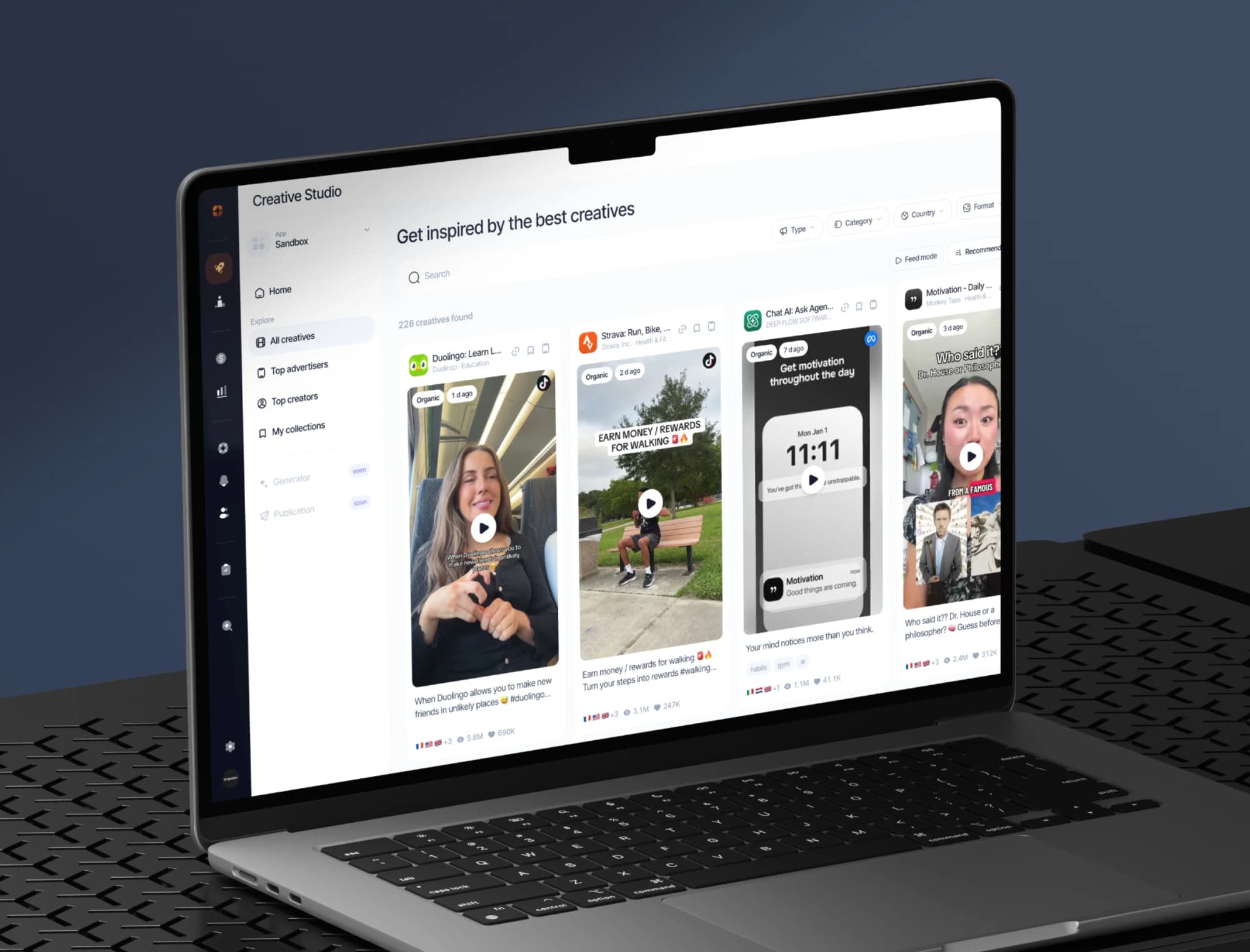
The best ads and organic posts in your market, the apps on the rise and the creators behind them, saved in your collections.
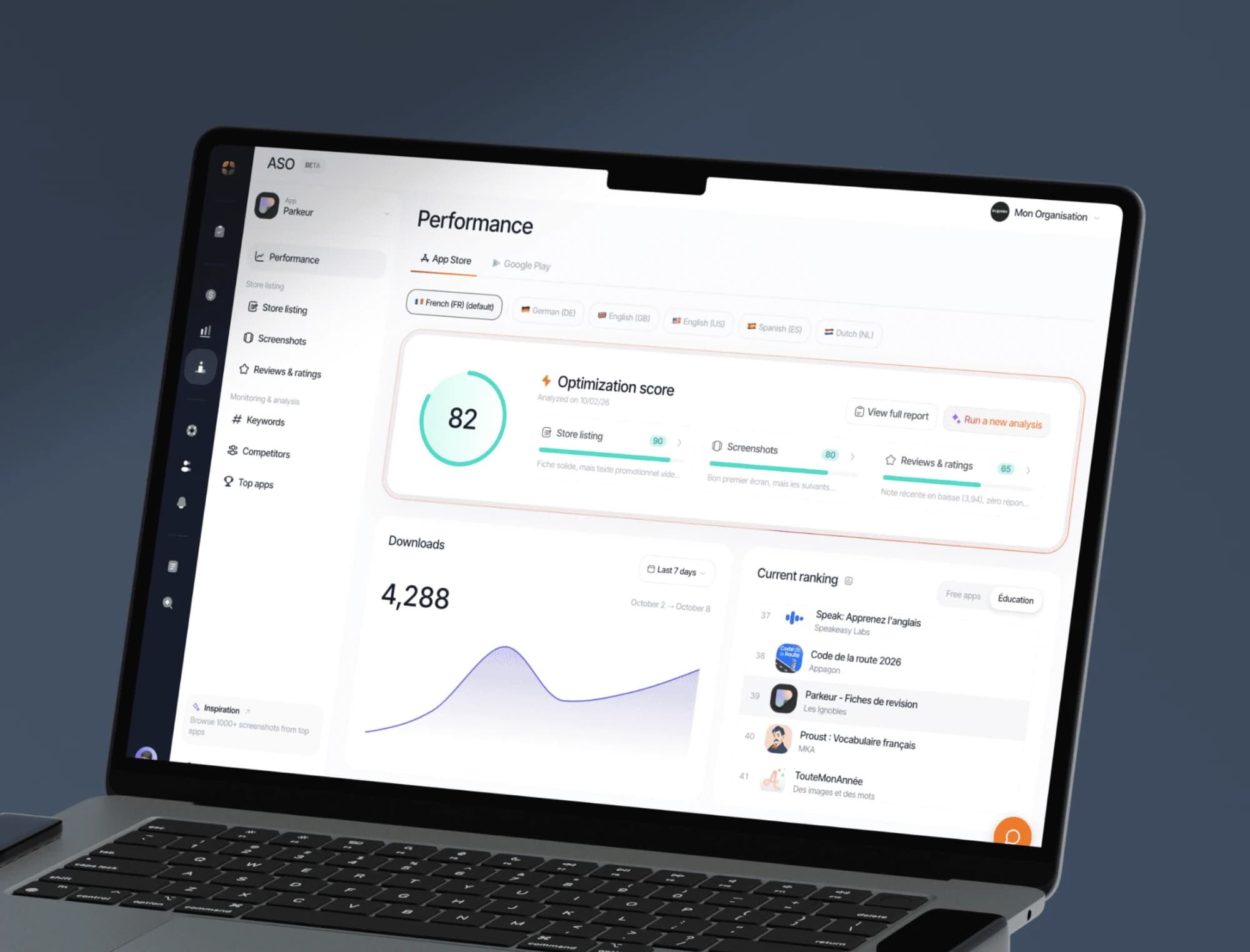
Keywords, screenshots, ratings and ranking tracking on the App Store and Google Play, with an optimisation score for every store listing.
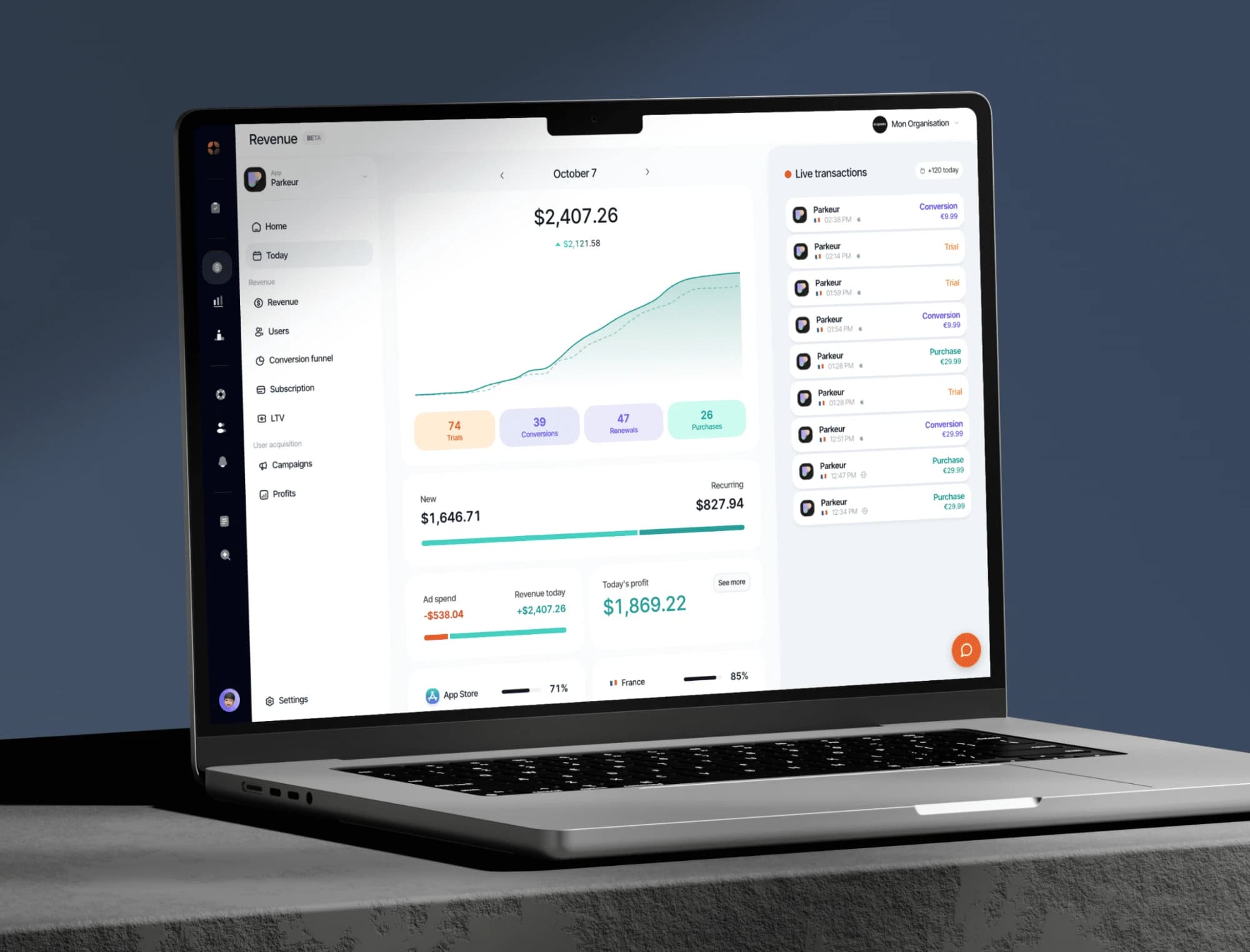
Your indicators consolidated from RevenueCat: revenue, MRR, active subscribers, conversions, churn.
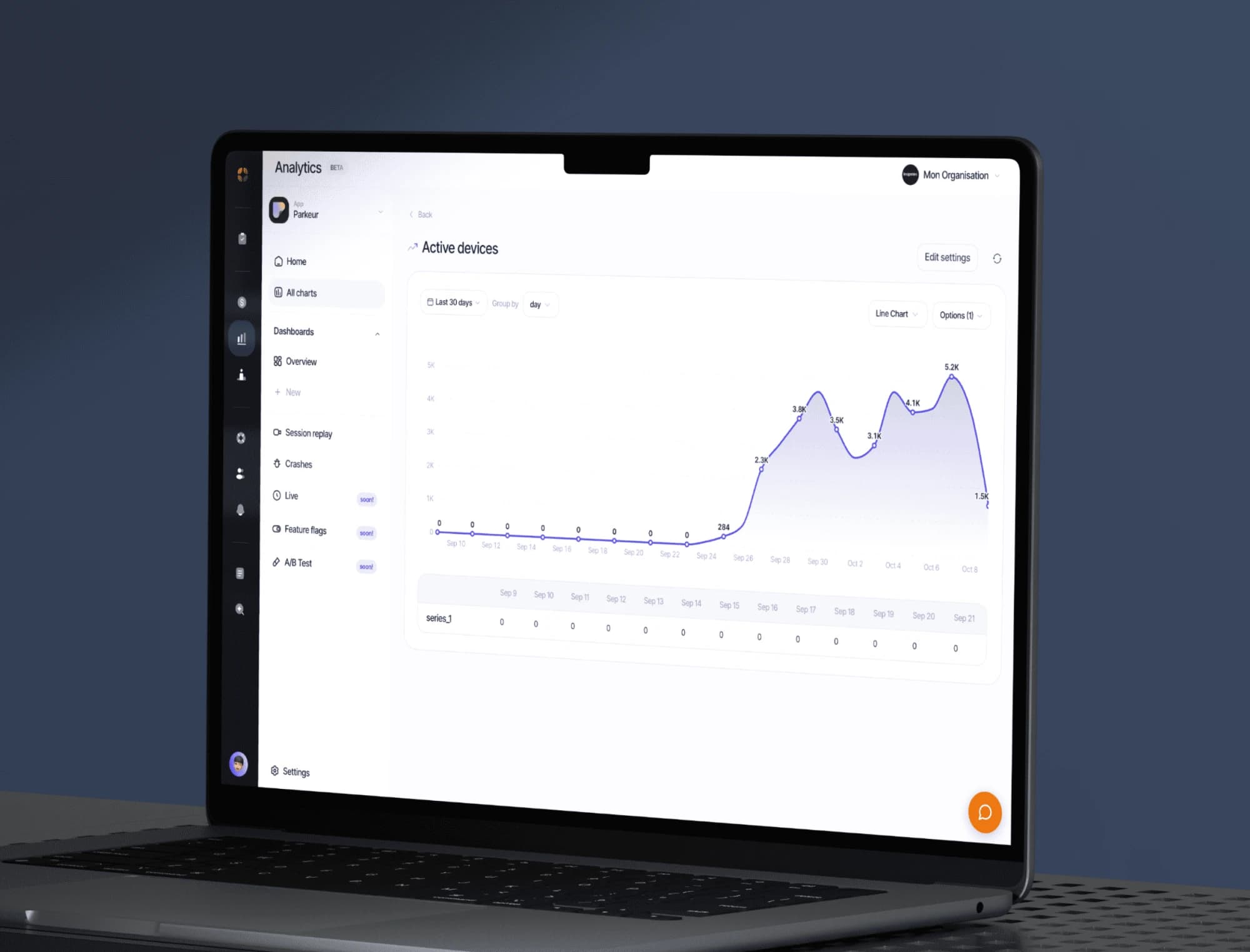
Track your app’s events, build your dashboards and replay sessions to see where your users get stuck.
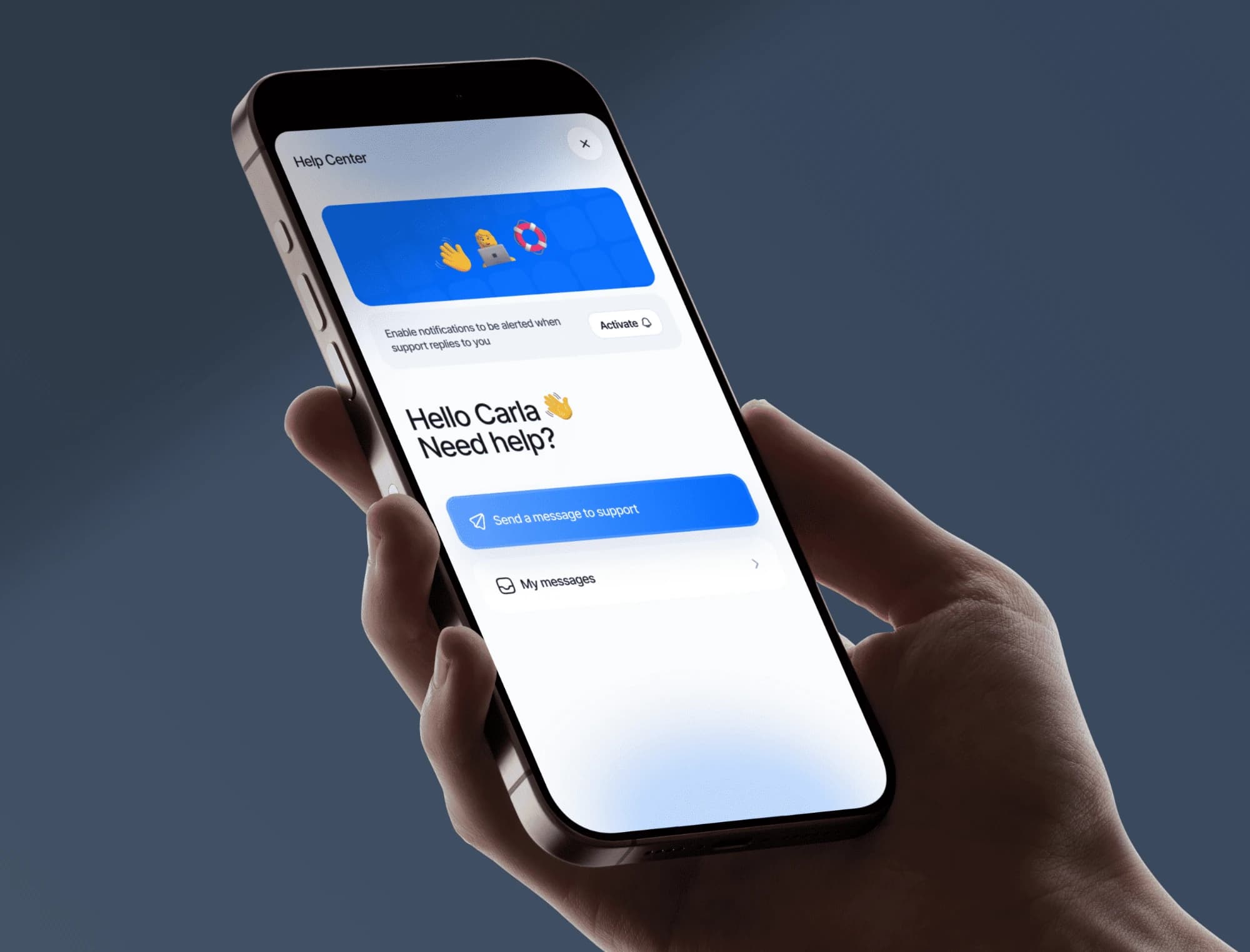
Messaging built into your app, macros, an FAQ base and automatic translation. Your users write, you answer from the dashboard.
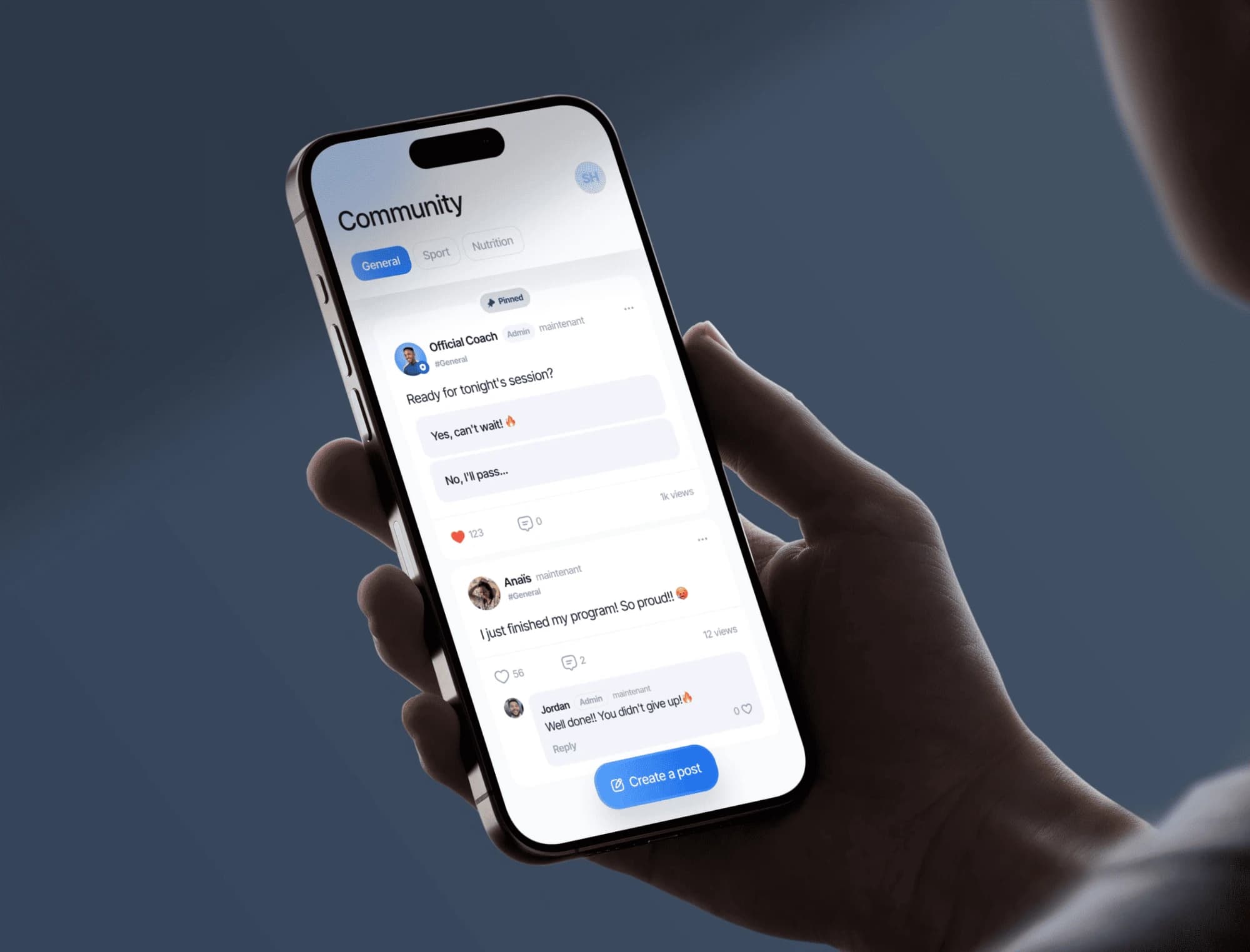
A community feed built into your app: your users post, comment and help each other. You moderate from the dashboard.
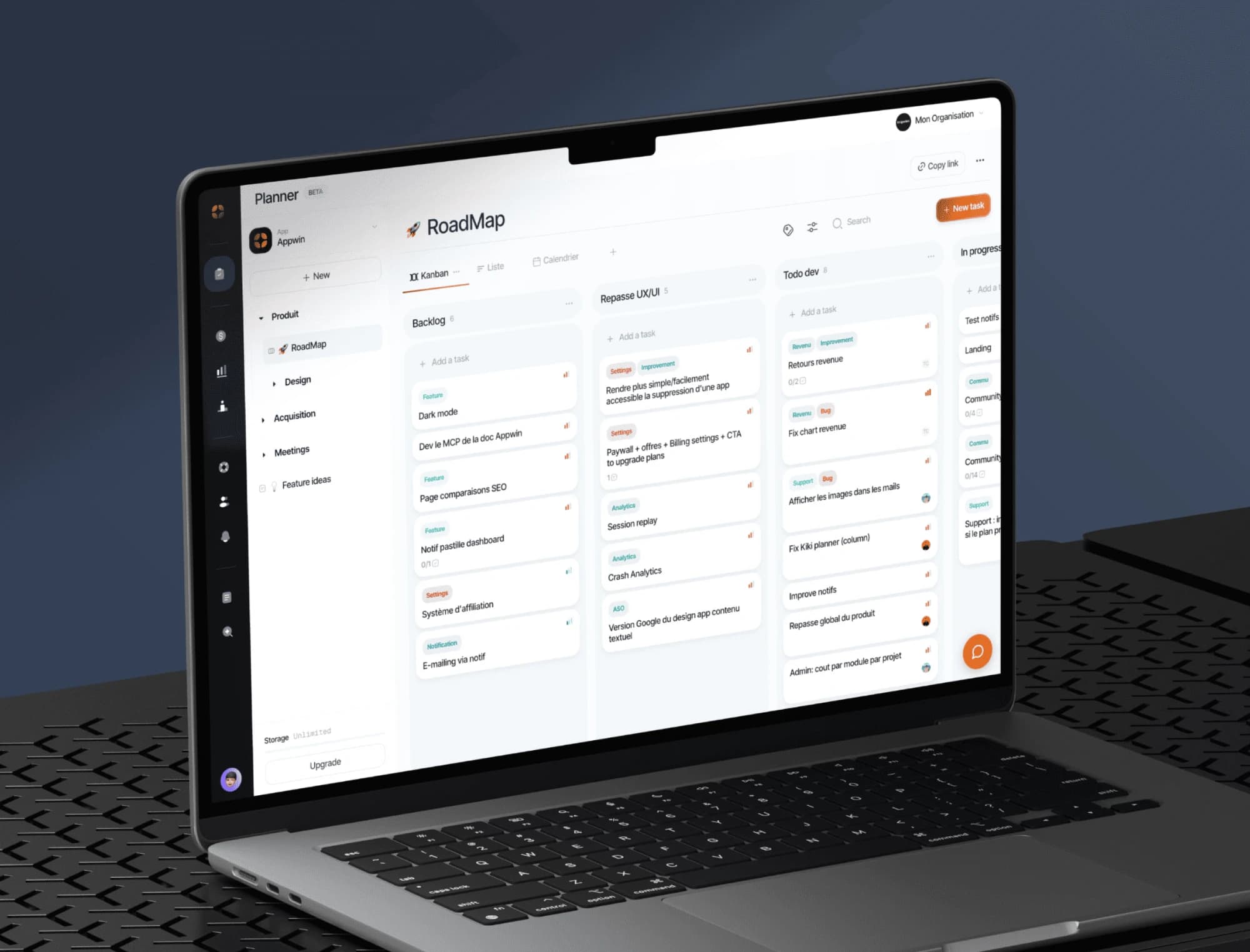
Boards, sprints and tickets built for a mobile release cycle, with specs written together right next to them.