

Coach Emmanow
#General
Which workout to kick off the week?
CardioStrengthYoga
323
32 views😍🔥👍
Léa Pradelinow
Strength, no question. Let’s do it together 💪
Reply😍🔥👍32
A native feed in your app, tools to post as your brand, and moderation that keeps working at night.
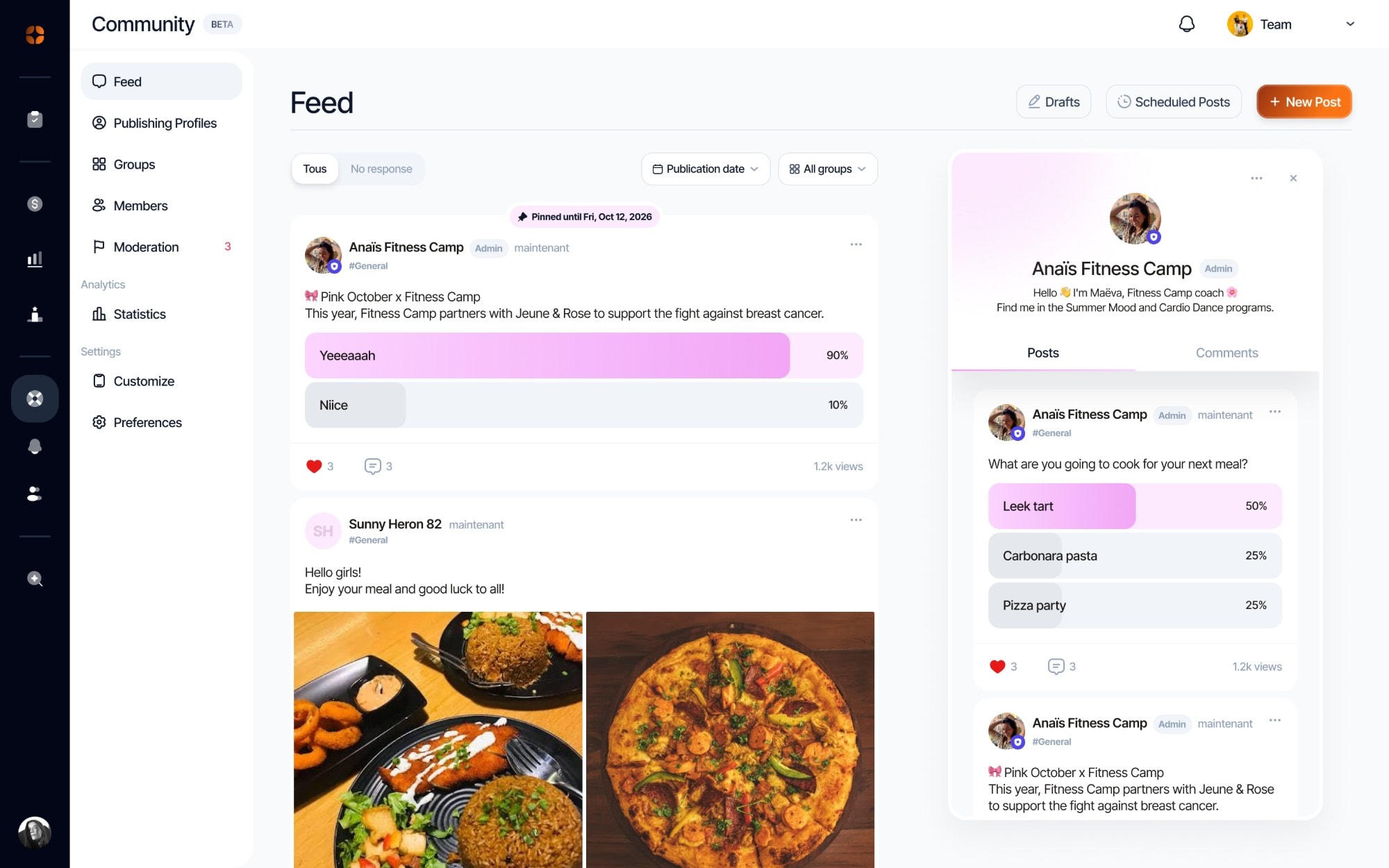
Posts, comments, reactions, images and polls, sorted into groups. The SDK renders the feed natively, in your app's colors.
Create posting profiles for your team, schedule your announcements, pin them at the top of the feed and let your members know with a push.
Every post is checked before it goes live. Doubtful content goes to review, the rest is published right away.
Primary colour, gradient, light or dark mode, corner radius and font: the feed takes on your app’s identity, set from the dashboard, without a new release.
Posts, drafts and scheduled posts, filtered by group or date. Reply, pin or hide a post in one click.
AI checks every post against your community rules. Doubtful content, or content your members report, stays hidden until your team approves or removes it.
+26%
retention for users who take part in an app’s community.
Source: Amity (social.plus)

With Analytics, compare community members with the rest of your users: sessions, time spent and retention.
Post yourself for the first few weeks: a question, a poll, an announcement. An empty feed puts off the first member who wants to write.
Two or three groups are enough at first. One lively group beats ten silent ones.
A member who gets a reply comes back. React quickly to the first posts, especially questions.
An important announcement deserves a notification. But beware of spam: don’t notify every post.
Compare members with other users: sessions, time spent, retention. That's what shows your effort is paying off.
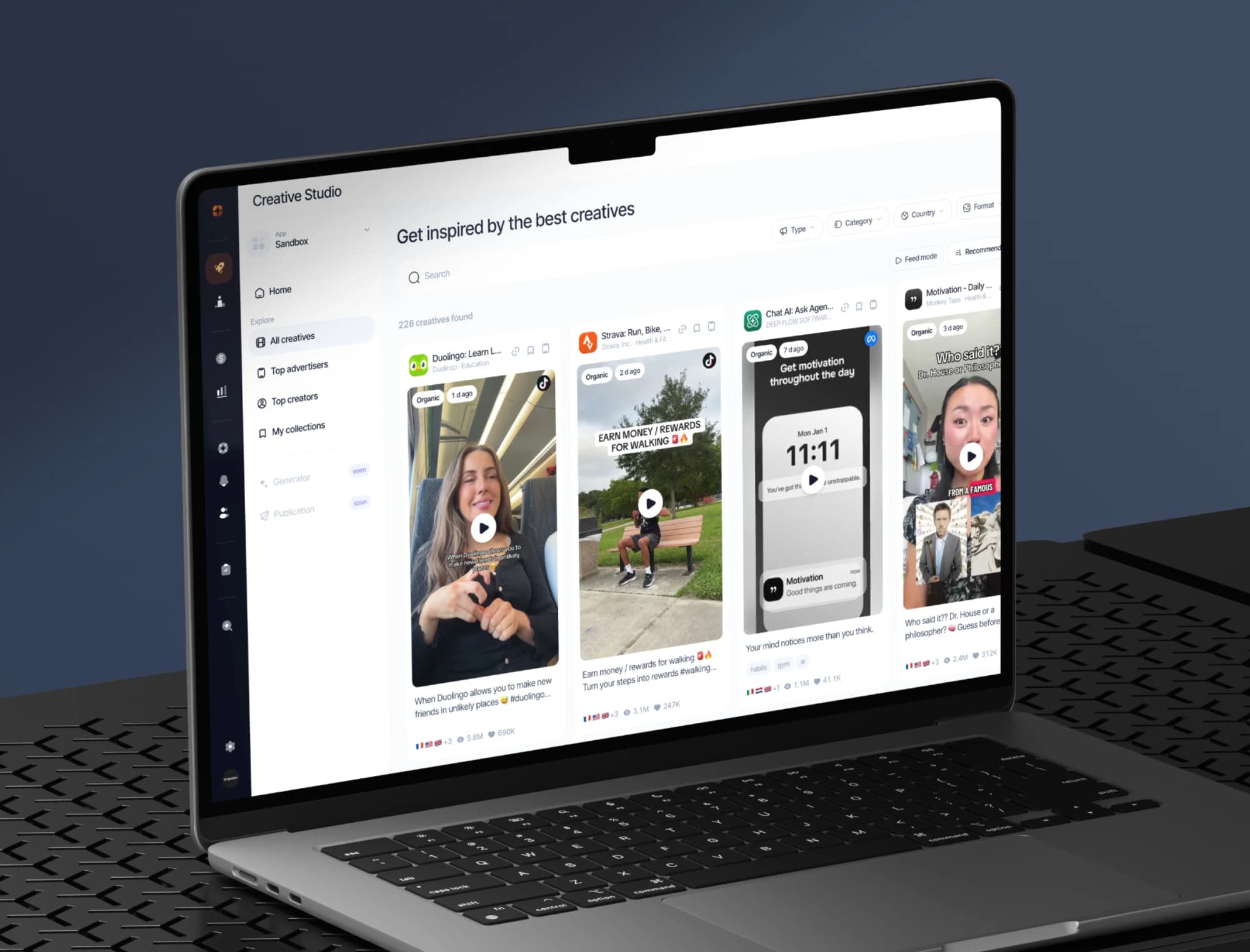
The best ads and organic posts in your market, the apps on the rise and the creators behind them, saved in your collections.
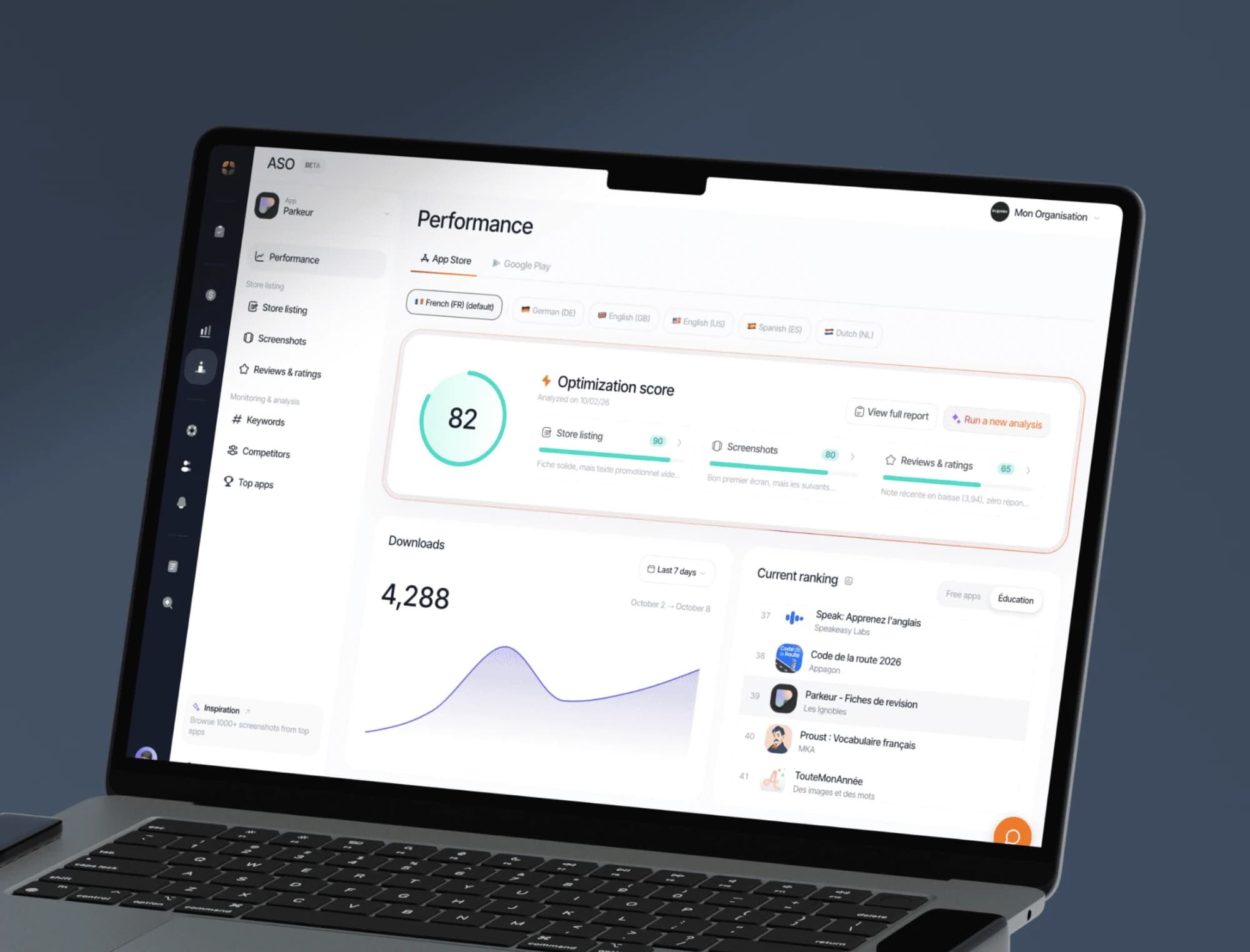
Keywords, screenshots, ratings and ranking tracking on the App Store and Google Play, with an optimisation score for every store listing.
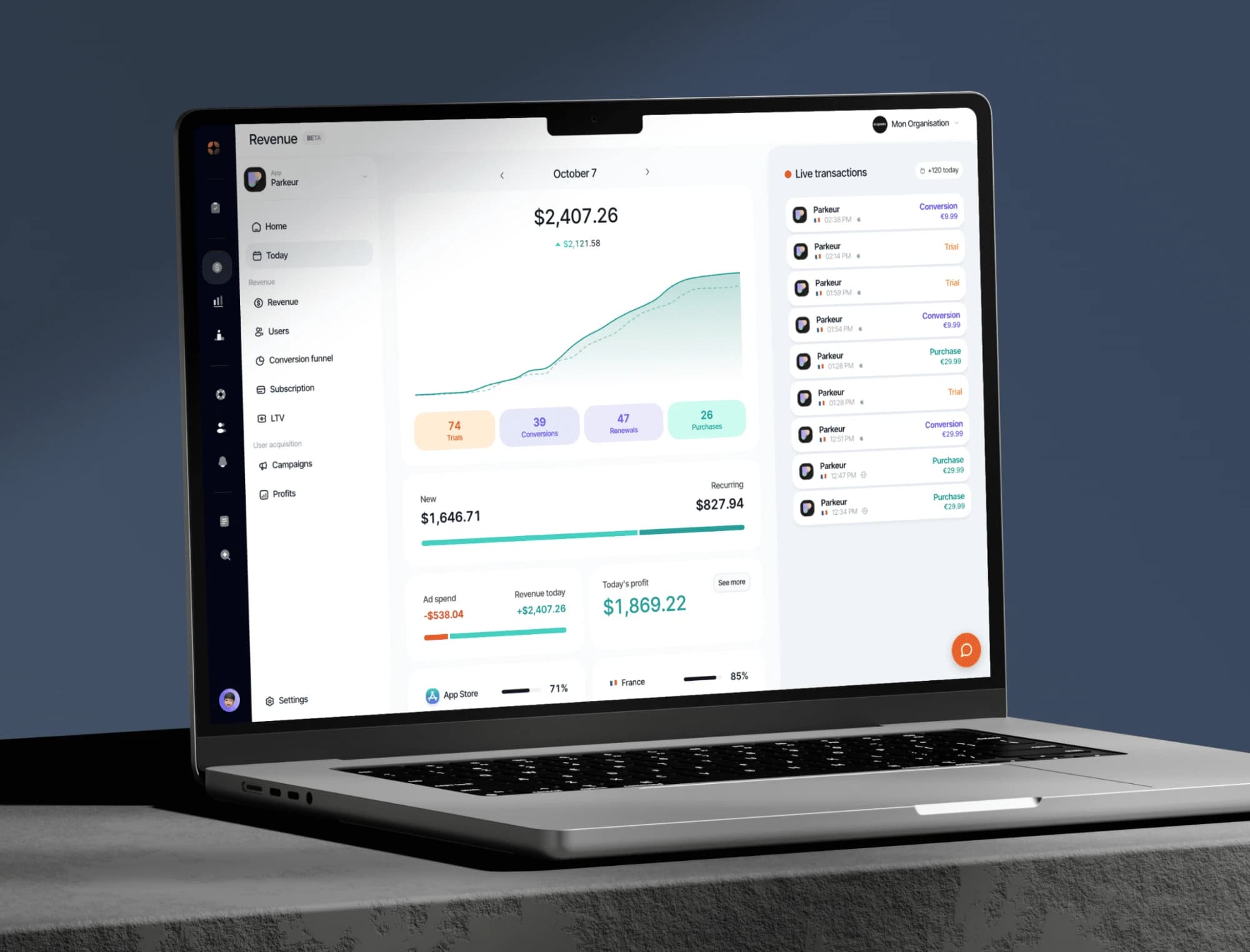
Your indicators consolidated from RevenueCat: revenue, MRR, active subscribers, conversions, churn.
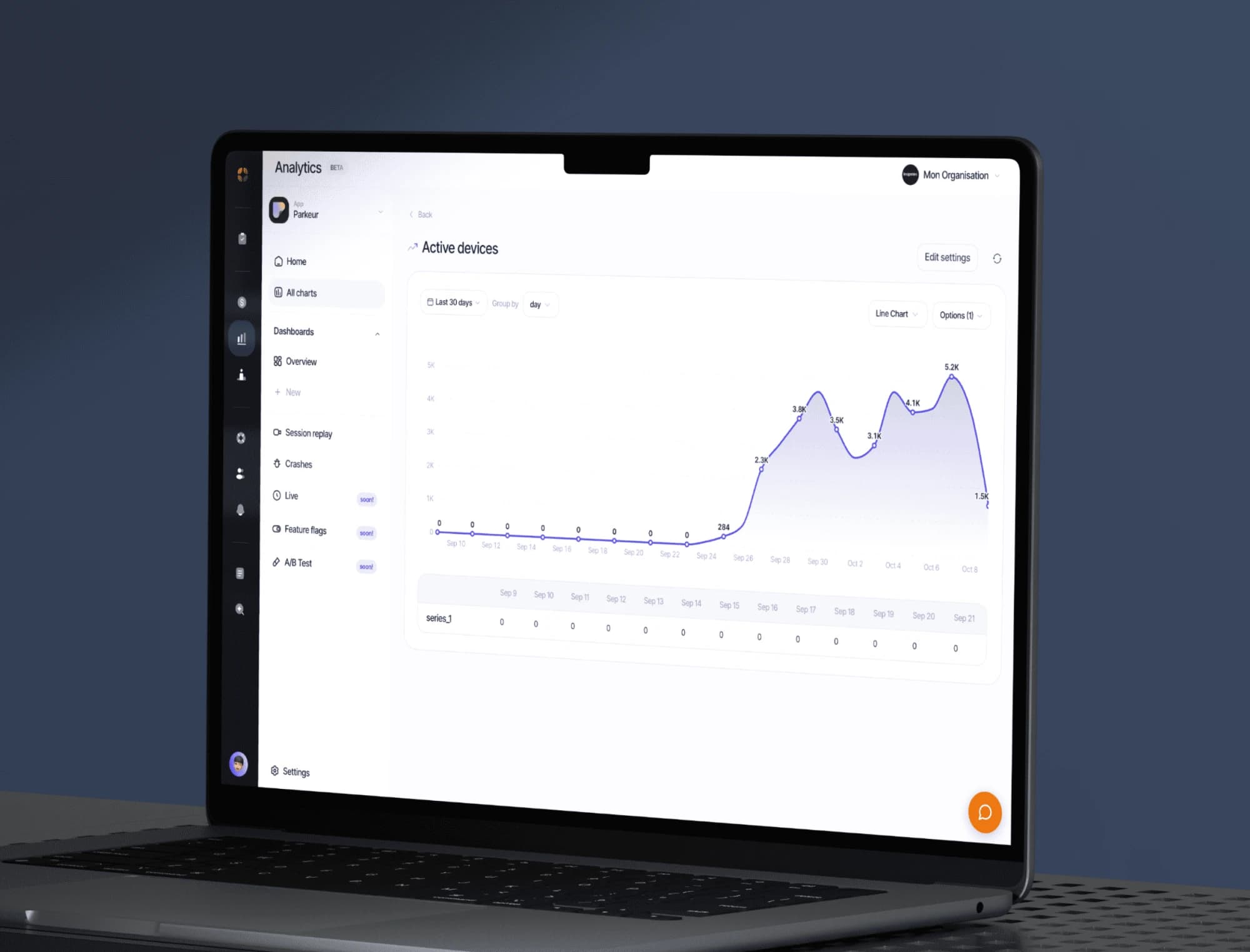
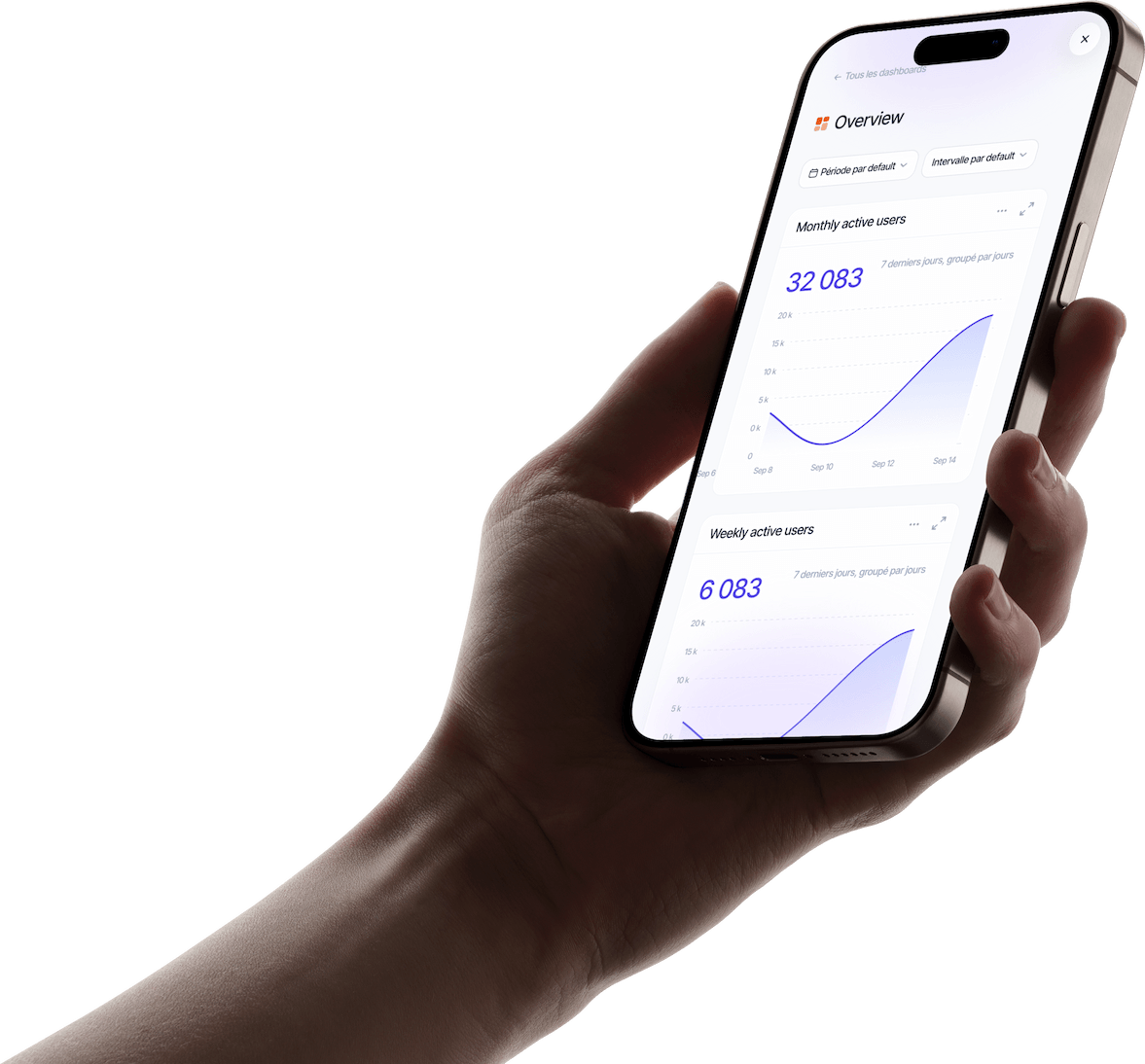
Track your app’s events, build your dashboards and replay sessions to see where your users get stuck.
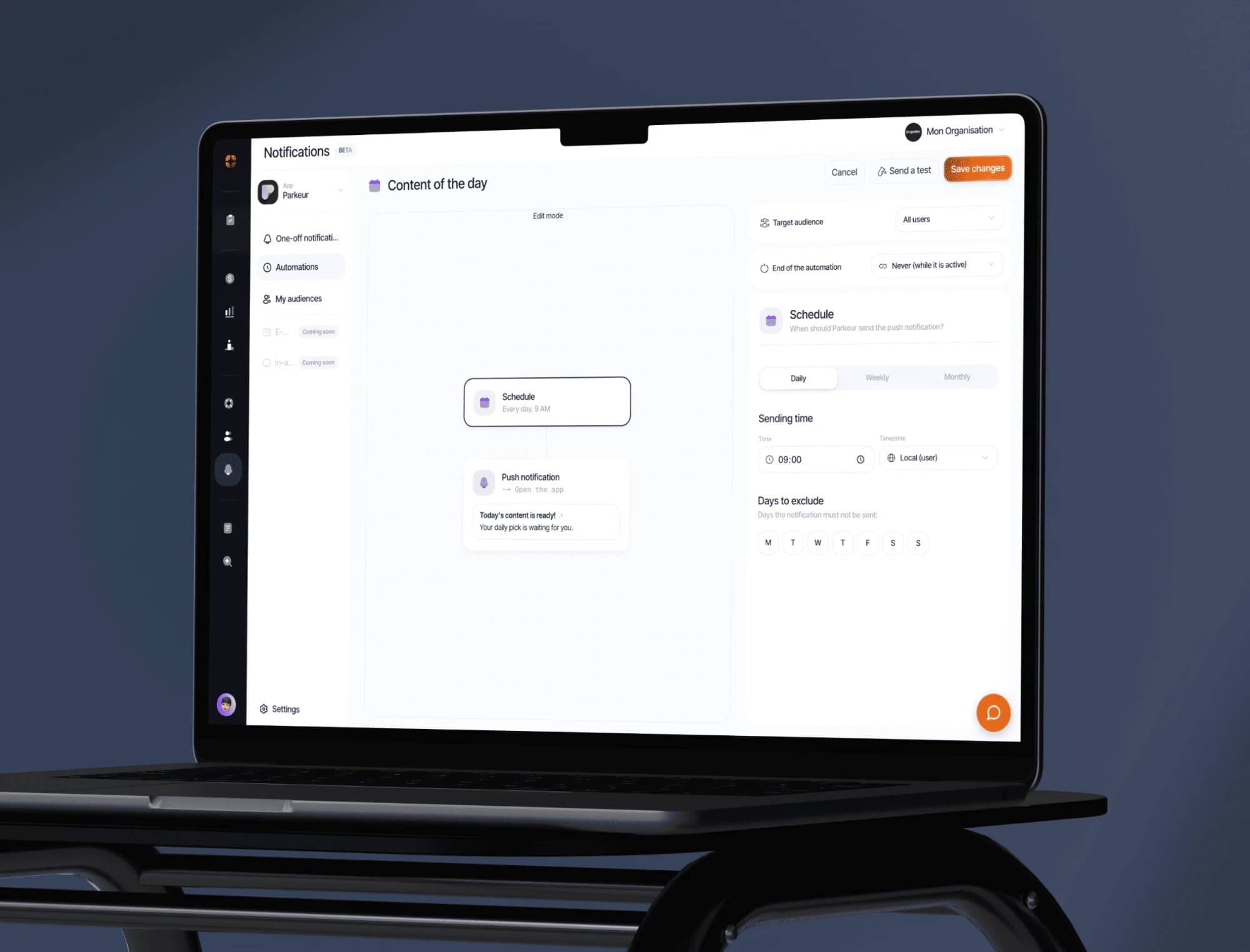
Push campaigns, segments and behaviour-triggered automations. Test the message before sending it to everyone.
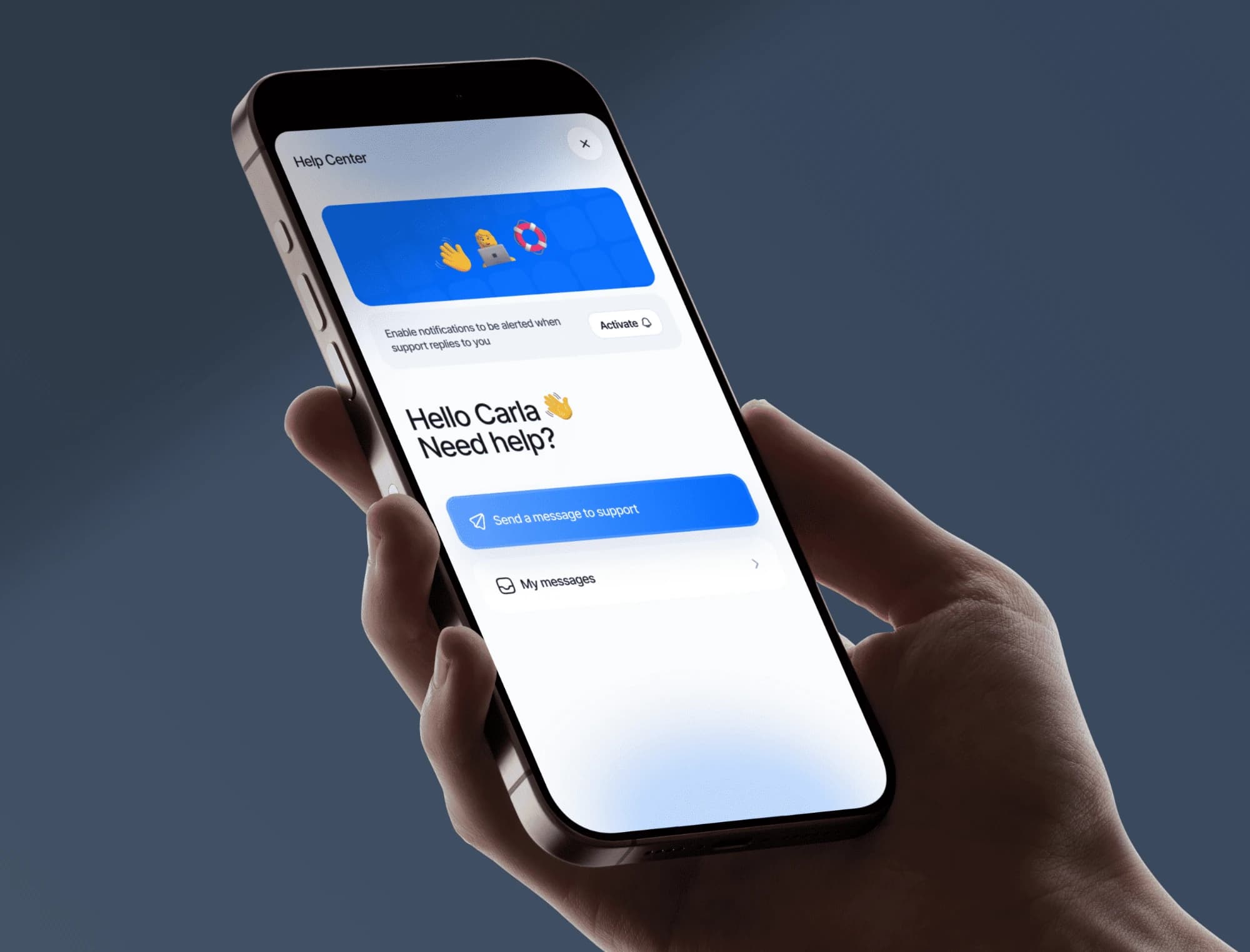
Messaging built into your app, macros, an FAQ base and automatic translation. Your users write, you answer from the dashboard.
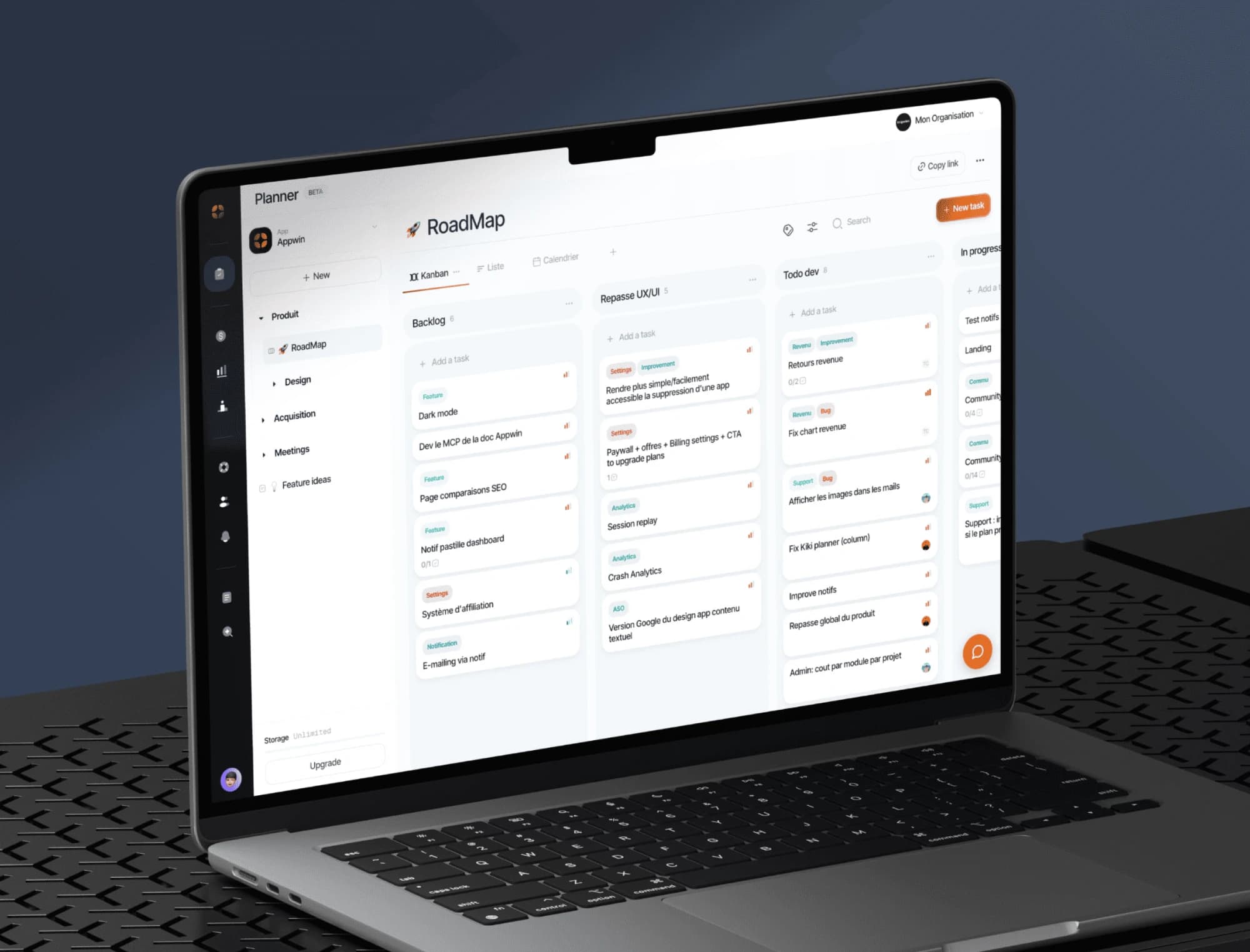
Boards, sprints and tickets built for a mobile release cycle, with specs written together right next to them.
 1,500
1,500 Coach Emma