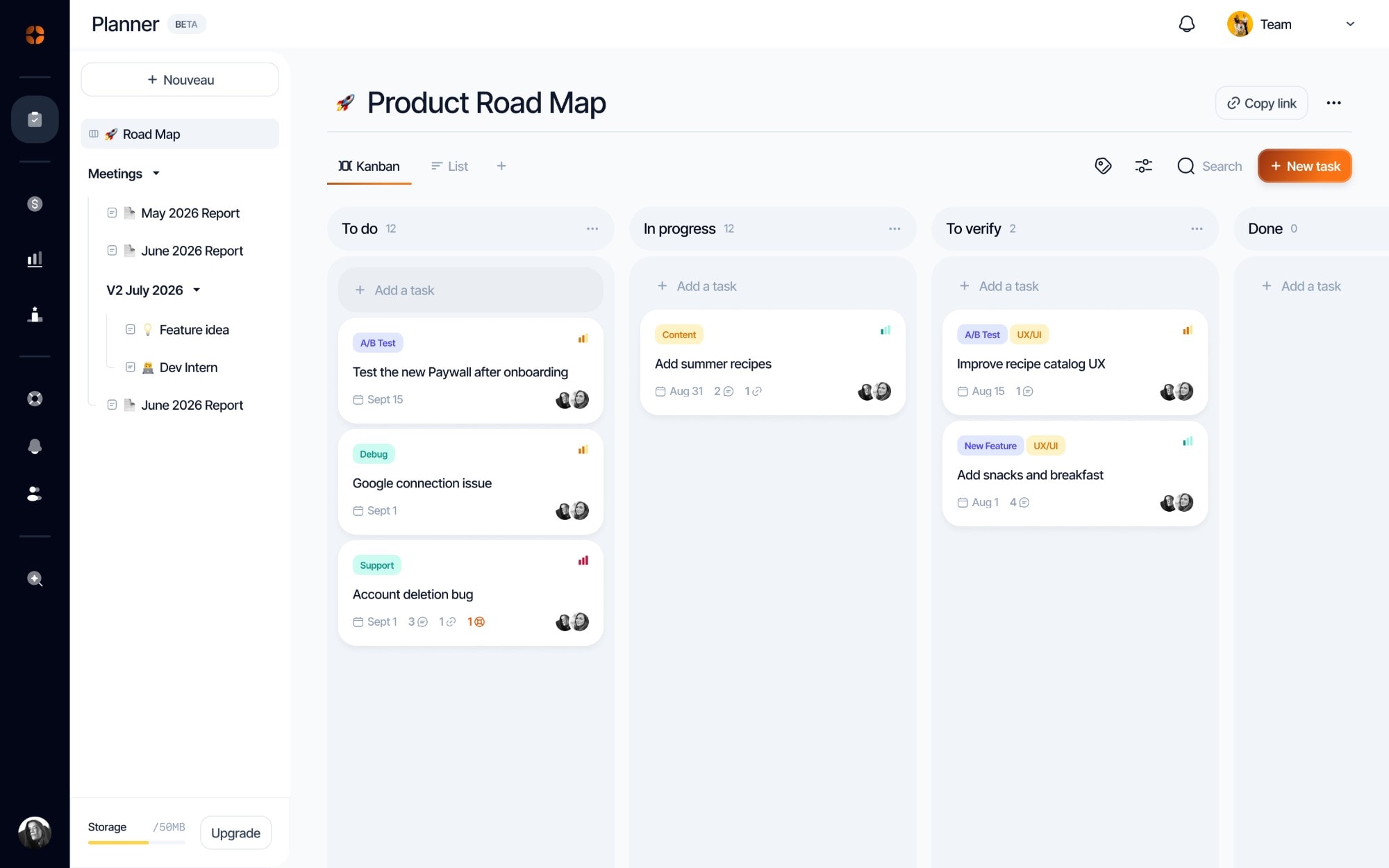


Kanban, list or calendar
The same board can be seen several ways: the flow column by column, a list to sort, or due dates on the calendar.
Boards to organize the work, complete tasks and documents written together.
The same board can be seen several ways: the flow column by column, a list to sort, or due dates on the calendar.
Assign, set due dates, split into subtasks: you can see how every topic is progressing.
Specs, meeting notes and release notes, written in real time: everyone sees each other’s cursor, and everything saves on its own.
All your due dates on one calendar. Plan your tasks week by week to get a clear view of your progress.
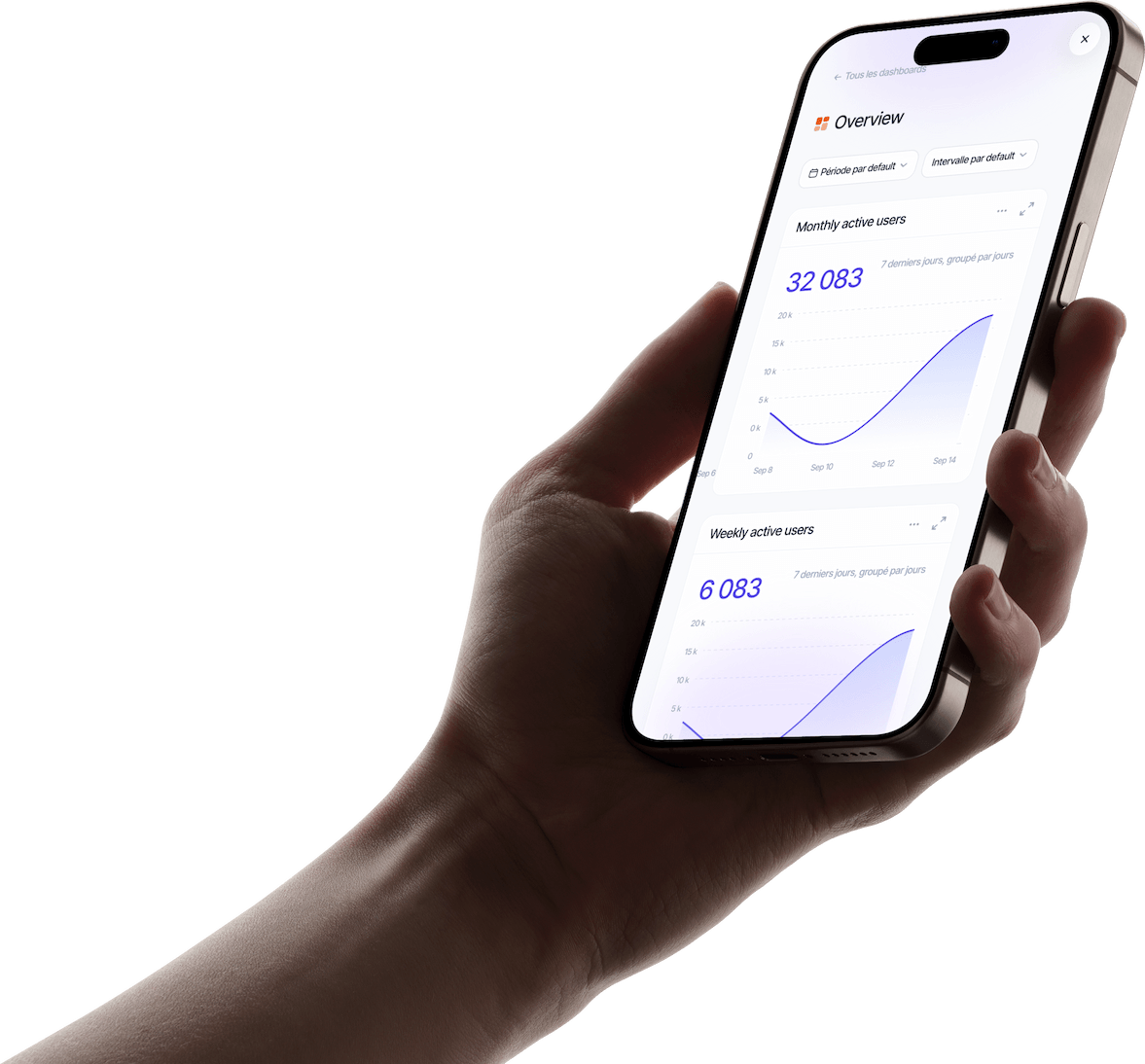
Boards, tasks and documents in the same space as your revenue, analytics and support.
Link a conversation to a task, then let every affected user know at once when it’s fixed.
Several people write in about the same bug, each in their own conversation.
In one click, each conversation is attached to a Planner task, new or existing.
As soon as the task is marked done, a single message goes out to every linked conversation.
A sprint, a release, an app: each board has a clear purpose, and the team knows right away where to look.
A few well-chosen tags, by platform or by area. Finding a topic becomes instant.
If everything is urgent, nothing is. Keep “Urgent” for what truly blocks your users.
A date is a commitment. The calendar shows overloaded weeks before they arrive.
A short spec gets everyone aligned from the start and saves the back-and-forth.
An up-to-date board shows where the work stands, no status meeting needed.
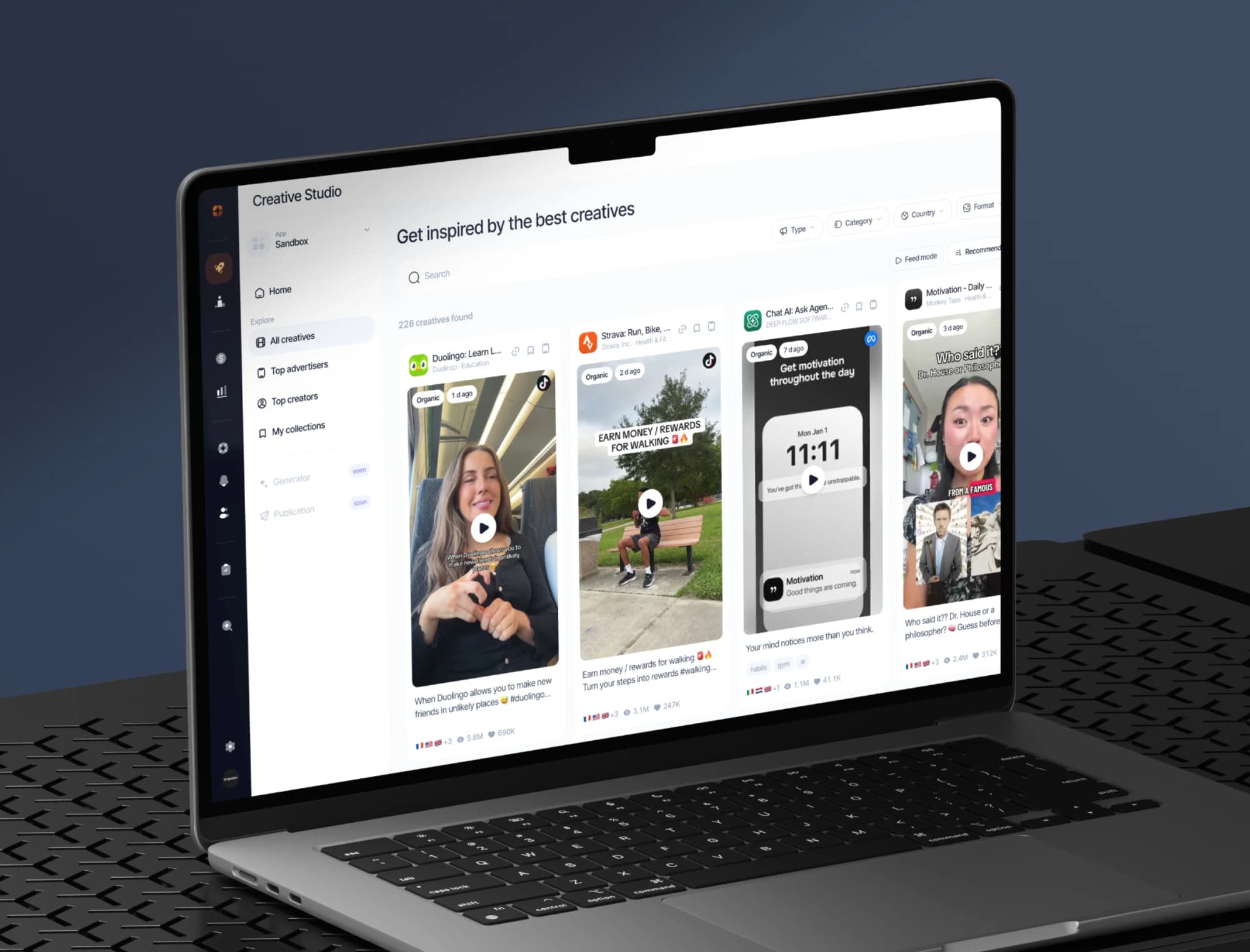
The best ads and organic posts in your market, the apps on the rise and the creators behind them, saved in your collections.
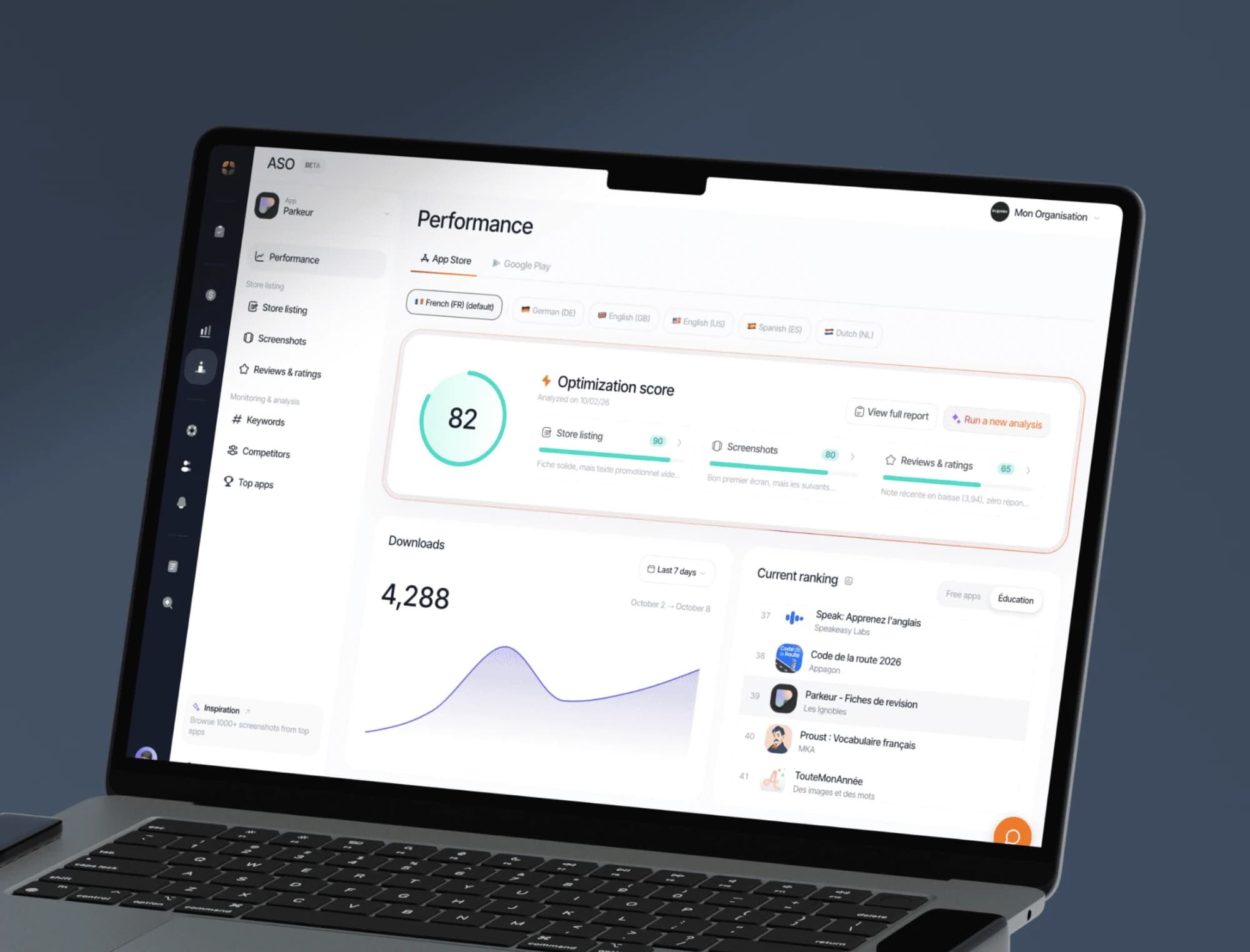
Keywords, screenshots, ratings and ranking tracking on the App Store and Google Play, with an optimisation score for every store listing.
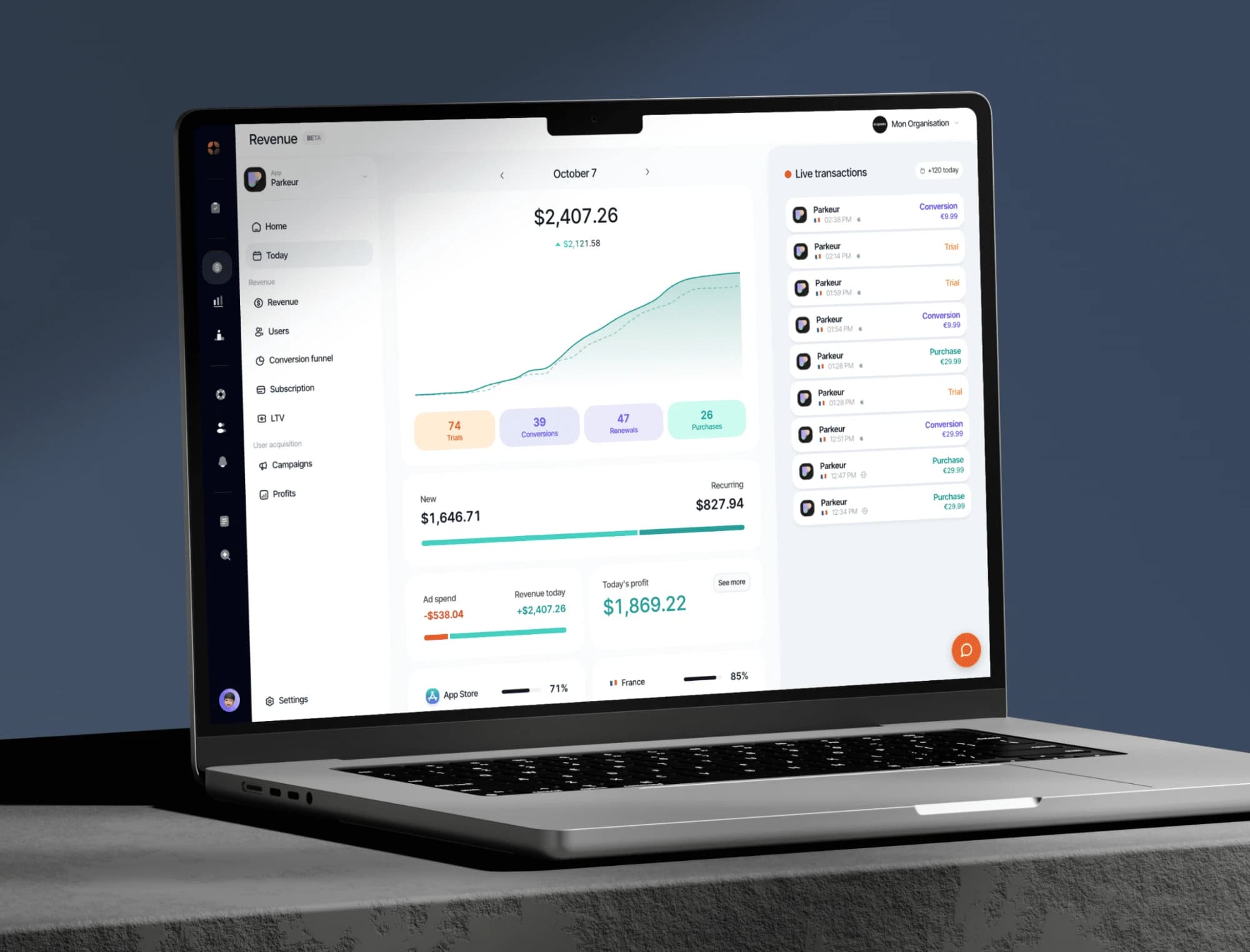
Your indicators consolidated from RevenueCat: revenue, MRR, active subscribers, conversions, churn.
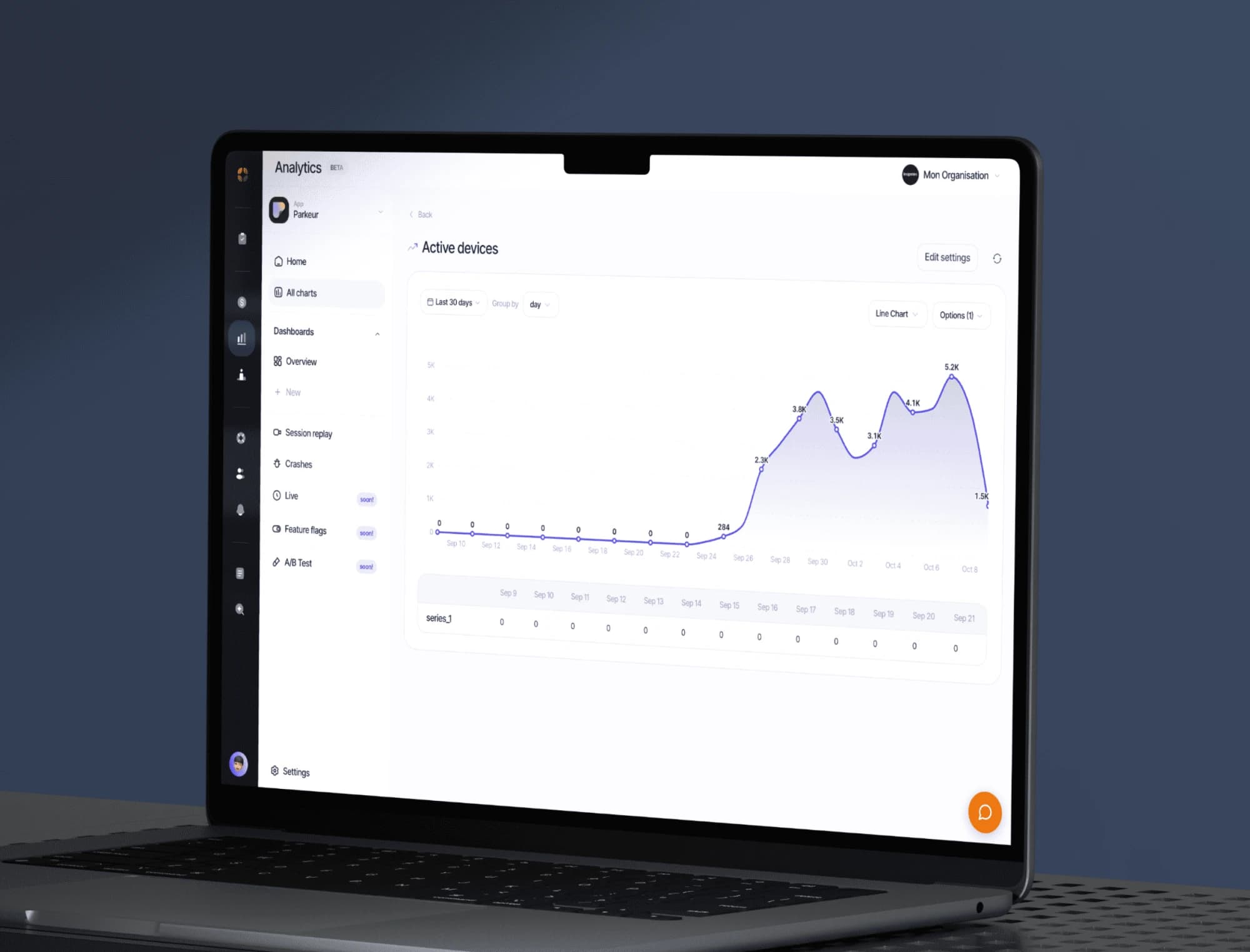
Track your app’s events, build your dashboards and replay sessions to see where your users get stuck.
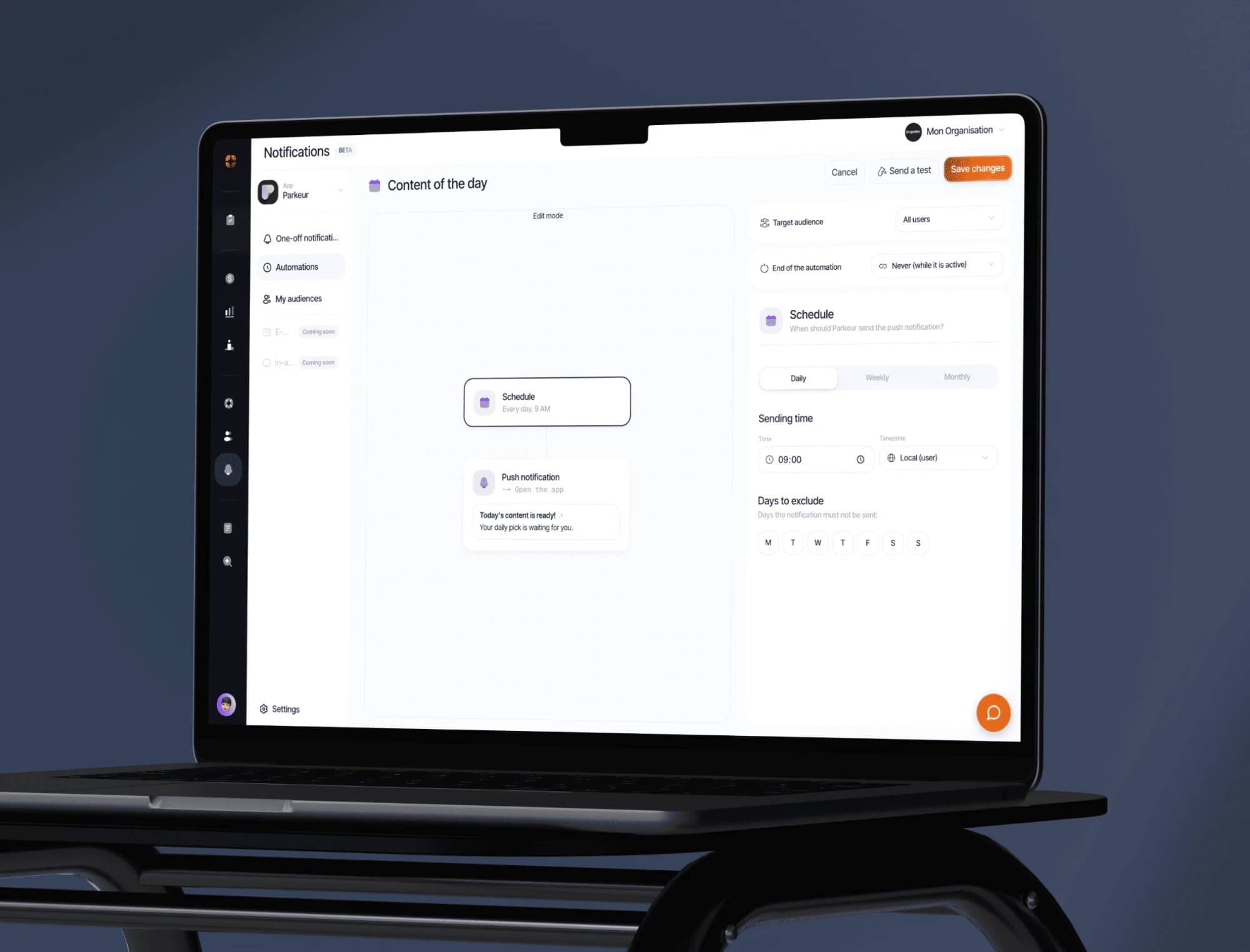
Push campaigns, segments and behaviour-triggered automations. Test the message before sending it to everyone.
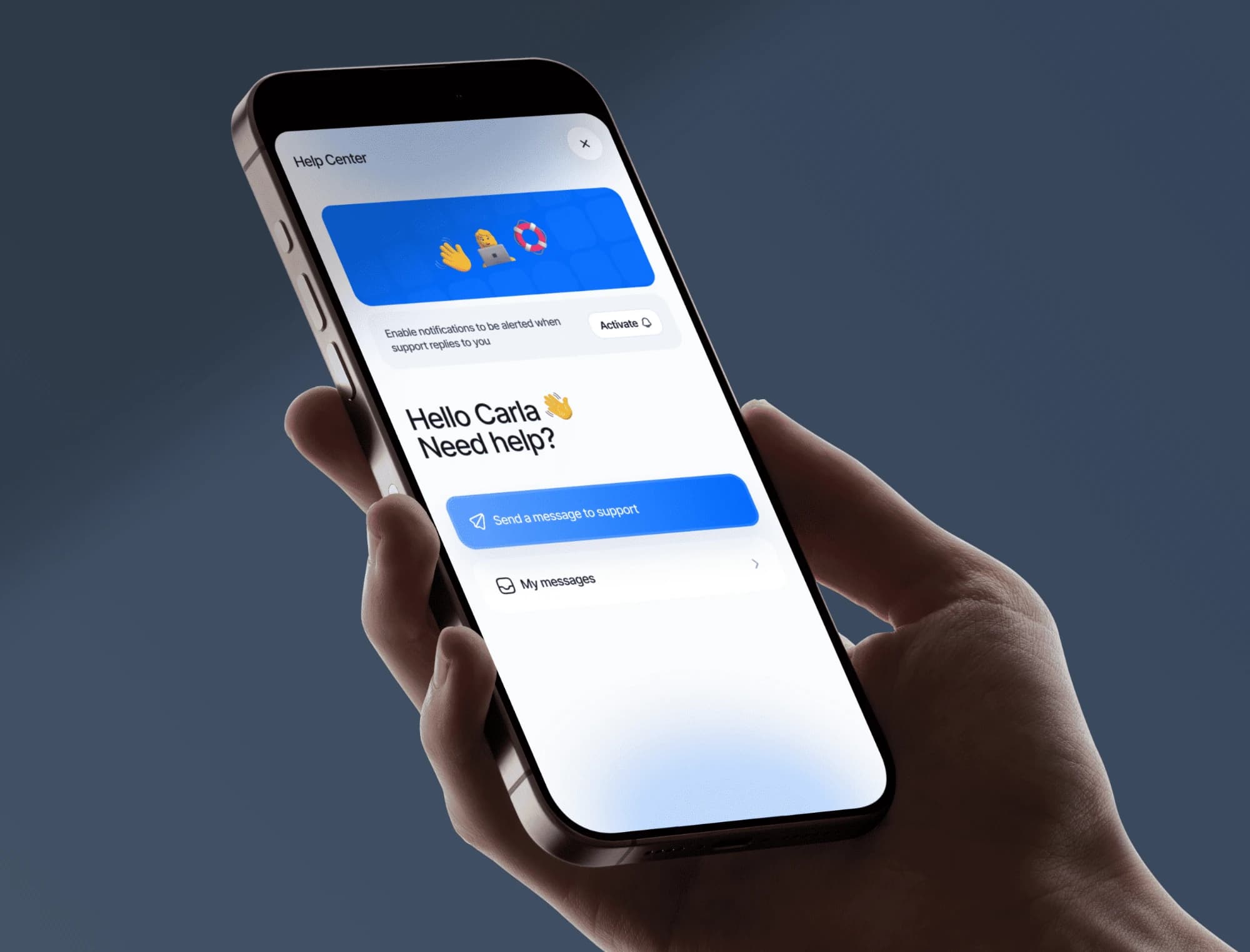
Messaging built into your app, macros, an FAQ base and automatic translation. Your users write, you answer from the dashboard.
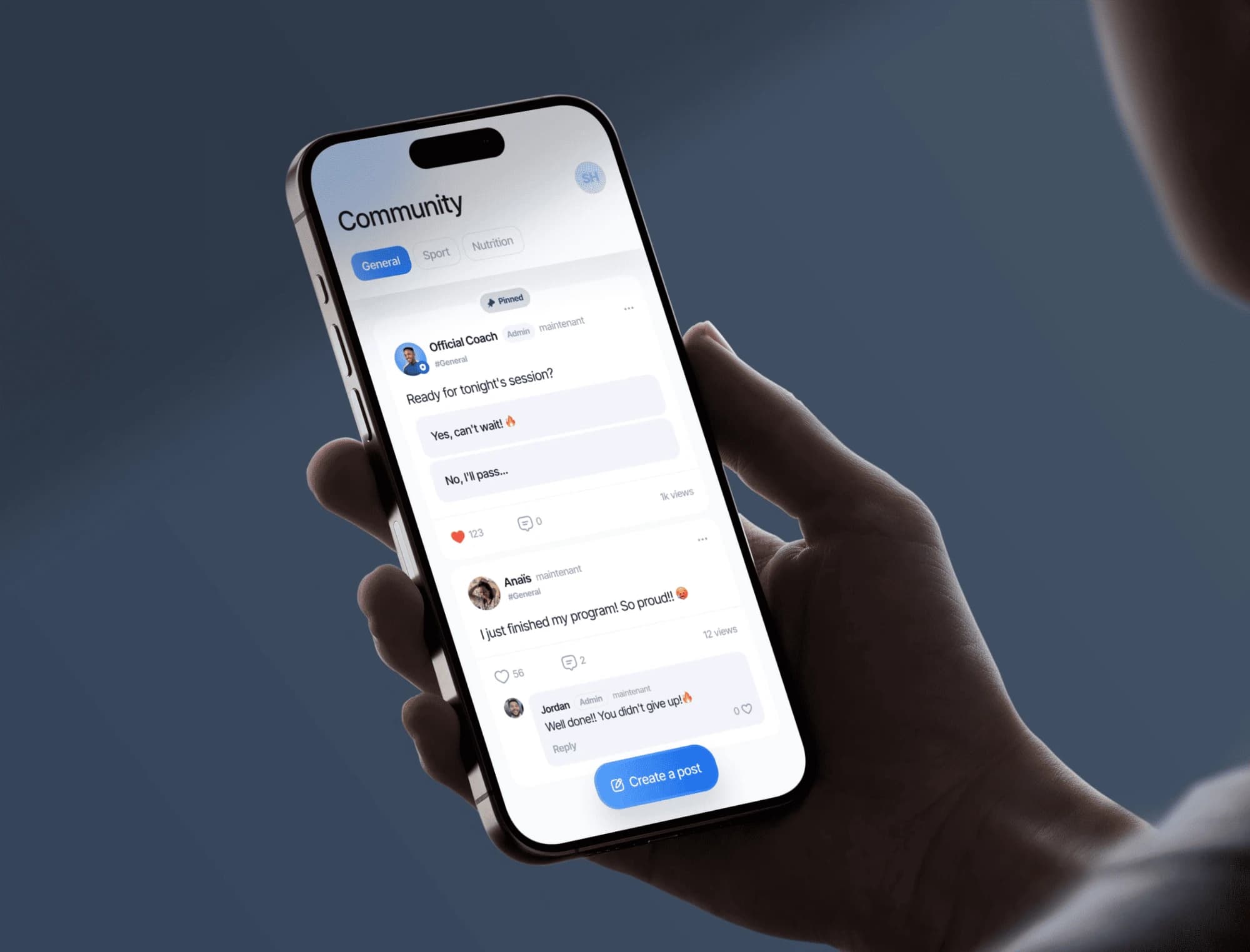
A community feed built into your app: your users post, comment and help each other. You moderate from the dashboard.