






Why screenshots decide your conversion rate
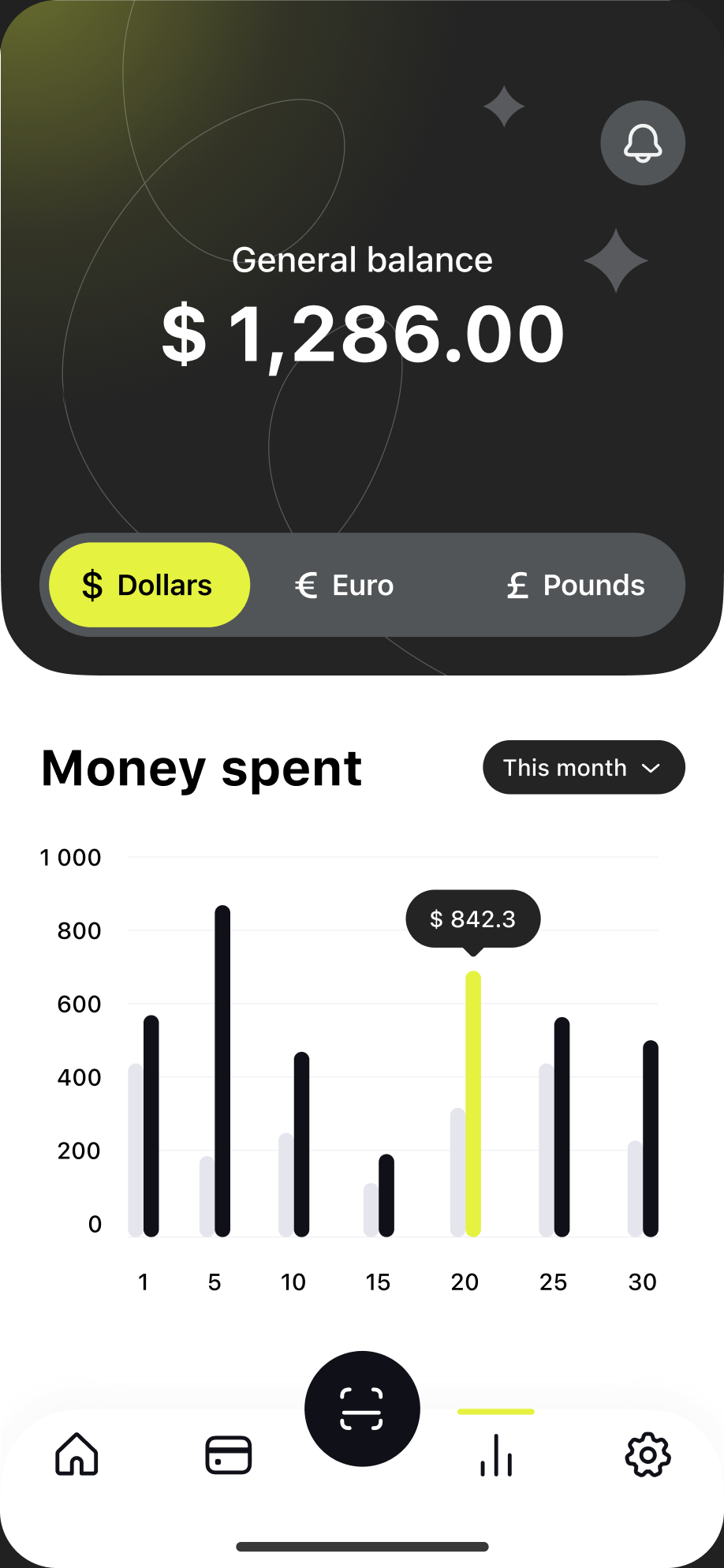
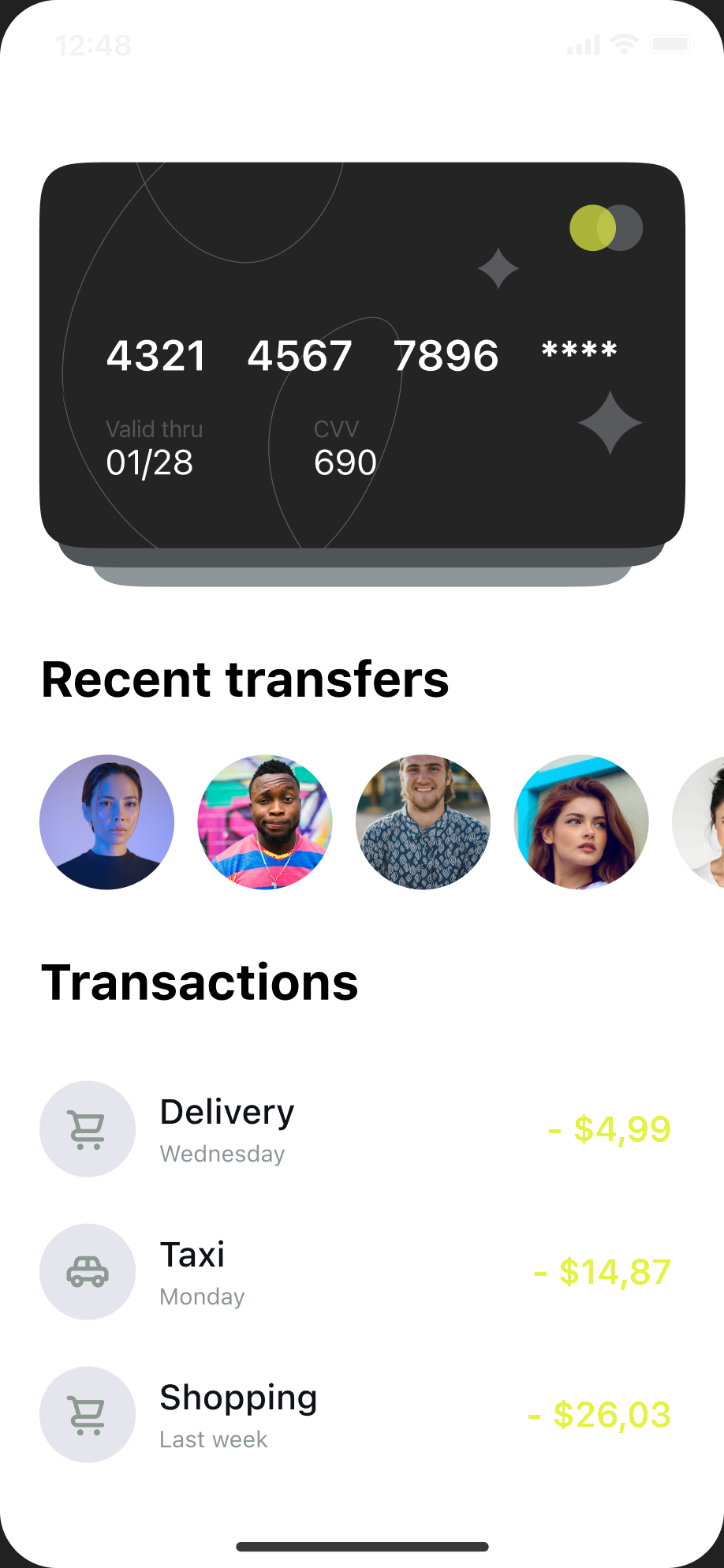
On the App Store and Google Play, most visitors never read your description. They glance at the icon, the rating and the first screenshots, then decide in a few seconds whether to install. Screenshots are the largest visual element on a product page and, in search results, the first two or three are shown right under your app name. They are your shop window.
That is why changing screenshots is one of the levers that moves conversion the most, often more than rewriting the description. A set that shows a clear benefit, readable at thumbnail size, can lift the share of page visitors who install by double digits. A set of raw captures with no context asks the visitor to do the work of understanding your app, and most of them won't.
- Search results show your first screenshots before anyone opens your page.
- Visitors scan images in seconds; captions do the selling, not the description.
- Better conversion also feeds the store algorithms, which rank apps that convert well higher.
App Store and Google Play screenshot sizes and rules
Each store has its own formats. Exporting at the exact size avoids rejected uploads and blurry rescaling. Here are the sizes that matter today.
On the App Store, you can upload up to 10 screenshots per language and per device size, in PNG or JPEG, without transparency. If your app runs on iPhone, the 6.9 inch set is the one Apple asks for; smaller iPhones reuse it. If it runs on iPad, a 13 inch set is required as well.
On Google Play, you need at least 2 and at most 8 screenshots per device type, in JPEG or 24-bit PNG without transparency, up to 8 MB each. Each side must be between 320 and 3840 pixels, and the long side can be at most twice the short one. To be eligible for featuring, provide at least 4 screenshots of at least 1080 pixels on the short side.
- iPhone 6.9 inch: 1320 × 2868 px (1290 × 2796 px is also accepted).
- iPhone 6.5 inch: 1242 × 2688 px or 1284 × 2778 px.
- iPhone 5.5 inch: 1242 × 2208 px.
- iPad 13 inch: 2064 × 2752 px or 2048 × 2732 px.
- Android phone: 1080 × 1920 px is the safe portrait size (9:16).
- Google Play feature graphic: 1024 × 500 px, required for every listing.
What to put on your first three screenshots
Treat the first three screenshots as a short pitch. They are the only ones shown in search results on iPhone, and many visitors never swipe further. Each one should carry a single idea, and together they should answer the question every visitor has: what will this app do for me?
Lead with your strongest benefit, not your onboarding or your login screen. Then show the feature people come for, then a proof point: a result, a social element, an award or a rating. Keep the order consistent with the story you tell in your subtitle and keywords.
- Screenshot 1: the main promise, in a few words, over your most attractive screen.
- Screenshot 2: the core feature in action, the screen users spend the most time on.
- Screenshot 3: a proof or a differentiator, such as progress, results or community.
- Avoid empty states, settings screens and screens that need explaining.
How to write screenshot captions that convert
Captions are read at thumbnail size, on a phone, in a hurry. Short wins: aim for three to six words in the headline and use the optional subline only to add a concrete detail. Write about the user's outcome rather than the feature's name: "Sleep better in 7 days" says more than "Sleep tracking module".
Make the text large and contrasted. A caption that can't be read in the search results does nothing. Keep one font and one style across the set so the screenshots read as a series, and test your captions: the store's own A/B tools (product page optimization on the App Store, store listing experiments on Google Play) let you compare two versions on real traffic.
- One idea per screenshot, three to six words in the headline.
- Talk about benefits and outcomes, not feature names.
- High contrast between text and background, large enough to read in search results.
- Reuse your main keywords naturally: captions also shape how people perceive your app.
Localize your screenshots, not just your text
Both stores let you upload a different set of screenshots for each language. Many studios translate their title and description but leave English captions on every storefront. For a visitor in Germany, Japan or Brazil, a caption in their own language is the difference between an app that feels made for them and one that doesn't.
Localizing screenshots usually brings a clear conversion gain in markets where English is not the first language. Start with the countries that already bring you traffic, translate the captions rather than the whole design, and check that longer translations still fit on two lines. When the app's interface is translated too, use captures taken in that language.
From this free tool to full screenshot sets with appwin
This generator is the screenshot editor of appwin's ASO module, free and without an account. It comes with the same templates, styles, fonts and device sizes, and everything runs in your browser: your captures are never uploaded. Sets go up to six slides, you can add languages and write their captions yourself, and exports carry a small watermark, three times a day.
With a free appwin account, the same editor keeps your sets for each of your apps, builds longer ones (up to 10 slides on the App Store, 8 on Google Play), translates your captions into every language of your listing in one click, exports clean files without the watermark, and publishes the finished sets straight to App Store Connect and Google Play. appwin is the operating system for mobile app studios: support, community, push, revenue, analytics, attribution and ASO in one place, so your screenshots live next to the data that tells you whether they work.
See appwin's ASO module