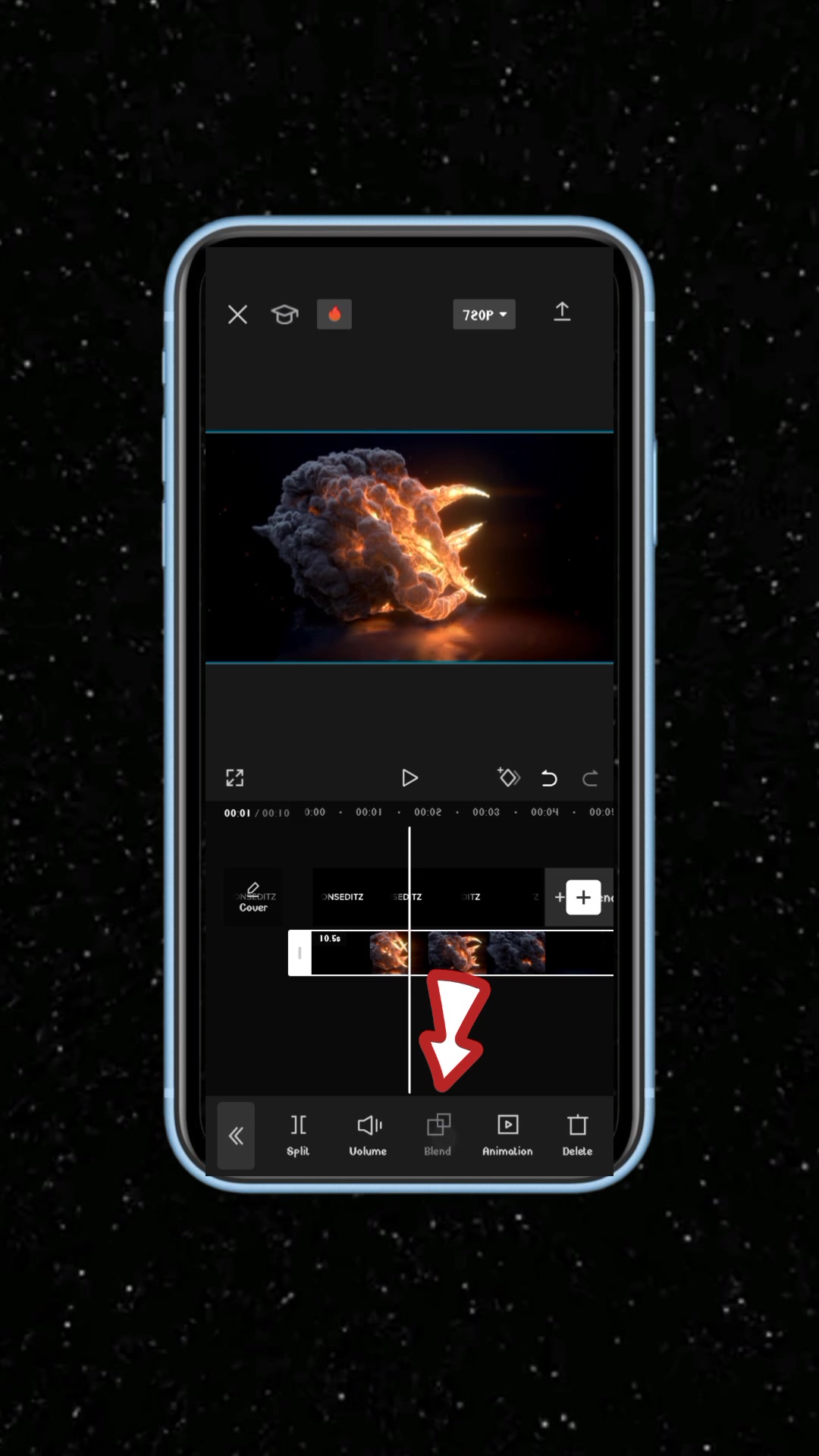
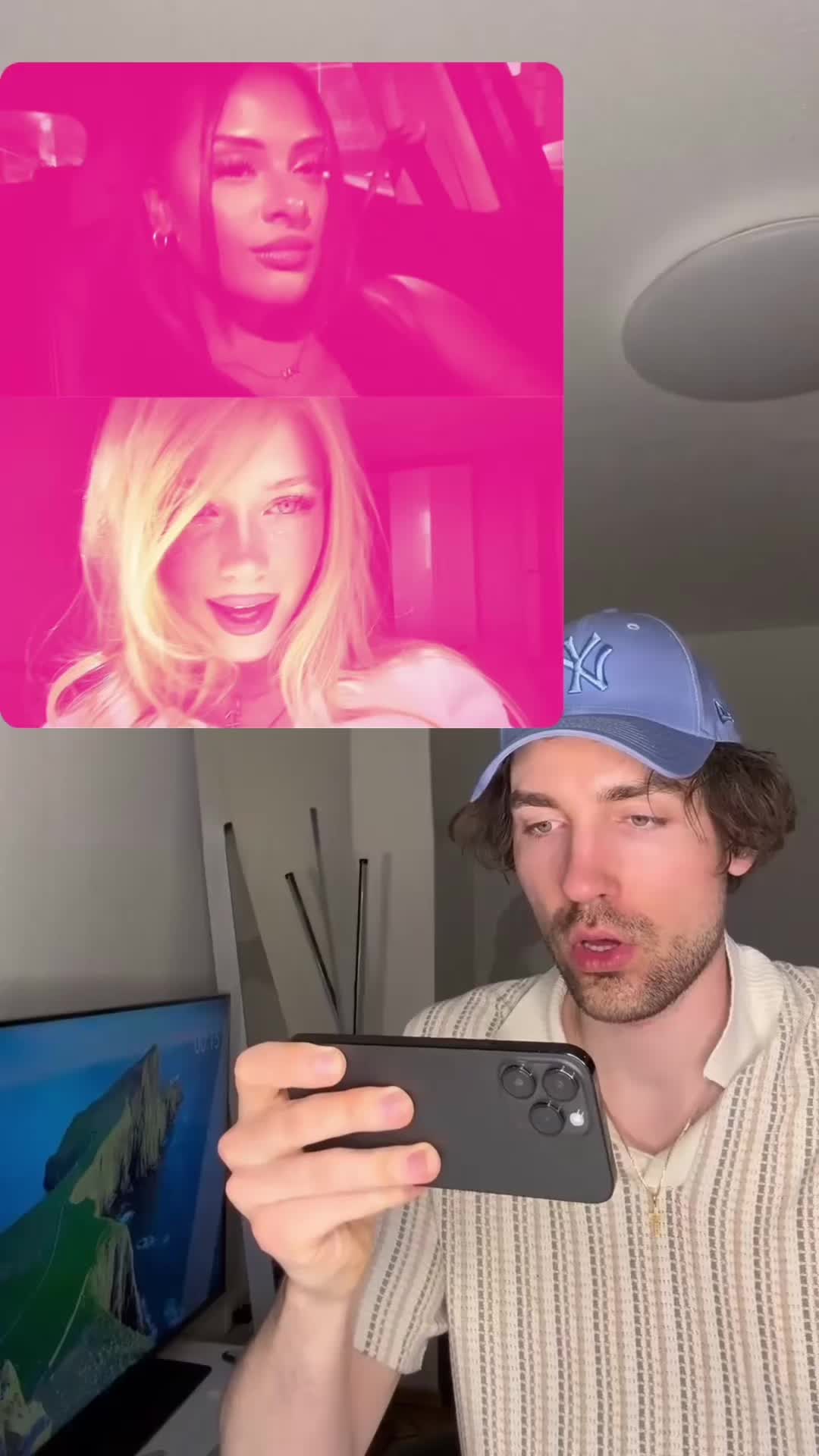
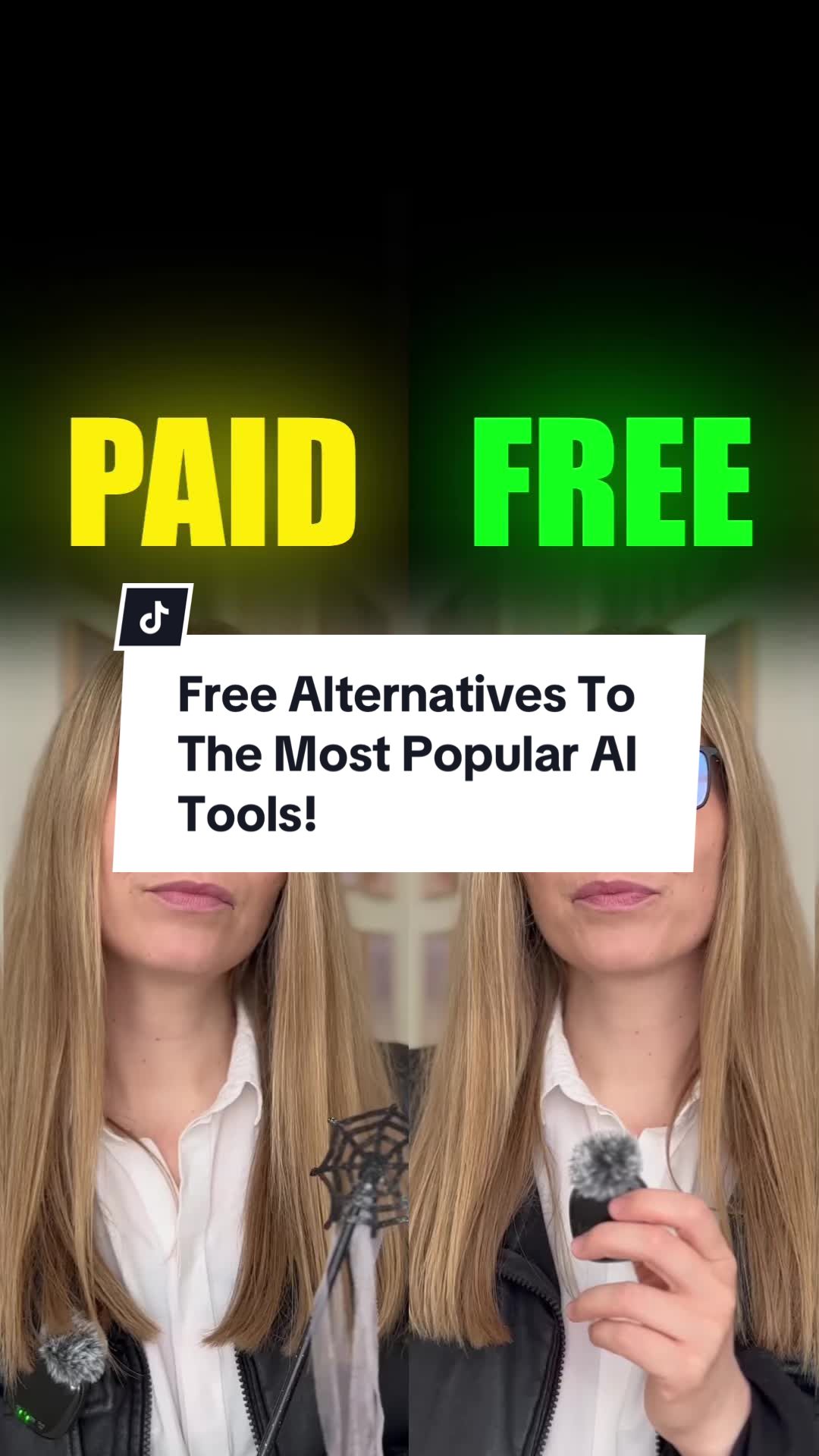
The biggest free library of app UGC videos

#1 app by creatives

CapCut - Éditeur vidéo & photo

240 creatives88 creators93.1M views

Videos that work

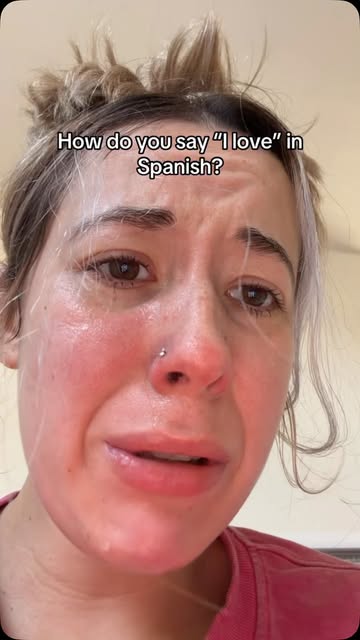
  • 5.5M viewsInstagram
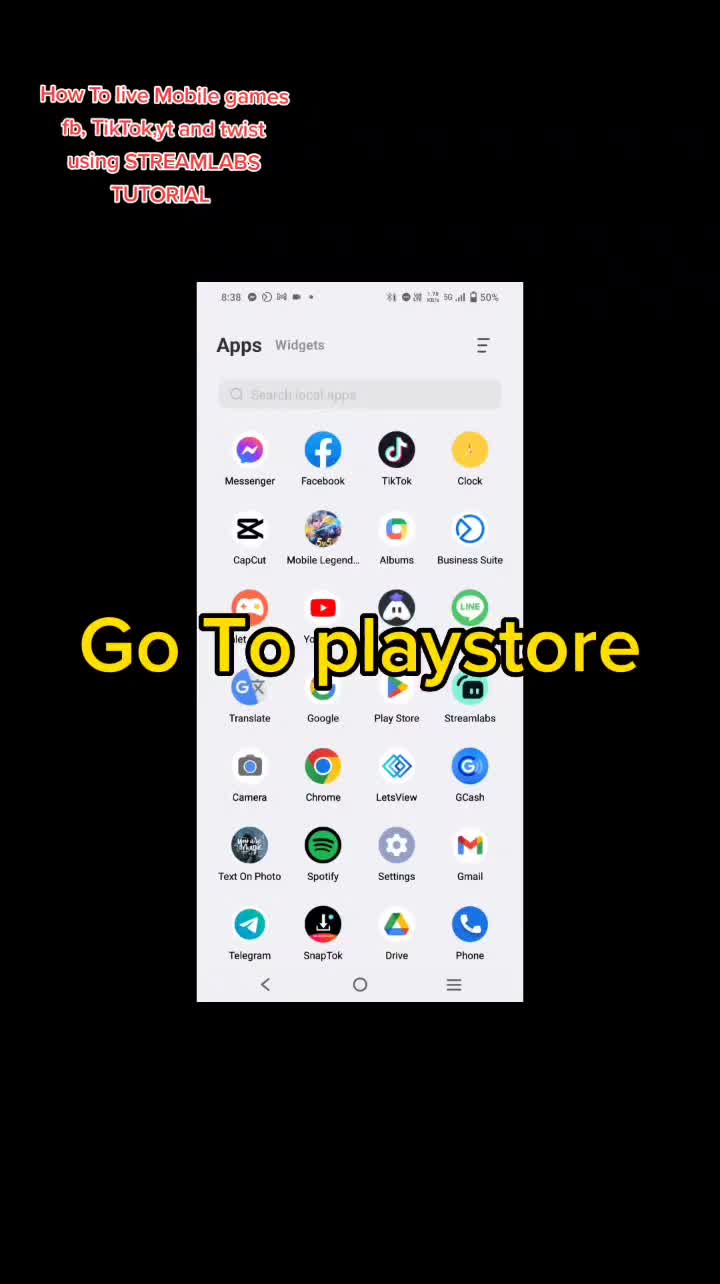
  • 4.2M viewsTikTok
  • 2.2M viewsTikTok
  • 3.1M viewsInstagram
  • 3.7M viewsTikTok
  • 1.8M viewsInstagram
  • 3.5M viewsTikTok
  • Meta
  • 3.3M viewsTikTok
  • 1.7M viewsInstagram
  • Meta
  • 2.6M viewsTikTok

14,282 more creatives to explore

The best ads and organic posts of your market, every week.

Discover appwin

Free to start, no credit card.

Why UGC works for app install ads

User-generated content, or UGC, is a video that looks like it was filmed by a real person rather than produced by a brand: a phone held at arm's length, a face, a voice, an app on screen. On TikTok, Reels and Shorts, that format blends into the feed. People watch it as content before they notice it is an ad, which is exactly the moment an install ad needs.

For apps, UGC has a second advantage: an app is hard to explain with a banner. A person who shows the app in their hand, says what problem it solved for them and taps through the key screen does the work of a store page in fifteen seconds. Viewers trust a peer more than a logo, and the cost per install follows.

UGC is also cheap to test. One creator can film five hooks in an afternoon, and the platforms tell you within days which one holds attention. That speed is why most growing apps now run a steady flow of creator videos rather than a few polished spots a year.

Anatomy of a winning app ad: hook, demo, proof, call to action

Browse the videos in this library and the same structure keeps coming back. It is not a rule imposed by anyone, it is what survives when the platforms only keep showing what people watch.

Each part has one job, and the best videos move from one to the next in under thirty seconds:

  • The hook, in the first two seconds: a bold claim, a relatable problem, a surprising result or a question. If it fails, nothing else is seen.
  • The demo: the app on screen, in the creator's hand, doing the one thing that matters. Real screens beat mockups.
  • The proof: a result, a before and after, a number, a reaction. It turns a promise into something believable.
  • The call to action: where to get the app and why now, said out loud and shown on screen.

How to find creators for your app

The best creators for an app are often already talking about apps like it. Start from the videos that work in your category: each one has an account behind it, and an account that made one video perform for a competitor knows your audience and the format.

Look past follower counts. A creator with 20,000 followers whose videos regularly pass 100,000 views is worth more to you than a large account whose reach has stalled. Check that their posts are in the language and the country you target, and that their tone fits your app.

Then reach out with a clear brief: the problem your app solves, the hook you want them to try, what they must show on screen. Ask for several hooks per video, so you can test them as separate ads.

How to use an ads library for creative research

An ads library is a shortcut to what the market already validated. Instead of guessing which angle will work, you start from the videos that collected the most views or ran the longest in your category, and you study why.

A simple routine works well. Filter on your category, sort by views, and open the top twenty videos. Note the hook of each in one line, the length, who is on screen and how the app is shown. Patterns appear quickly: an angle every winner uses, a format nobody has tried yet in your niche.

The goal is not to copy a video. It is to understand the idea behind it and to film your own version with your app, your proof and your creators. Days running is a useful signal too: an ad that keeps running for weeks is an ad that pays for itself.

Keep a swipe file of what you find: the hook, the angle and a link for every video worth remembering, tagged by category and network. Review it before each new batch of ads, and come back to the library every week, since it is refreshed every Monday with the newest TikTok and Meta ads of each market. After a month you have a map of the angles that work in your niche, and a short list of creators to brief.

TikTok vs Meta vs organic posts

TikTok ads reward native, fast videos that feel like posts: a creator speaking to the camera, captions, trending sounds. Meta, across Facebook and Instagram, takes the same videos well in Reels and Stories, and gives more control over targeting and placements.

Organic posts are the third source, and often the first to watch. A creator's unpaid video that reaches a million views tells you an angle works before anyone spends on it. Many studios test hooks organically, then put money behind the winners as Spark Ads on TikTok or partnership ads on Meta.

This library mixes all three: paid ads from the Meta and TikTok libraries, and creator posts from TikTok and Instagram that name an app. The network of each video is shown when you open it.

How appwin's Creative Studio tracks ads, creators and apps every week

Every Monday, appwin collects the ads and creator posts of the main app categories in several markets, then checks each one to keep only videos that are really about an app, and links it to the right app. Only what has reached people is shown.

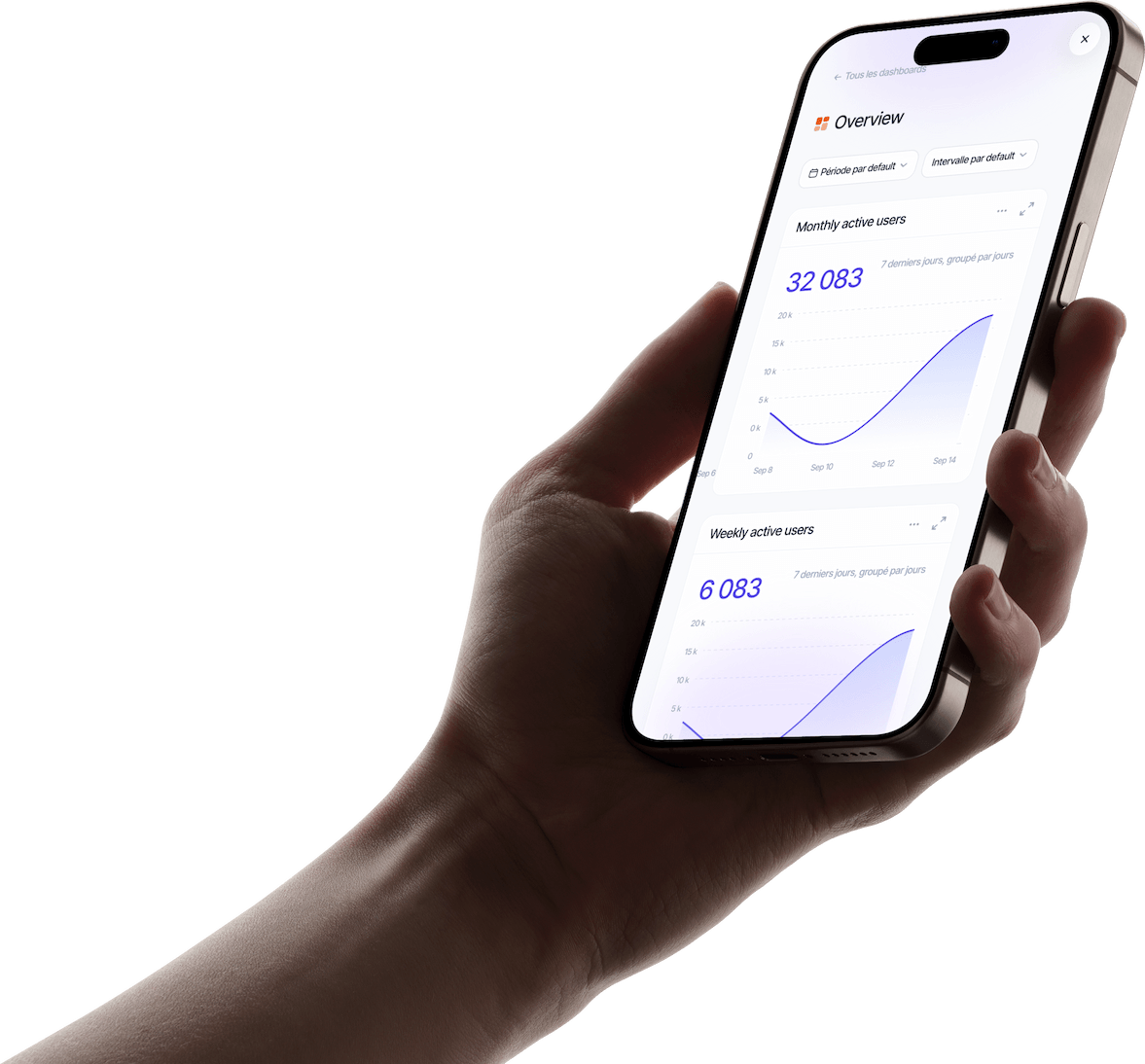
Inside appwin, the Creative Studio goes further than this free page: search every video by keyword, app or creator, follow your competitors and get their new ads each week, save videos to collections, see each creator's profile and audience, and share a board with your team.

This page shows the first twelve videos of each filter. A free appwin account opens the whole catalog.

Discover appwin's Creative Studio

FAQ

Frequently asked questions

appwin is the operating system of mobile app studios: one subscription for support, community, push, revenue, analytics, attribution, ASO and marketing, run from one dashboard. This ads library is a free preview of its Creative Studio.

Yes. You can browse the top apps and the first videos of every filter without an account. A free appwin account unlocks the full catalog, search and collections.

From public sources: the Meta Ad Library, the TikTok ad library and public creator posts on TikTok and Instagram that mention an app. Each video links back to its original.

Every week. New ads and creator posts are collected each Monday, and the views and days running of the videos already listed are refreshed.

Among the apps with the most new videos over the last 30 days, they are ranked by the number of distinct creators behind their videos. The views shown are those of their creators' posts.

No, they belong to their creators and advertisers. Use them for research: study the hooks and formats that work, then film your own versions or work with the creators directly.

Run your whole app studio from one place

Support, community, push, revenue, analytics and ASO in one subscription, plugged into your apps with one SDK. Free to start.