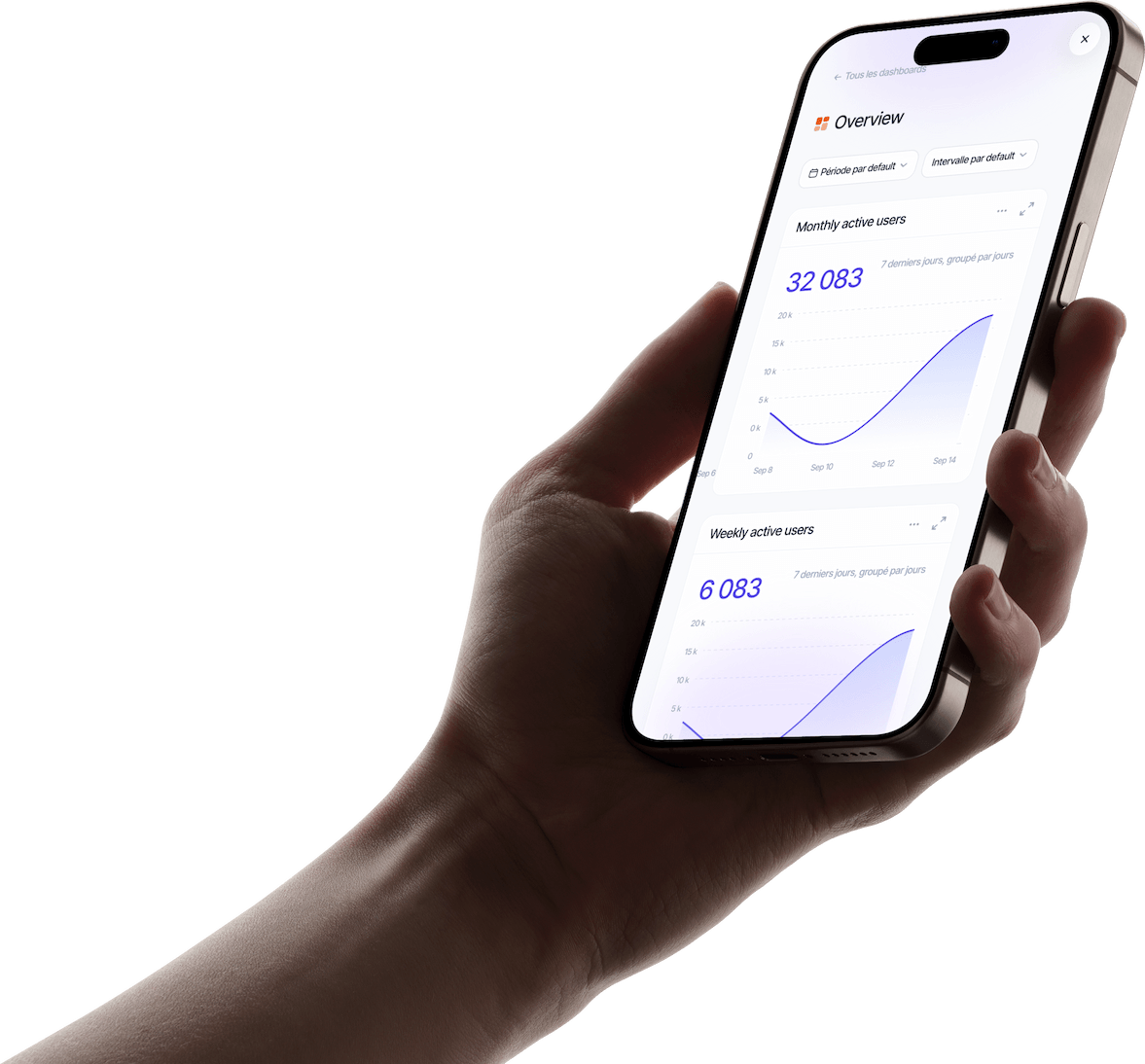
Watch every session as a video
Replay a user’s session like a video: every screen and every tap, in order, to understand what made them drop off.
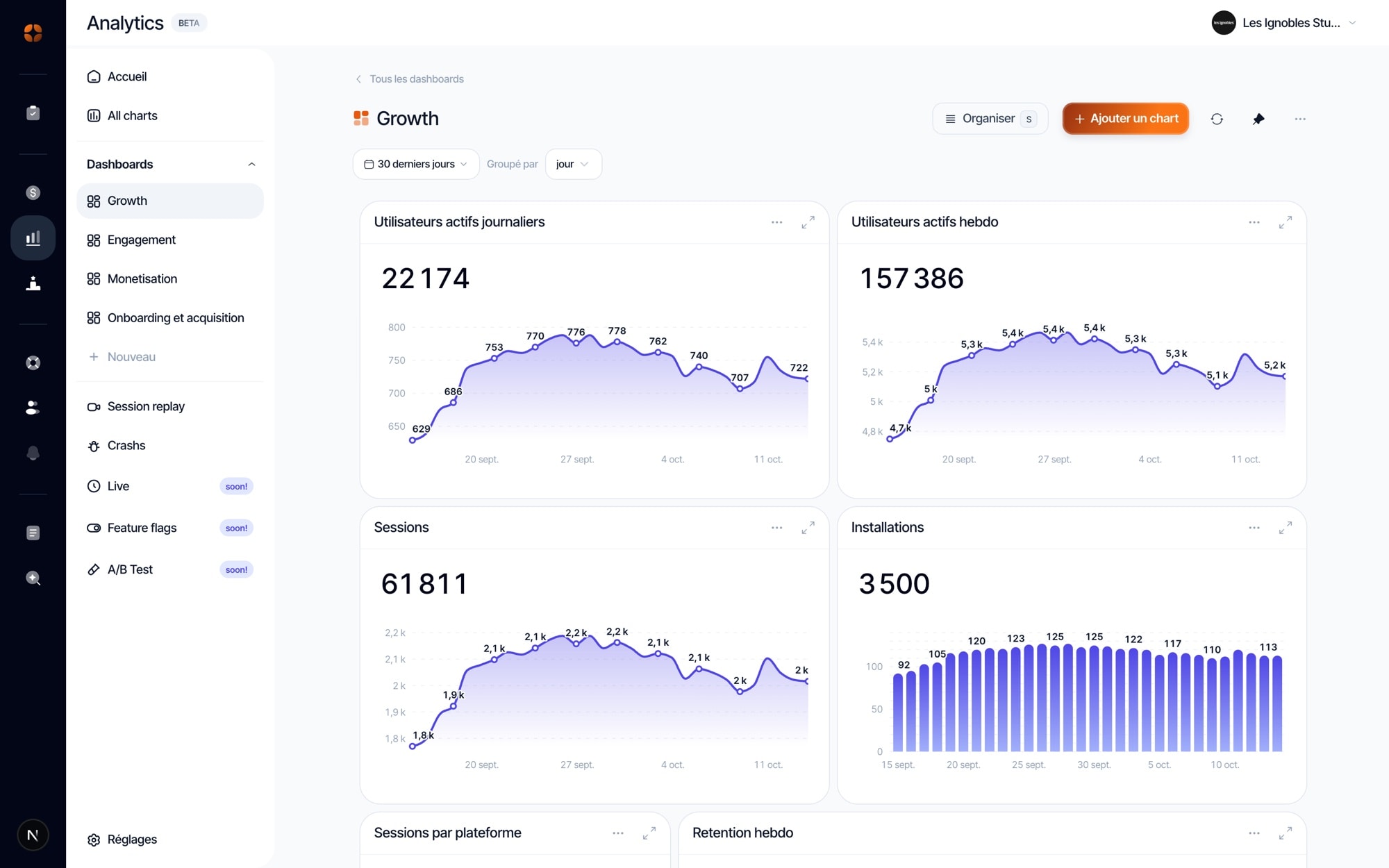
Video replays, funnels, dashboards and crashes: everything you need to understand your users.
Replay a user’s session like a video: every screen and every tap, in order, to understand what made them drop off.
Chain the steps of a journey, from sign-up to paywall, and spot the one where your users drop off.
Pick an event, a filter and a period: the chart shows up and joins the dashboard of your choice, next to the others.
Crashes are grouped by cause, with the stack trace, the devices and versions hit, and the session that led to it.
Discover appwin Analytics, the tool that helps you understand every step of your users’ journey.
95%
of new users never come back… after 30 days.
Sources: Adjust, AppsFlyer, 2025

The “aha moment” is when users grasp the value on offer. Find it and do everything to shorten the time to reach it! It is often a very direct retention lever.
Thirty or so events that answer your real questions beat hundreds of clicks tracked “just in case”.
Before making decisions, watch a few videos of sessions dropped at the failing step: some things numbers just can’t show!
Build each dashboard around a single question (“is the onboarding working?”). A screen that answers one question reads in 10 seconds; a catch-all screen no longer reads at all.
After each release, compare it with the previous one on your key steps and crashes, to quickly spot any regression.
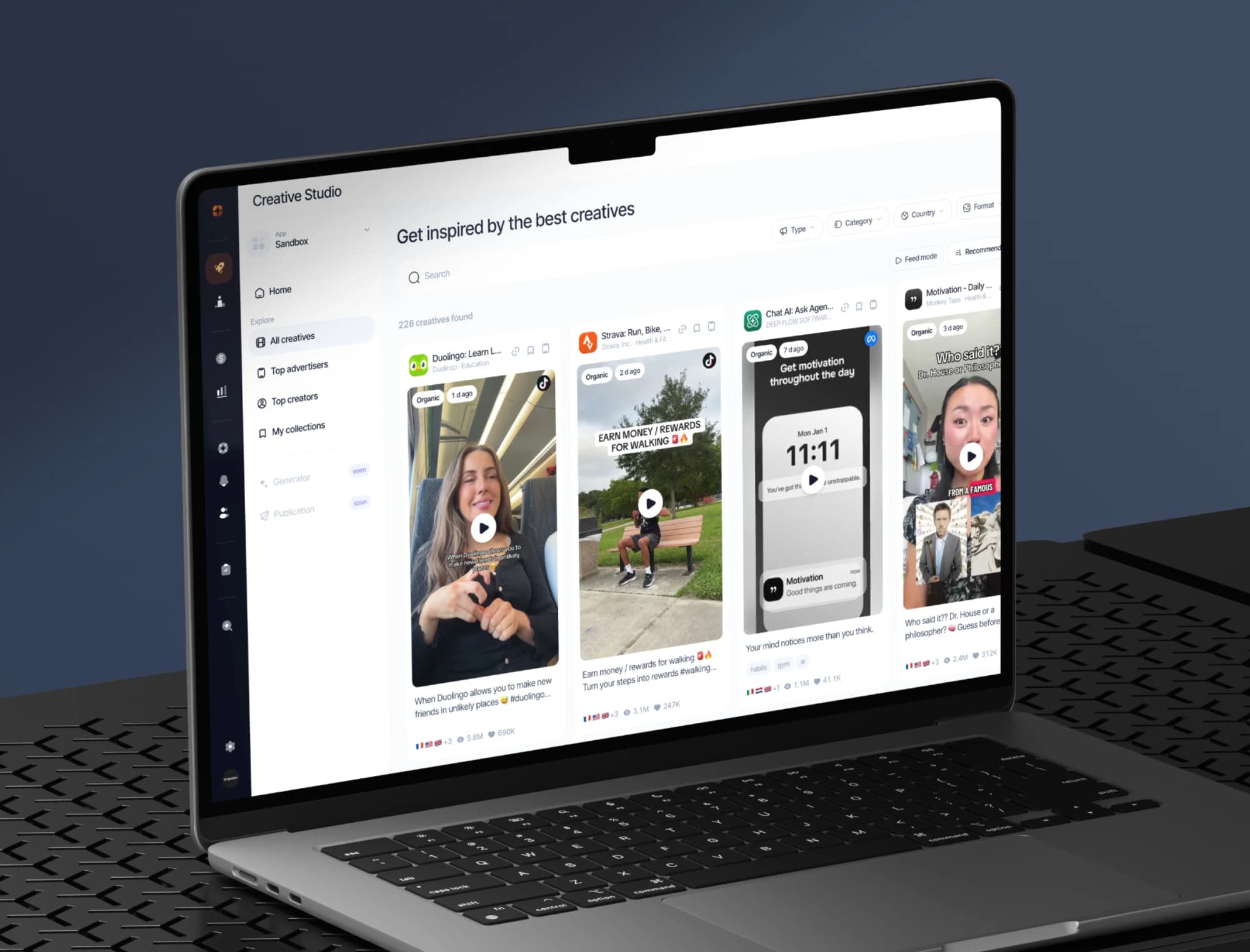
The best ads and organic posts in your market, the apps on the rise and the creators behind them, saved in your collections.
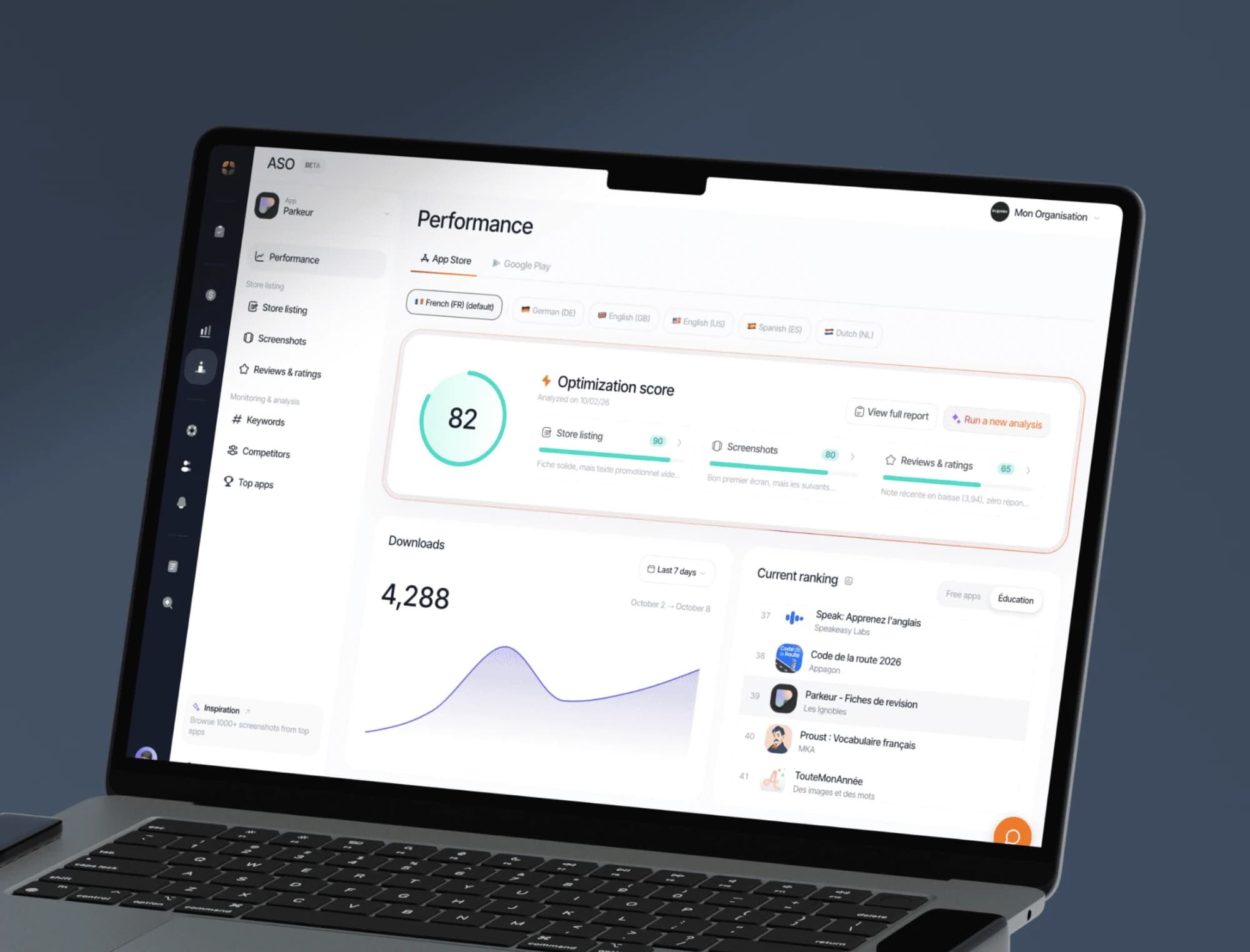
Keywords, screenshots, ratings and ranking tracking on the App Store and Google Play, with an optimisation score for every store listing.
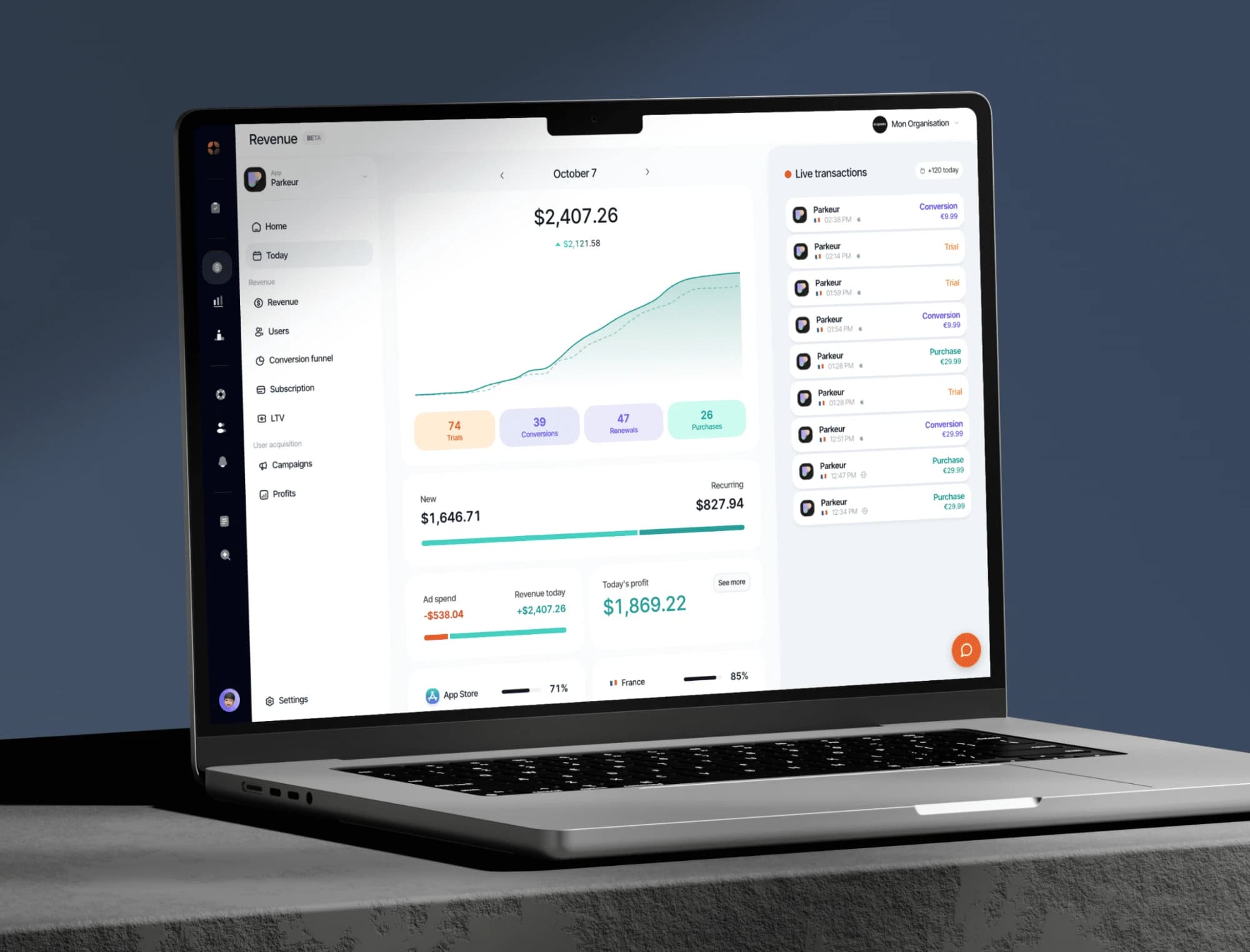
Your indicators consolidated from RevenueCat: revenue, MRR, active subscribers, conversions, churn.
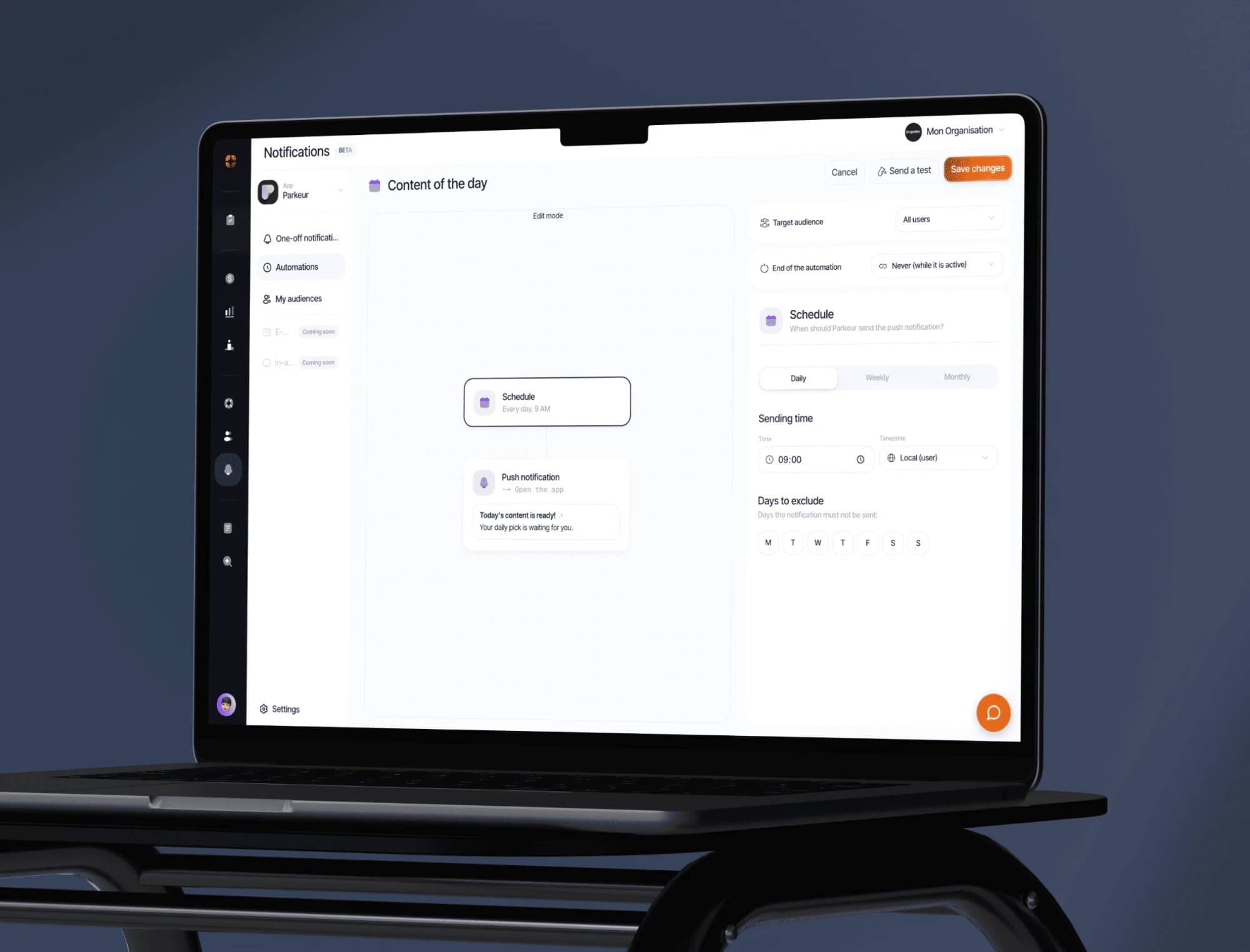
Push campaigns, segments and behaviour-triggered automations. Test the message before sending it to everyone.
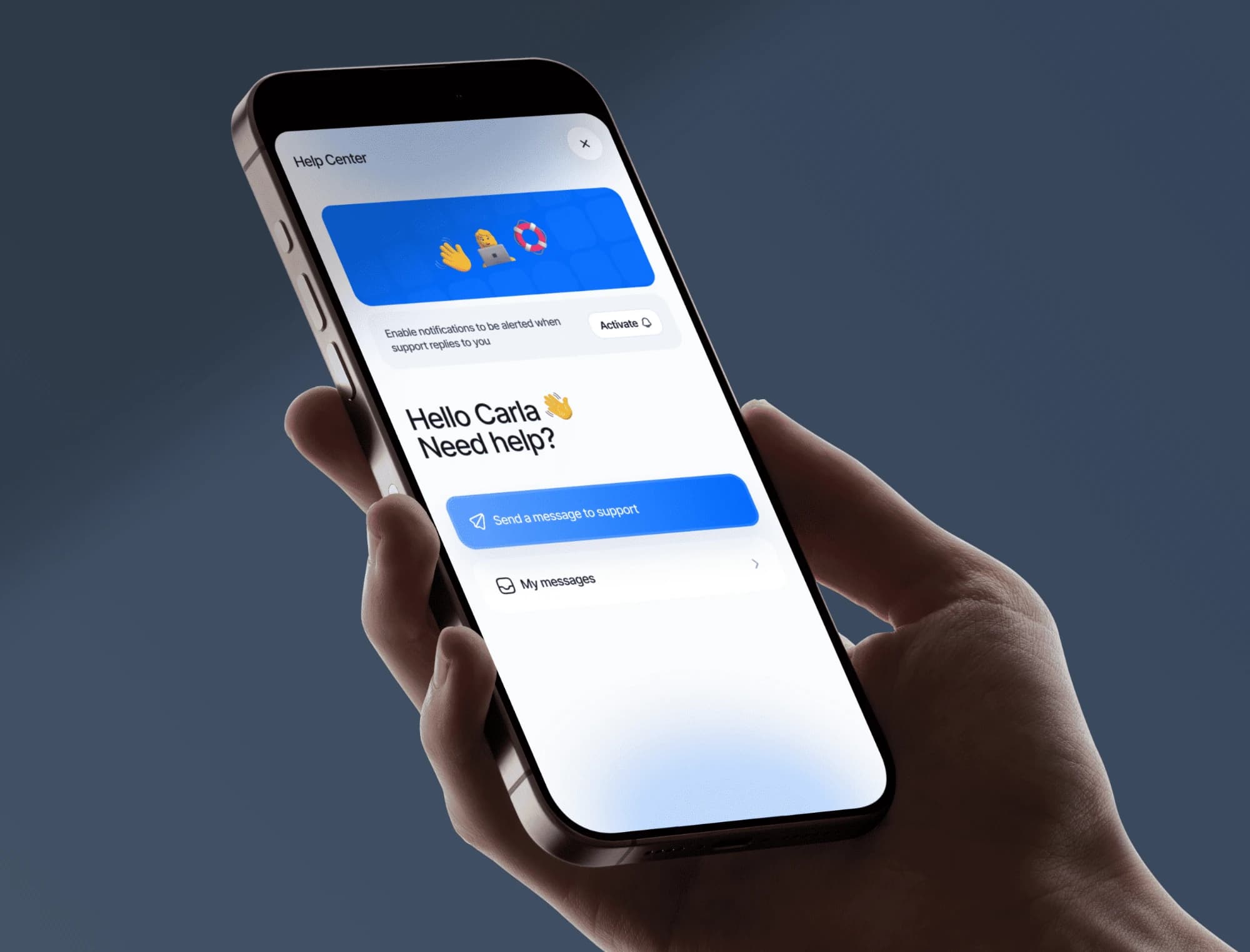
Messaging built into your app, macros, an FAQ base and automatic translation. Your users write, you answer from the dashboard.
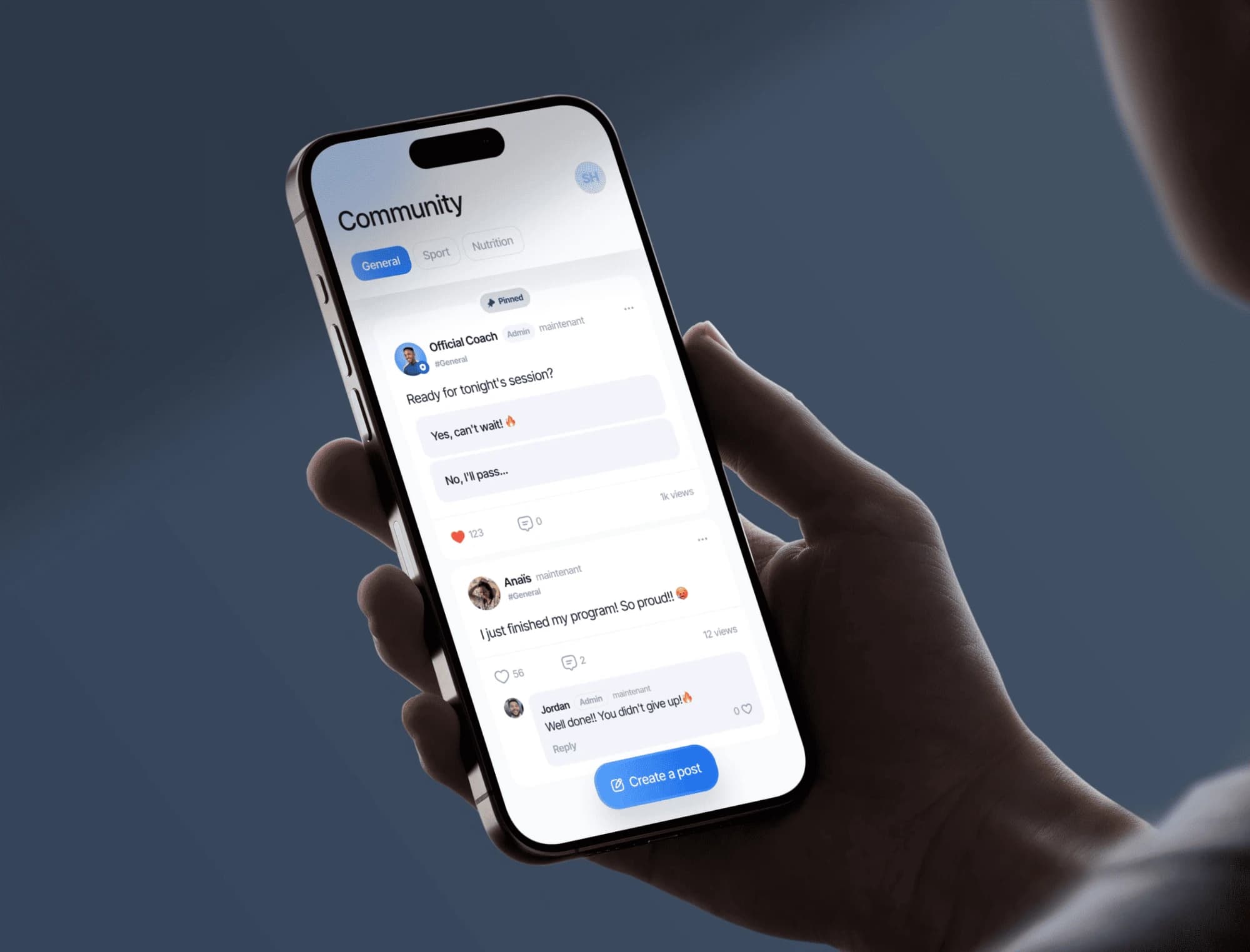
A community feed built into your app: your users post, comment and help each other. You moderate from the dashboard.
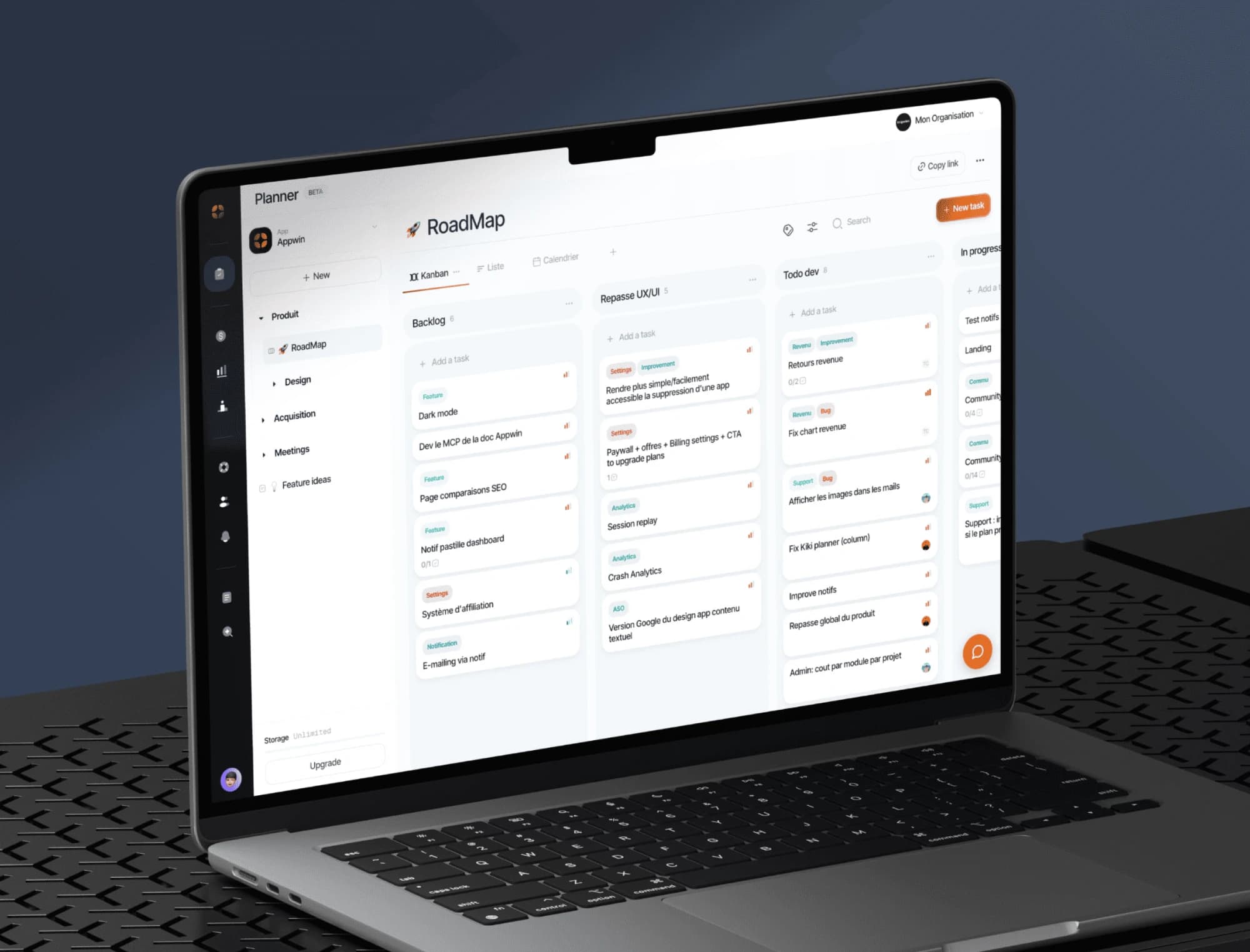
Boards, sprints and tickets built for a mobile release cycle, with specs written together right next to them.