Analytics
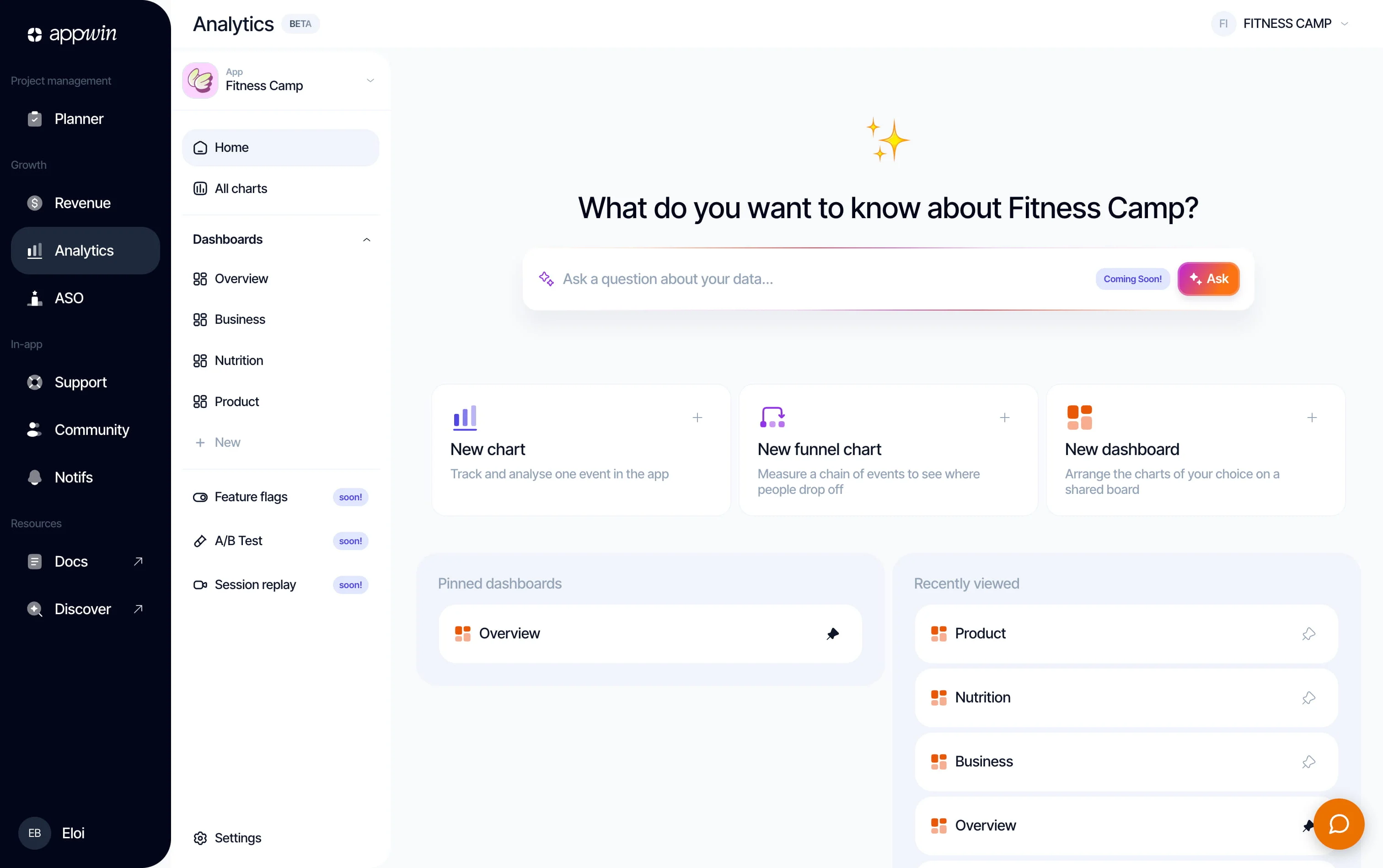
Analytics records the screens people view and the important actions they take in your app. You then use those events in the dashboard: trends, funnels, dashboards.
The SDK tracks installs, updates, and sessions on its own; you declare the screens and business events. No external account: once the SDK is initialized, events appear directly in your Appwin project.
Installation
- 1
Install Appwin Core and Analytics
Analytics relies on Appwin Core. Not installed yet? Start with the Quickstart, which installs Core and your modules for every platform.
Compatibility and packages per platform
Platform Appwin Core Analytics module iOS 16+ AppwinCoreSPM productAppwinAnalyticsSPM productAndroid 7.0+ (API 24) io.appwin:appwin-coreio.appwin:appwin-analyticsFlutter 3.35+ appwin_coreappwin_analyticsReact Native 0.73+ @appwin/react-nativeincluded in the same package Web (modern browsers) @appwin/webincluded in the same package - 2
Initialize Analytics
Call
initialize()at startup, after Appwin Core. The result tells you whether Analytics is active on your plan; collection starts on thereadyverdict.import AppwinAnalytics let result = await AppwinAnalytics.initialize() guard result.isReady else { return }Repeated calls are safe: the SDK keeps the last verdict so it can start offline.
Available methods
Check the module state
On iOS and Android, isReady reads the latest verdict without calling
initialize() again. React Native exposes the asynchronous isReady() method.
Flutter has no separate accessor: keep the value returned by initialize().
Decide which events to track
An event should describe something useful for analysis, not the shape of the
interface: onboarding_completed survives a change of button or step count.
Three rules keep a tracking plan useful:
- a stable
snake_casename that reads as a completed action; - variable values in properties, not in the name;
- one emission, when the action is confirmed.
| Avoid | Prefer | Why |
|---|---|---|
click_finish_button | onboarding_completed | Describes the result, not the control. |
plan_selected_pro | plan_selected with plan: "pro" | Every plan stays comparable. |
home_en | home | The screen name does not follow the language. |
Events recorded automatically
| Event | When it is created |
|---|---|
app_install | The first launch of this installation. |
app_update | The first launch of a new app version, or the first launch after the SDK update on a device Appwin already knew. |
app_open | Each time the app comes to the foreground. |
app_background | Each time the app goes to the background. |
session_start | When a new session begins: 30 minutes of inactivity or 24 hours of age. |
session_end | When the previous session ends. |
push_opt_in | Once per installation, when the customer grants push permission. |
push_opened | Each tap on a notification, with its delivery_id. |
They are sent by Core from configure, whichever modules you install: no
initialize() is needed. Do not send these yourself. screen_view and
install_referrer are also reserved: the first comes from screen(), the
second is handled automatically.
On the web, a site has no install: app_install and app_update are never
sent, and push_opt_in and push_opened do not exist. Sessions and
app_open / app_background (tab visible or hidden) start at createAppwin,
before analytics.initialize(). Instead, each page the visitor opens produces a screen_view named after
its path (/pricing), single-page app navigations included. The query string
is never recorded. Pass initialize({ pageViews: false }) to call screen()
yourself. One session spans every open tab of the site.
Send an event
AppwinCore.track() takes an event name and, when needed, a few properties to
filter or compare later. It is the same call for every module.
AppwinCore.track("onboarding_completed", props: [
  "steps_count": 4,
  "notifications_enabled": true,
])
The event goes into a persistent on-device queue without waiting for the network: offline, the SDK uploads it later.
Properties accept only strings, numbers, and booleans. No nested objects, arrays, or personal data you do not need for analysis.
:::note
AppwinAnalytics.track (appwin.analytics.track() on the web) still works but
is deprecated: it goes through the same stream as AppwinCore.track(). Call
only one of them for a given event, otherwise it is counted twice.
:::
Record screen views
Call screen() when the user actually reaches a screen. Use a stable name that
describes its purpose, even if its title changes.
AppwinAnalytics.screen("home")
Each call produces a screen_view event, then available in filters and funnel
steps. On the web, pages are already recorded: screen() is for views that are
not pages, such as a modal or a step.
Associate events with a user
Events use the device and session managed by Appwin Core: no need to add a user identifier to every event.
When your app knows who is signed in, associate the session with that account using Identity. Their events are then recognized across devices.
Configure consent
Consent is set with AppwinCore.setConsent(state, purpose), per purpose:
analytics (storage in Analytics, replay, crash breadcrumbs), marketing
(journeys) and advertising (ad networks). Without a purpose, the call sets all
three.
The SDK defaults to granted. This technical default is not legal guidance: the
initial state depends on your purposes, your configuration, and the rules that
apply to your app.
To wait for a decision, call setConsent(unknown) before configure: the SDK
keeps the first events on the device without sending them, until the state
changes to granted.
AppwinCore.setConsent(.unknown)

AppwinCore.setConsent(.granted) // uploads pending events
AppwinCore.setConsent(.denied)  // purges the queue and stops collection

AppwinCore.setConsent(.denied, for: .marketing) // only marketing
| State | Local collection | Upload |
|---|---|---|
granted | Yes | Yes, including events that were waiting. |
unknown | Yes | No. |
denied | No | No, and the existing queue is deleted. |
The states apply to each purpose. If no purpose is granted, nothing is sent and
the queue is emptied; otherwise an event is sent once, with the purposes granted
at that moment. A refusal also purges the replay already recorded.
advertising is not AppwinAttribution.setAdvertisingConsent: see
Attribution.
:::note
AppwinAnalytics.setConsent is deprecated: it sets the three purposes, like
AppwinCore.setConsent(state). AnalyticsConsent (AppwinAnalyticsConsent on
Flutter and React Native) is a deprecated alias of ConsentState; on Android it
is a Kotlin typealias, so Java code must use ConsentState.
:::
Verify that data is arriving
Start the app, open a screen, trigger a test business event. In the dashboard, open Analytics → All charts: received names appear when you create a chart or funnel.
Uploads happen automatically: every 30 seconds, after 20 events, when the app enters the background, or when the network returns.
Force an upload during a test
flush() uploads pending events immediately. Use it to verify an integration,
not after every event.
If an event does not appear, check in order:
initialize()returnedready;- consent is neither
deniednorunknown; - the name follows the rules below;
- the network is back.
Rules and limits
| Item | Rule enforced by the SDK |
|---|---|
| Event name | 1 to 64 characters matching ^[a-z][a-z0-9_]{0,63}$. |
| Reserved names | session_start, session_end, screen_view, app_install, app_update, app_open, app_background, push_opt_in, push_opened, install_referrer. |
| Properties | Up to 20 keys; each key is at most 64 characters. |
| Values | String, number, or boolean; strings are truncated to 256 characters. |
| Screen name | Truncated to 128 characters. |
| Local queue | Up to 10,000 events (1,000 per tab on the web); the oldest are dropped if the limit is exceeded. |
An event with an invalid or reserved name is dropped and produces a development log. The SDK does not throw, so a measurement problem cannot interrupt the app.